
Use Words Customers Recognize Before They Know Your Business

A menu should help people make a choice, not make them decode the company structure.

A business may internally refer to a service by an acronym or department name. Customers may search for the problem it solves instead. If the website only uses internal language, people can miss a service that is relevant to them.

Good website design in St. Catharines can review the wording used throughout the site.

That may include:

  • Naming services in language customers are likely to understand
  • Explaining technical terms the first time they appear
  • Avoiding menu labels that are too broad to be useful
  • Separating different customer tasks where one label would be unclear
  • Using page headings that accurately describe the subject
  • Keeping branded service names alongside a plain explanation where needed
  • Reviewing button text so visitors know what will happen after they click
  • Making sure the same service is not called several different things across the site

A customer should be able to move through the website without first learning the company’s internal vocabulary.

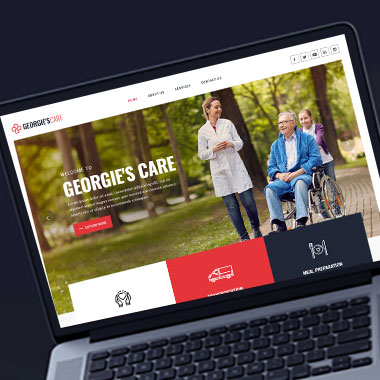
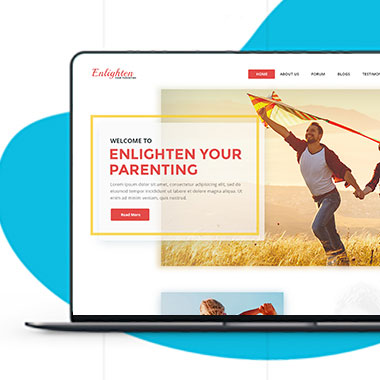
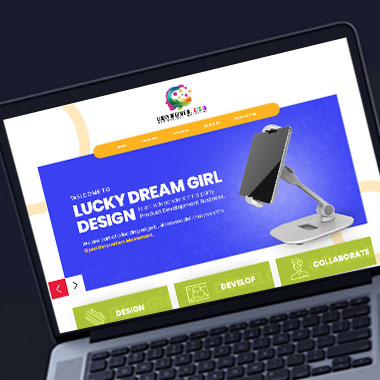
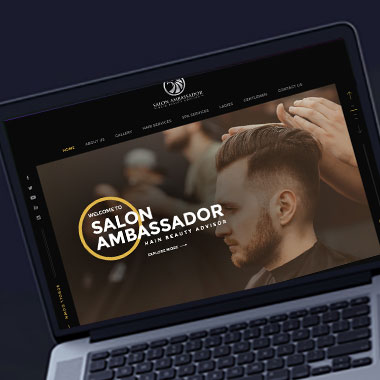
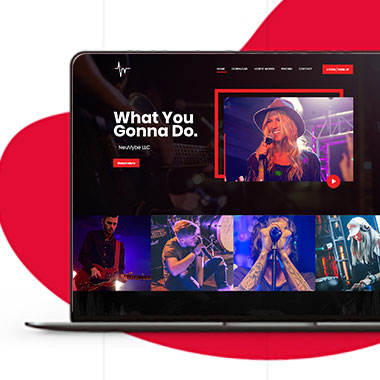
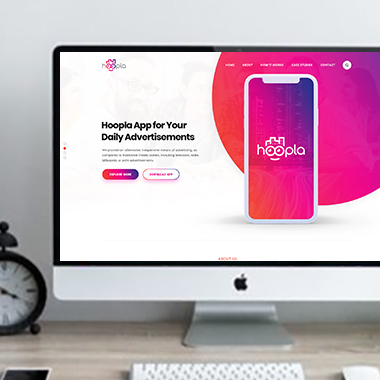
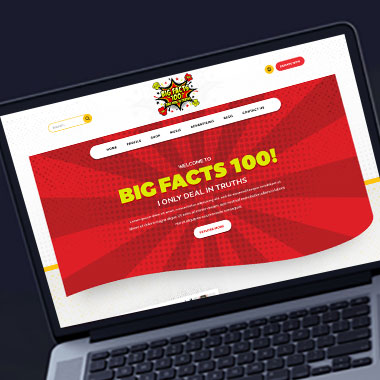
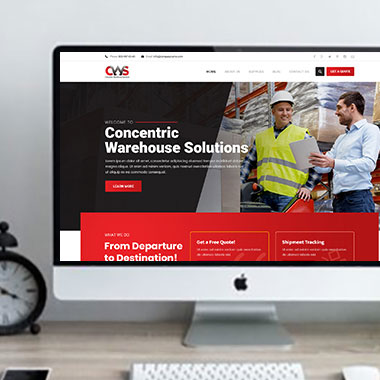
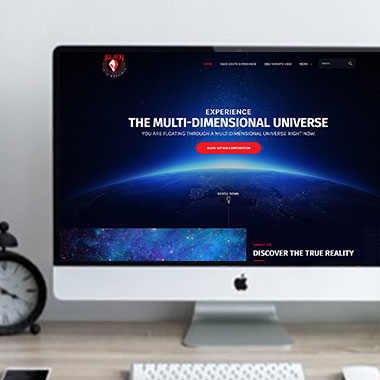
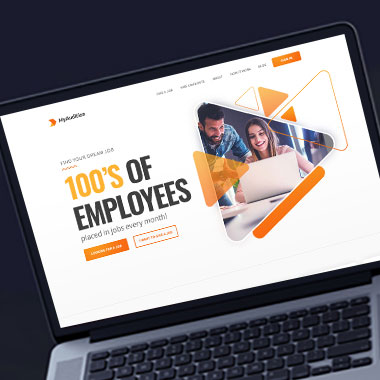
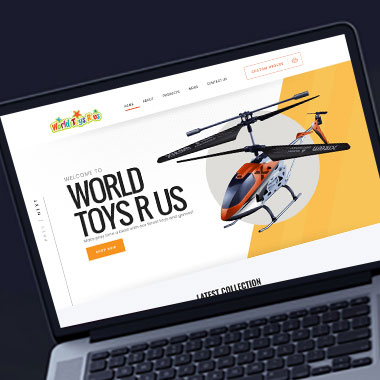
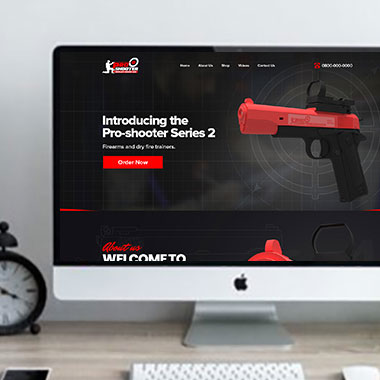
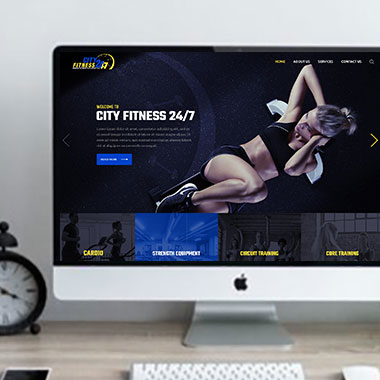
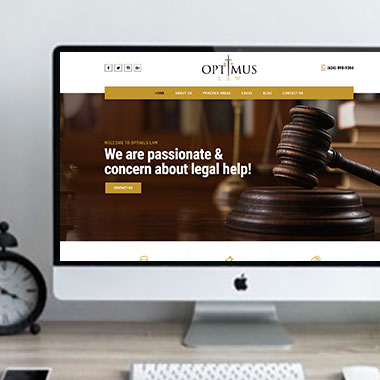
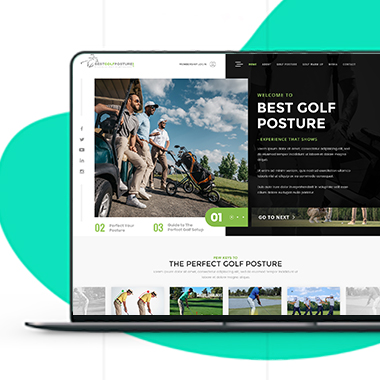
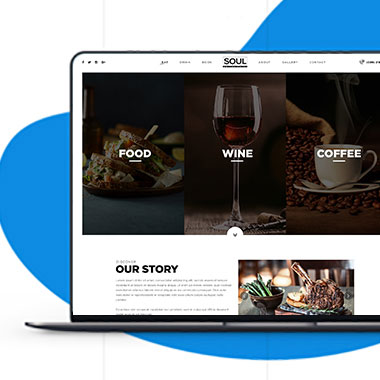
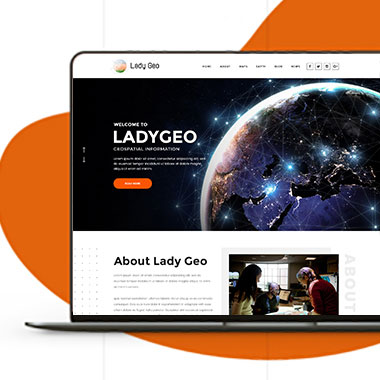
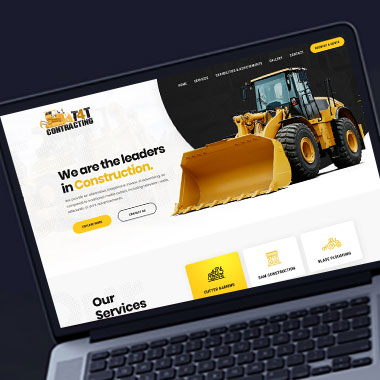
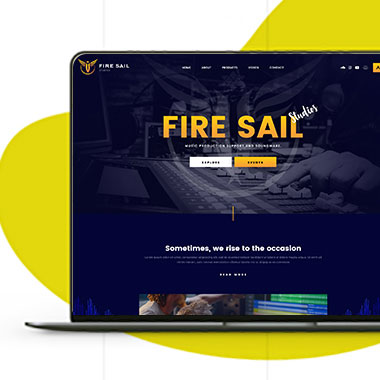
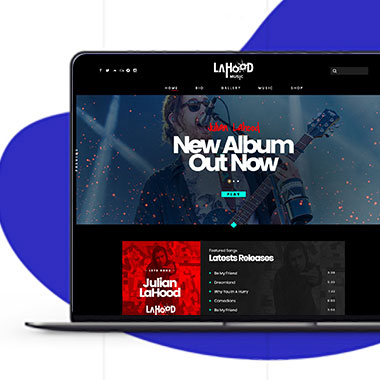
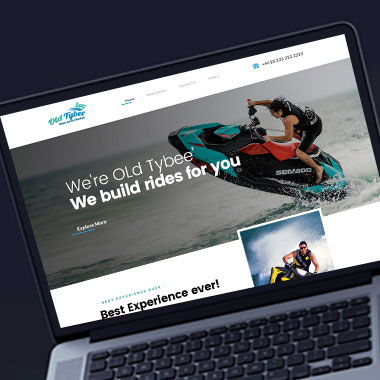
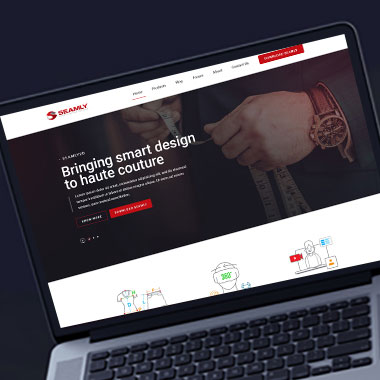
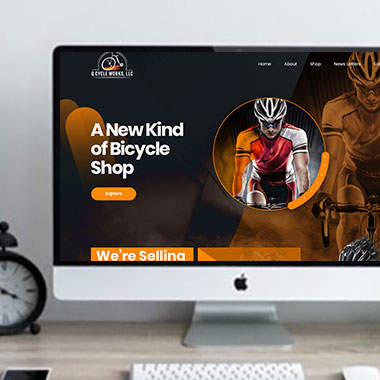
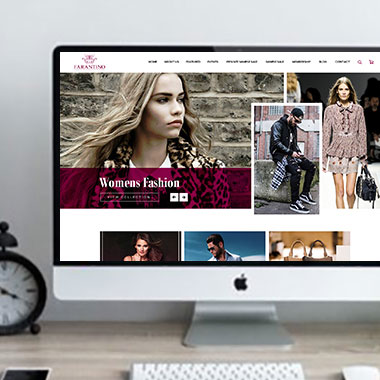
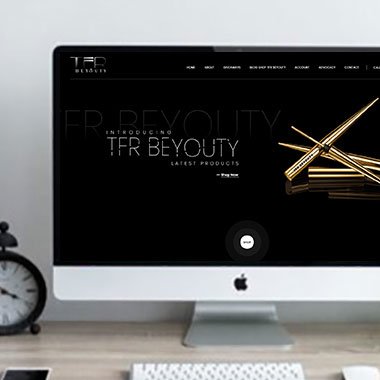
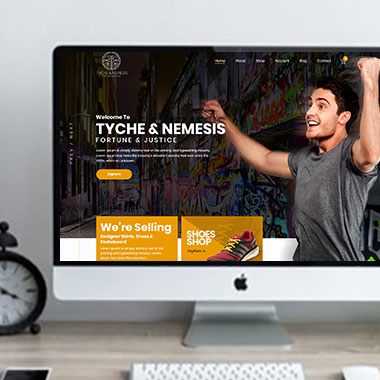
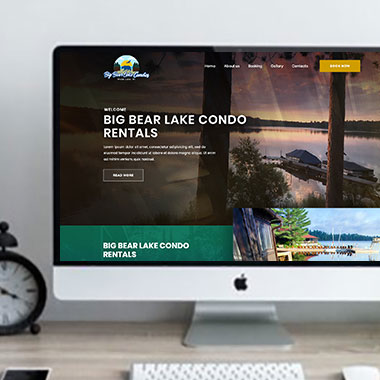
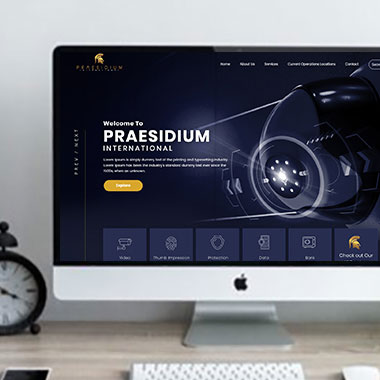
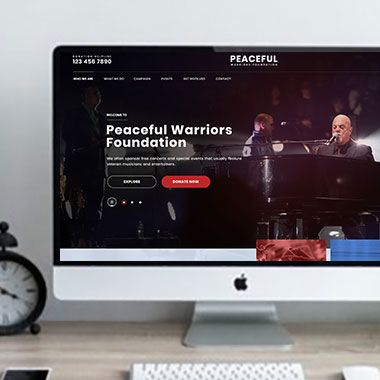
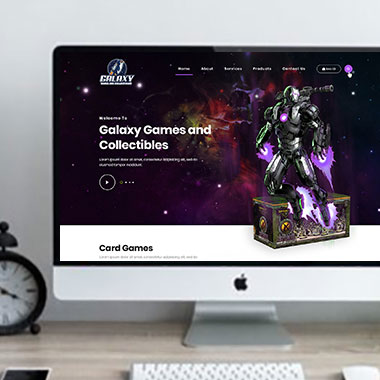
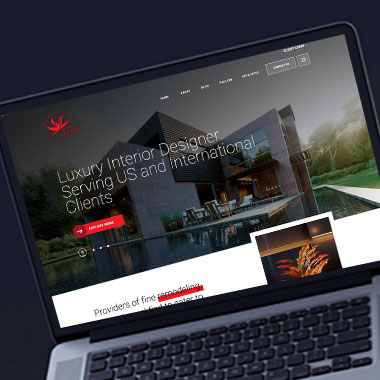
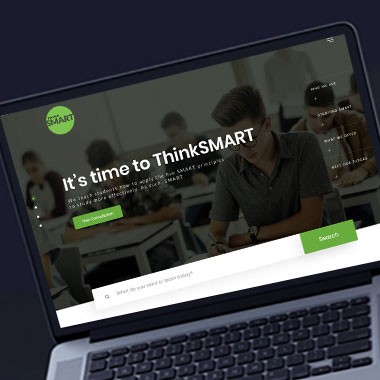
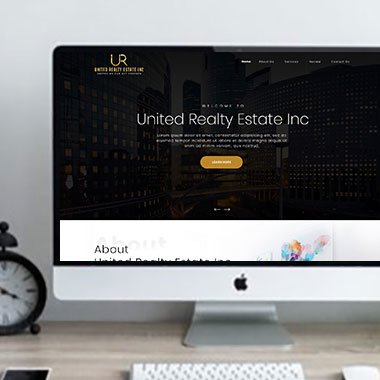
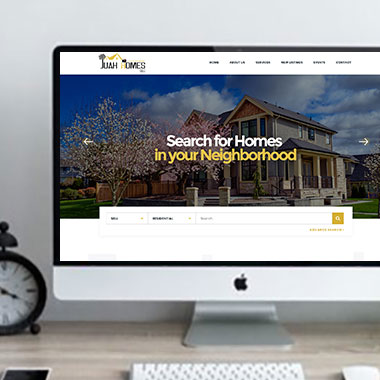
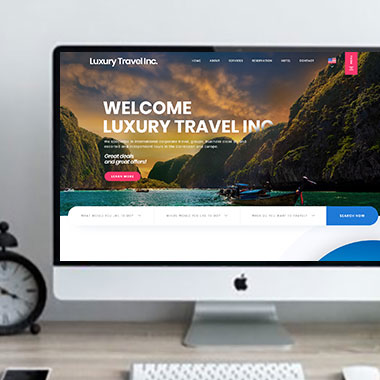
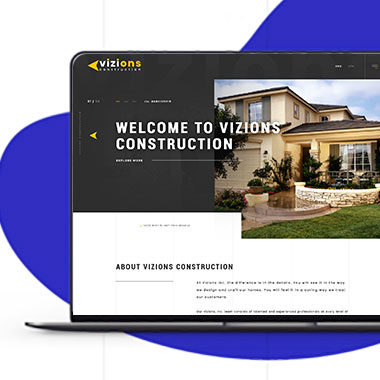
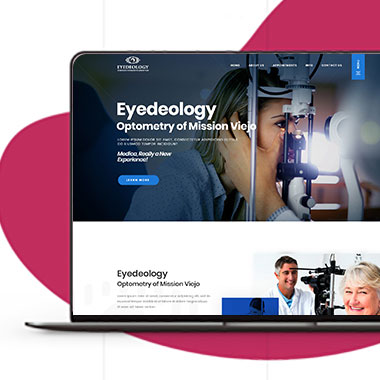
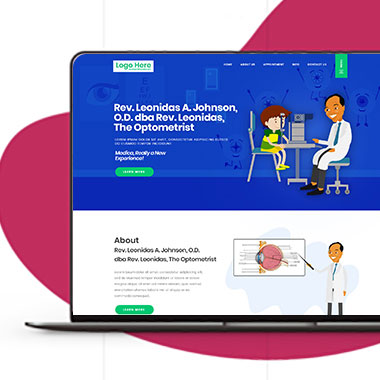
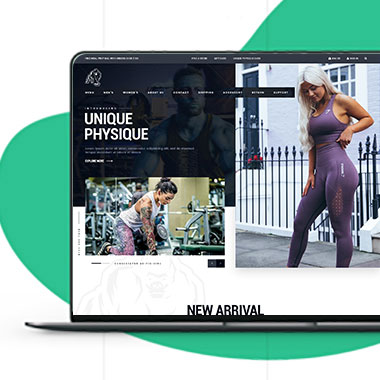
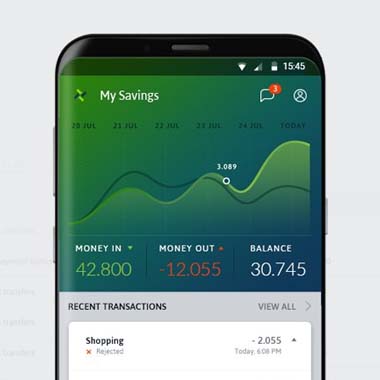
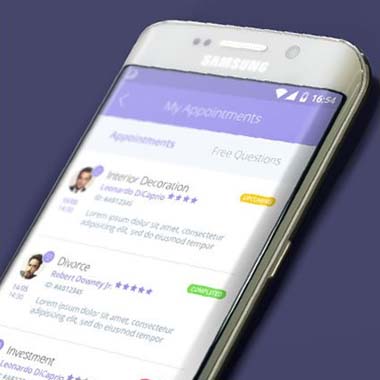
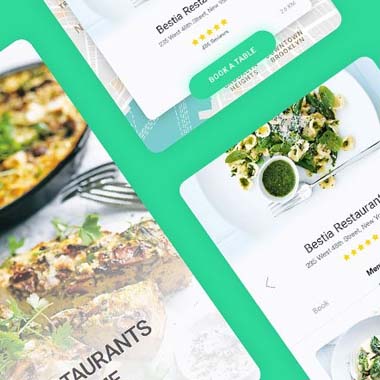
Our Recent Work

Solutions That
Make the Future Better!

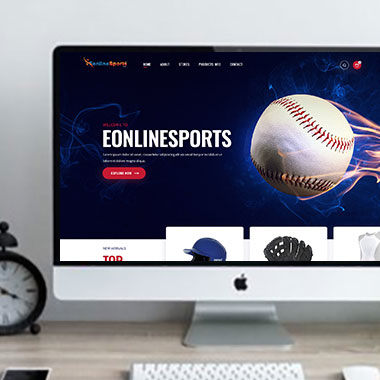
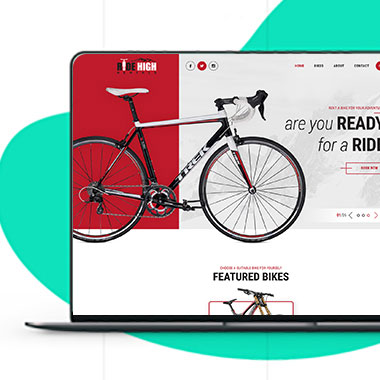
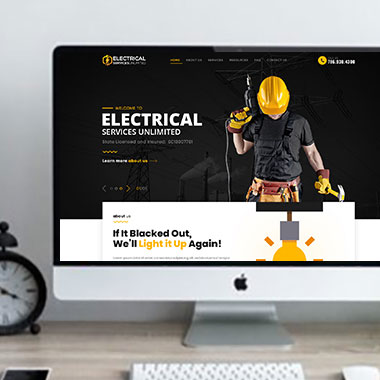
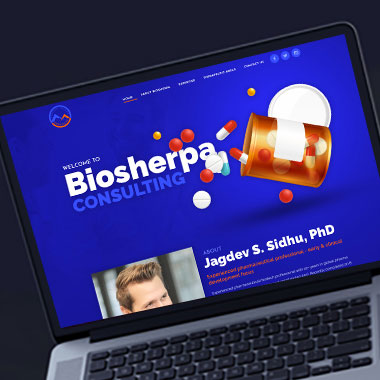
Explore our recent project and work crafted to reflect unique brand identities and business goals.

Explore projects created by Canada Website Company for businesses looking for professional web solutions.

Pricing Plans

Website Design Packages and Pricing

Website requirements vary depending on the number of pages, platform, content, eCommerce needs, forms, booking, payments, and custom functionality.
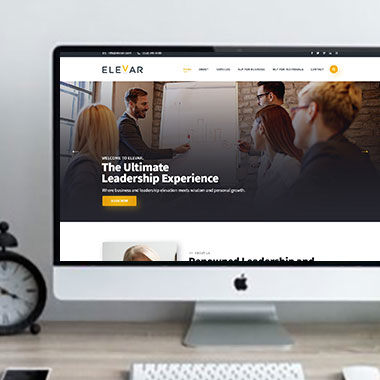
The packages below provide starting points for different project sizes. Final scope, platform requirements, third-party costs, currency, applicable taxes, and recurring services should be confirmed in the written proposal.

Basic Website

$149 $496

  • 1-2 Page Website
  • Custom Layout Design
  • 3 Stock Photos
  • 1 jQuery Slider Banner
  • Contact/Query Form
  • W3C Certified HTML
  • Initial Mockup in 24 Hours
  • Multiple Revisions
  • Dedicated Project Manager
  • Complete Deployment
order now
Startup Website

$499 $1663

  • 5 Unique Page Website
  • CMS-Based (Wordpress)
  • Interactive UI Design
  • 5 Stock Images & 2 Banners
  • jQuery Slider & Hover Effects
  • Contact/Query Form
  • W3C Certified HTML
  • Cross Browser Compatible
  • Initial Mockup in 24 Hours
  • Multiple Revisions
  • Dedicated Project Manager
  • Complete Deployment
order now
Professional Website

$799$2663

  • upto 10 Pages Website
  • Interactive High-End Design
  • CMS Admin Panel (Wordpress)
  • Free Logo Design
  • Mobile Responsive Website
  • Lead Capturing / Contact Forms
  • Appointment & Payment Integration
  • Striking Hover Effects
  • Newsletter Subscription
  • Social Media Integration
  • 5 Stock Photos
  • 3 jQuery Slider Banner
  • W3C Certified HTML
  • Cross Browser Compatible
  • Initial Mockup in 24 Hours
  • Complete Deployment
order now
Startup Ecommerce Website

$999 $3330

  • Ecommerce Web Design
  • upto 50 Products
  • CMS (Shopify & WooCommerce)
  • Mini Shopping Cart Integration
  • Products & Categories Management
  • Mobile Friendly Responsive
  • Payment & Shipping Integration
  • 1 Promotional Banner Design
  • Faster Loading Website
  • Contact / Query Form
  • Initial Mockup in 24 Hours
  • W3C Certified HTML
  • Cross Browser Compatible
  • Dedicated Account Manager
  • Complete Deployment
order now
Pro Ecommerce

$1899$6330

  • Custom Ecommerce Web Design
  • Unlimited Products / Pages
  • CMS (Shopify & WooCommerce)
  • Interactive Theme Design
  • Full Shopping Cart Integration
  • Products & Categories Management
  • Inventory & Orders Management
  • Mobile Friendly Responsive
  • Search Engine Submission
  • Payment & Shipping Integration
  • Dropshipping Integration
  • Product Detail Page Design
  • Featured Products Showcase
  • 5 Promotional Banner Design
  • Faster Loading Website
  • Contact / Query Form
  • Initial Mockup in 24 Hours
  • W3C Certified HTML
  • Cross Browser Compatible
  • Dedicated Account Manager
  • Complete Deployment
order now
Customized Website

$3999

  • Custom Web Development
  • PHP Laravel or Wordpress Platform
  • Job Portal, Professional Network Portal, Social Network Portal, Restaurant Portal, Medical Portal, Enterprise Portal (Any One)
  • Unique, User Friendly, Interactive
  • Client/User Dashboard Area
  • Online Appointment / Scheduling Integration
  • Ecommerce Shopping Cart Integration
  • Payment Gateway Integration
  • Custom Dynamic Form Creation
  • Multi Language & Currency Converter
  • 3rd Party API Integration
  • Mobile Friendly Design
  • Social Networks Integration
  • Tailored-Made Custom Development
  • Dedicated Account Manager
order now

Explain Specialist Services Without Losing the Meaning

Technical language is sometimes necessary.

A professional firm, contractor, healthcare provider, manufacturer, or specialist service company may use terms that cannot simply be removed without making the information less accurate.

The answer is not to replace every technical word with a vague alternative. It is to provide enough context that a customer can understand what the term means and whether it applies to them.

Professional web design for St. Catharines businesses can make room for both accuracy and explanation.

That may involve:

  • Defining specialist terms where customers first encounter them
  • Pairing technical service names with plain-language descriptions
  • Giving complex subjects their own pages
  • Using examples to explain unfamiliar terminology
  • Breaking long explanations into smaller subjects
  • Keeping acronyms from becoming the main way visitors have to navigate
  • Linking to deeper technical information for customers who need it

The amount of explanation should match the customer. A specialist audience may need different wording from someone researching the service for the first time.

Keep Mobile Menus Short Enough to Understand at a Glance

Responsive Website Design for St. Catharines Businesses

A complicated navigation menu becomes even harder to use on a phone.

Desktop menus may have room for several categories and dropdowns. On mobile, those same options can turn into a long list of unfamiliar labels that customers have to open one by one.

Responsive website design can include reviewing:

  • Whether menu labels are understandable without extra explanation
  • How many levels of navigation are actually necessary
  • Whether related pages can be grouped under a useful category
  • If important services are hidden too deeply
  • Whether long service names wrap awkwardly on smaller screens
  • How expanded menus behave with touch controls
  • Whether contact, booking, or store links remain easy to locate
  • If less important links belong somewhere outside the main mobile menu

A mobile menu should help people reach the page they need without feeling like a directory of everything on the website.

Let Customers Search When Browsing Is Not Enough

A menu can only carry so much information.

A business with a large product catalog, resource library, property inventory, service database, or other extensive content may need another way for customers to find a specific item.

With custom website development, site search or filtering can be considered when the amount of content justifies it.

Depending on the project, that may include:

  • Website search
  • Product filters
  • Service category filters
  • Resource or document search
  • Property or listing filters
  • Search by keyword or category
  • Suggestions when no results are found
  • Connections with supported catalog or database systems

A website designer for St. Catharines businesses can plan how search fits into the page, while the underlying platform, content structure, search technology, and any third-party costs should be confirmed before development.

Search should support the navigation, not compensate for a website that has never been organized properly.

Keep Page Names Consistent When Staff Add New Content

A website can gradually develop inconsistent terminology when several people manage it.

One employee may publish a page using the official service name. Another uses an abbreviation. A third creates a category that means almost the same thing but uses different wording.

For business website design in St. Catharines, WordPress can be structured so regularly published content follows a more consistent system.

Depending on the site, that may include:

  • Established service categories
  • Standard page titles for recurring content
  • Product categories
  • Project categories
  • Resource topics
  • Reusable page formats
  • Controlled menu structures
  • Guidance for staff adding new pages

The website does not need rigid wording everywhere, but customers should not have to wonder whether two different labels refer to the same thing.

Review the Navigation When New Services Are Added

A menu that worked with five services may stop working well when the company reaches fifteen.

Simply adding another item every time the business expands can eventually produce a navigation system that is too long or too difficult to understand.

A modern website for a St. Catharines business should be reviewed as the amount of content changes.

That review may include:

  • Grouping new services under meaningful categories
  • Renaming vague menu items
  • Removing old pages from the main navigation
  • Checking whether two categories have started to overlap
  • Reviewing pages that customers rarely use
  • Adding search where the amount of content warrants it
  • Updating internal links after categories change
  • Checking redirects when page addresses are changed
  • Maintaining software, backups, and security

Navigation should reflect the website customers have now, not the smaller site that existed when the original menu was created.

Frequently Asked Questions

Only when those names are likely to make sense to customers. If an internal term is unfamiliar, a clearer customer-facing label may work better.

There is no fixed number. The menu should cover the important destinations without becoming difficult to scan. Larger websites may need categories, secondary navigation, or search.

Yes. An official or branded service name can remain while a short explanation provides context for customers who do not already know the term.

No. Some pages can be reached through relevant service pages, footer links, search, account areas, or other routes without appearing in the primary menu.

Yes. Search can be useful for larger websites with enough pages, products, resources, or listings to make browsing alone inefficient.

Yes. Categories and filters can be added where they help customers narrow down a larger collection. The exact setup depends on the content and platform.

It can. Changing a heading is different from changing a page URL. Existing search traffic, internal links, external links, and redirects should be considered before established URLs are changed.

Only when the wording also makes sense to customers. A menu should not be filled with awkward exact-match search phrases simply for SEO. Search intent and natural language are more important than forcing every target phrase into navigation.

Testimonials

What Clients Say About Us

Turn your design ideas into reality! Contact us right away.

We deliver the best results with efficient timing and outcome. Contact Canada Website Company today for professional website design, development, and digital solutions.

Service Areas

Proudly Serving Businesses Across Ontario, CA