
Make It Clear Where Customers Can Actually Reach You

Location information sounds simple until a business has several phone numbers, a mailing address that is not customer-facing, multiple service areas, or staff working from more than one place.

Those differences should be explained rather than left open to interpretation.

Good website design in Cambridge may include:

  • A confirmed business address where one is meant to be public
  • A service-area description for businesses that travel to customers
  • Accurate phone and email details
  • Office, showroom, or appointment information where applicable
  • Hours that match the way customers can actually reach the business
  • Separate contact details for different locations when required
  • Directions or map information only for places customers are meant to visit
  • Clear wording when the business serves Cambridge without maintaining an office there

The website should tell customers what is true, not create a stronger local impression by adding details the business cannot verify.

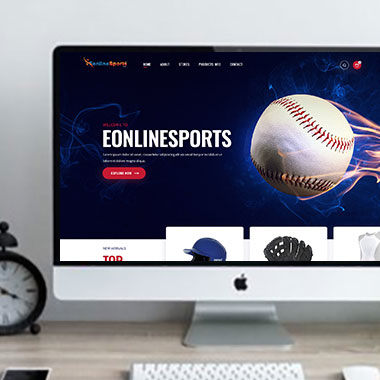
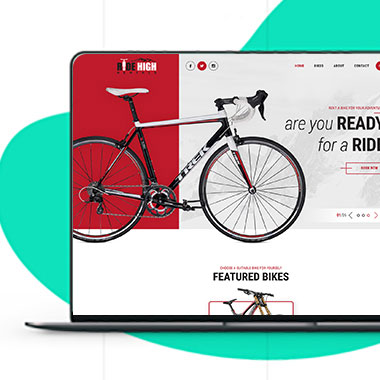
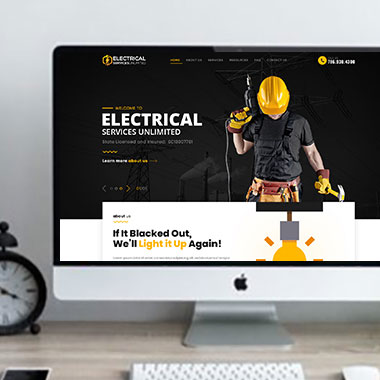
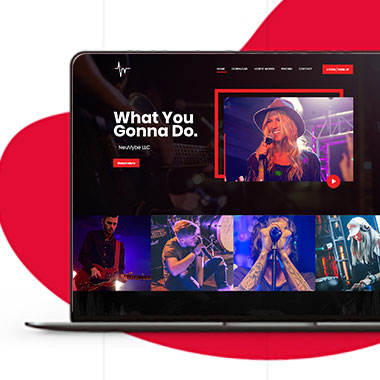
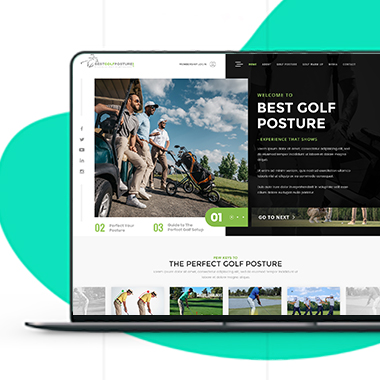
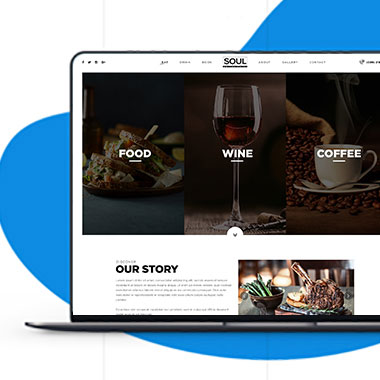
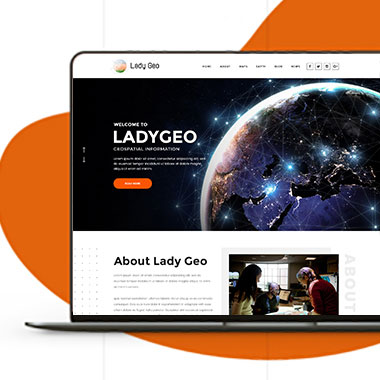
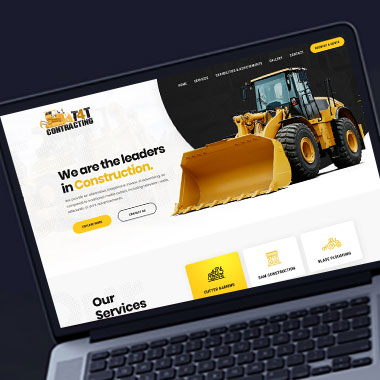
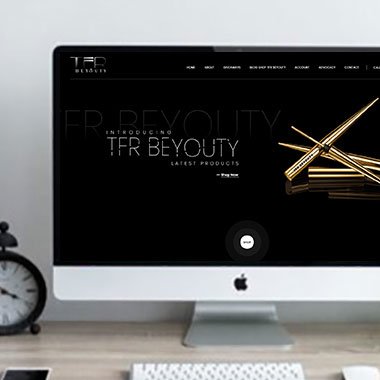
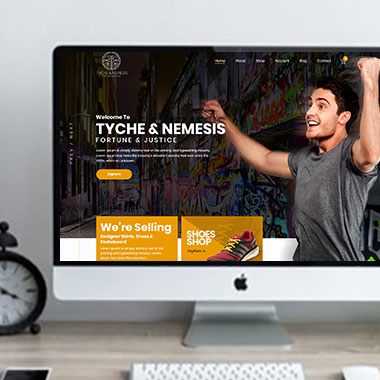
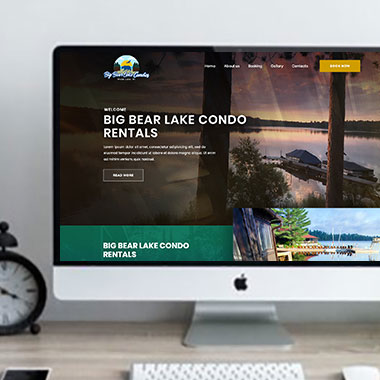
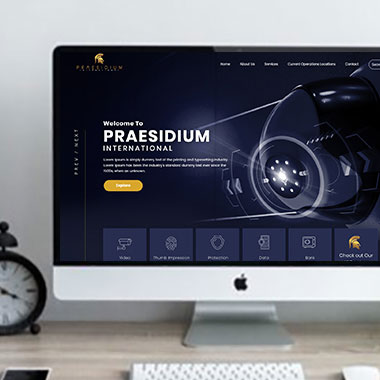
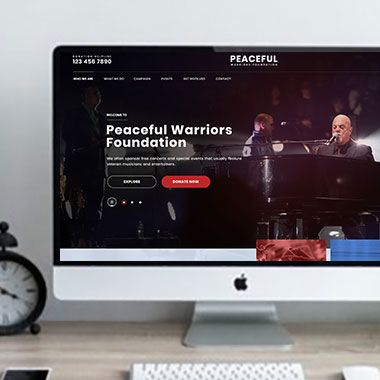
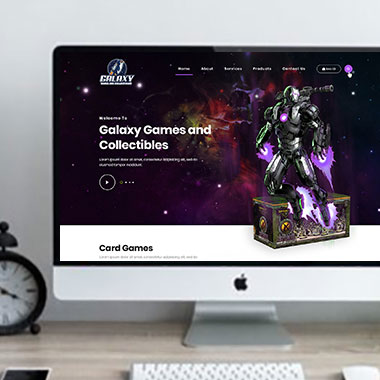
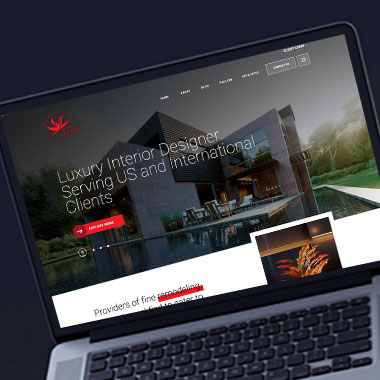
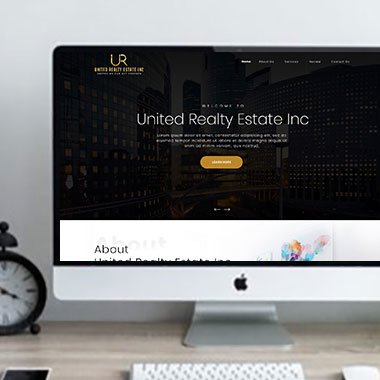
Our Recent Work

Solutions That
Make the Future Better!

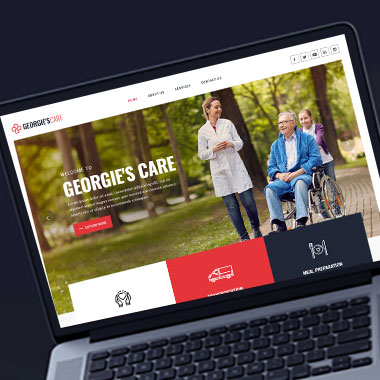
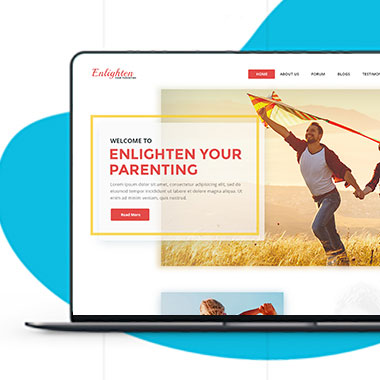
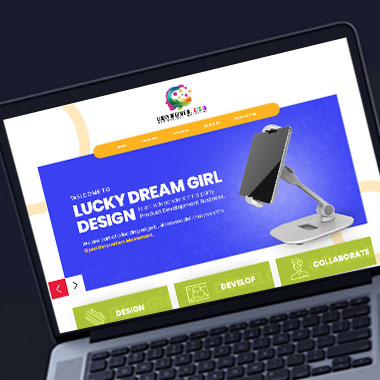
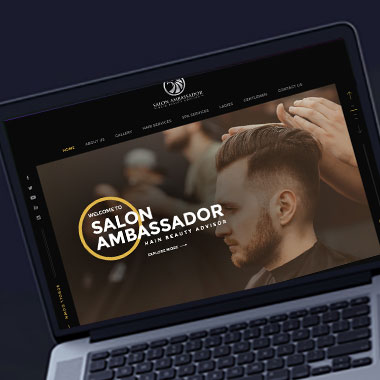
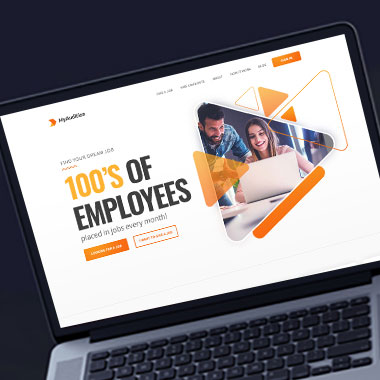
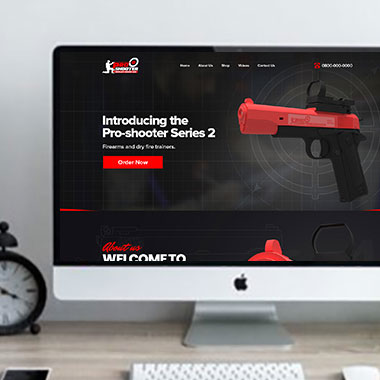
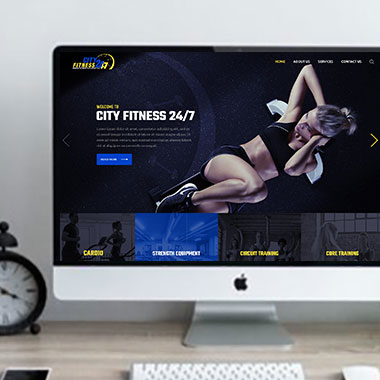
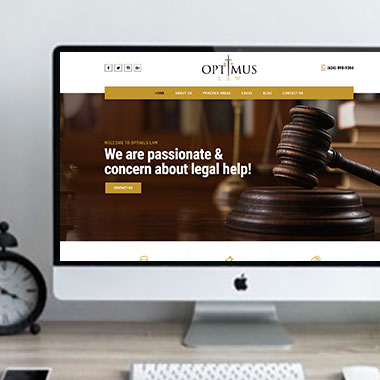
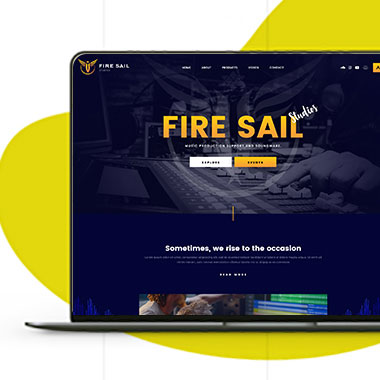
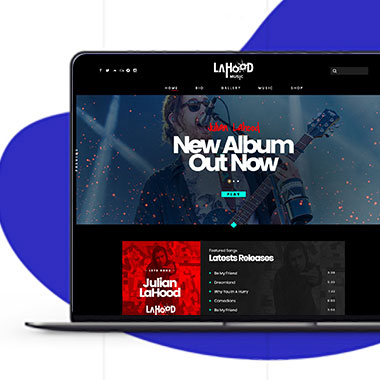
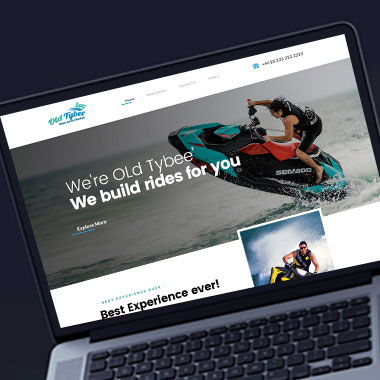
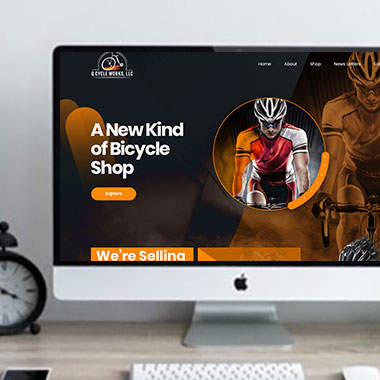
Explore our recent project and work crafted to reflect unique brand identities and business goals.

Explore projects created by Canada Website Company for businesses looking for professional web solutions.

Pricing Plans

Website Design Packages and Pricing

Some businesses need a compact informational site, while others require more pages, WordPress management, eCommerce, online payments, appointments, or custom development.

The packages below provide starting points for different project sizes. Final scope, platform requirements, third-party costs, currency, applicable taxes, and recurring services should be confirmed in the written proposal.

Basic Website

$149 $496

  • 1-2 Page Website
  • Custom Layout Design
  • 3 Stock Photos
  • 1 jQuery Slider Banner
  • Contact/Query Form
  • W3C Certified HTML
  • Initial Mockup in 24 Hours
  • Multiple Revisions
  • Dedicated Project Manager
  • Complete Deployment
order now
Startup Website

$499 $1663

  • 5 Unique Page Website
  • CMS-Based (Wordpress)
  • Interactive UI Design
  • 5 Stock Images & 2 Banners
  • jQuery Slider & Hover Effects
  • Contact/Query Form
  • W3C Certified HTML
  • Cross Browser Compatible
  • Initial Mockup in 24 Hours
  • Multiple Revisions
  • Dedicated Project Manager
  • Complete Deployment
order now
Professional Website

$799$2663

  • upto 10 Pages Website
  • Interactive High-End Design
  • CMS Admin Panel (Wordpress)
  • Free Logo Design
  • Mobile Responsive Website
  • Lead Capturing / Contact Forms
  • Appointment & Payment Integration
  • Striking Hover Effects
  • Newsletter Subscription
  • Social Media Integration
  • 5 Stock Photos
  • 3 jQuery Slider Banner
  • W3C Certified HTML
  • Cross Browser Compatible
  • Initial Mockup in 24 Hours
  • Complete Deployment
order now
Startup Ecommerce Website

$999 $3330

  • Ecommerce Web Design
  • upto 50 Products
  • CMS (Shopify & WooCommerce)
  • Mini Shopping Cart Integration
  • Products & Categories Management
  • Mobile Friendly Responsive
  • Payment & Shipping Integration
  • 1 Promotional Banner Design
  • Faster Loading Website
  • Contact / Query Form
  • Initial Mockup in 24 Hours
  • W3C Certified HTML
  • Cross Browser Compatible
  • Dedicated Account Manager
  • Complete Deployment
order now
Pro Ecommerce

$1899$6330

  • Custom Ecommerce Web Design
  • Unlimited Products / Pages
  • CMS (Shopify & WooCommerce)
  • Interactive Theme Design
  • Full Shopping Cart Integration
  • Products & Categories Management
  • Inventory & Orders Management
  • Mobile Friendly Responsive
  • Search Engine Submission
  • Payment & Shipping Integration
  • Dropshipping Integration
  • Product Detail Page Design
  • Featured Products Showcase
  • 5 Promotional Banner Design
  • Faster Loading Website
  • Contact / Query Form
  • Initial Mockup in 24 Hours
  • W3C Certified HTML
  • Cross Browser Compatible
  • Dedicated Account Manager
  • Complete Deployment
order now
Customized Website

$3999

  • Custom Web Development
  • PHP Laravel or Wordpress Platform
  • Job Portal, Professional Network Portal, Social Network Portal, Restaurant Portal, Medical Portal, Enterprise Portal (Any One)
  • Unique, User Friendly, Interactive
  • Client/User Dashboard Area
  • Online Appointment / Scheduling Integration
  • Ecommerce Shopping Cart Integration
  • Payment Gateway Integration
  • Custom Dynamic Form Creation
  • Multi Language & Currency Converter
  • 3rd Party API Integration
  • Mobile Friendly Design
  • Social Networks Integration
  • Tailored-Made Custom Development
  • Dedicated Account Manager
order now

Separate an Office Address From a Service Area

An address and a service area are not the same thing.

A company may travel to customers without operating a public office in every place it serves. Another may have a physical location but only accept visitors by appointment. A business with several branches may need separate hours and contact information for each one.

Professional web design for Cambridge businesses can make those differences clear.

Depending on the company, the website may explain:

  • Whether customers can visit the published address
  • Whether appointments are required
  • Which areas the business actually serves
  • Which phone number applies to each location or department
  • Where deliveries or meetings take place
  • Whether a location is an office, showroom, store, or mailing address
  • How customers should contact a mobile or service-area business

This is also important for SEO. Location pages should be based on genuine service coverage and useful location-specific information rather than creating near-identical pages simply to target additional place names.

Make Location Details Useful When Someone Is Already Out

Responsive Website Design for Cambridge Businesses

Location and contact information is often checked from a phone when the customer is already away from a desktop.

They may be trying to call the business, confirm opening hours, find a location, or check whether the company serves the address where work is required.

Responsive website design can make those tasks easier.

That may include:

  • Making phone numbers usable as tap-to-call links
  • Keeping hours easy to find on smaller screens
  • Presenting addresses without burying them in long page sections
  • Making map or direction links practical to use
  • Showing appointment requirements near the location information
  • Keeping service-area details readable on mobile
  • Avoiding oversized maps that make the rest of the page difficult to use
  • Checking that contact forms remain manageable on a phone

The mobile contact page should help someone finish a practical task, not simply reproduce the desktop layout at a smaller size.

Help Customers Check Whether Their Location Is Covered

A written service-area list may be enough for many businesses.

Others deal with larger territories, delivery zones, appointment areas, or location-based availability that is harder to explain in one paragraph.

With custom website development, a more specific location tool can be considered where the business genuinely needs it.

Depending on the project, that may include:

  • Postal code or service-area checks
  • Location selection before booking
  • Branch or office finders
  • Different forms based on the selected location
  • Delivery or pickup choices
  • Territory-based contact routing
  • Maps with confirmed business locations
  • Connections with supported scheduling or location platforms

A website designer for Cambridge businesses can help plan how the customer uses the feature. Coverage rules, mapping services, API availability, and any third-party charges should be confirmed before development.

Keep Location Details in One Place When They Change

Business information can become inconsistent when the same address, phone number, or opening hours are entered manually across several pages.

One page gets updated while another still shows the old details.

For business website design in Cambridge, WordPress can be configured so regularly changing location information is easier to manage.

Depending on the site, authorized users may be able to update:

  • Business hours
  • Phone numbers
  • Public addresses
  • Appointment instructions
  • Service-area descriptions
  • Branch details
  • Temporary closure notices
  • Selected contact information

Where the same information appears in several places, it may be possible to manage it from a shared source rather than editing every page separately.

Outside listings still need to be updated separately unless a supported integration or listing-management process is being used.

Check Your Contact Details After the Business Changes

Businesses move, change phone providers, adjust working hours, add locations, and stop serving areas they once covered.

The website should be reviewed when those changes happen.

A modern website for a Cambridge business may need updates such as:

  • Replacing an old address
  • Updating phone or email information
  • Changing public opening hours
  • Adding or removing service areas
  • Updating appointment instructions
  • Revising location-specific forms
  • Removing maps for locations that have closed
  • Redirecting old location pages where appropriate
  • Checking links from the contact page
  • Maintaining software, integrations, backups, and security

The website is only useful as a reference if the details customers find there are still current.

Frequently Asked Questions

Possibly, if the business genuinely serves customers in Cambridge and the page provides useful, accurate information. The page should not imply that a physical Cambridge office exists when it does not.

That depends on whether the address is appropriate for customers to see and whether the business operates from a public location. The correct information should be confirmed before publishing.

Yes. Genuine service coverage can be described on the website. Only areas where the business actually accepts work should be listed.


Not automatically. A location page should have a useful purpose and enough distinct information to justify the page. Creating many pages with nearly identical content can result in unnecessary duplication.

Yes, where there is a reliable set of coverage rules and the project includes that functionality. The technical approach depends on how service eligibility is determined.

Yes, where a map helps customers find a confirmed location. The map should not suggest that customers can visit an address that is not open to the public.

Yes. Forms can be routed according to a selected office, service area, department, or other confirmed business rule.

No. A location page does not guarantee search visibility. Rankings depend on factors including relevance, competition, content quality, authority, technical setup, and the usefulness of the page itself.

Testimonials

What Clients Say About Us

Turn your design ideas into reality! Contact us right away.

We deliver the best results with efficient timing and outcome. Contact Canada Website Company today for professional website design, development, and digital solutions.

Service Areas

Proudly Serving Businesses Across Ontario, CA