
Make the Website Easier to Read Before Making It More Decorative

A website does not need constant animation, oversized text, or complicated layouts to look professional.

In many cases, a better result comes from getting the basics right: readable type, enough spacing, useful headings, clear buttons, and sections that are easy to follow.

Good website design in Georgetown may include:

  • Body text that remains comfortable to read on different screens
  • Headings that show where one subject ends and another begins
  • Buttons that are easy to recognize as actions
  • Enough contrast between text and its background
  • Forms with labels that explain what information is required
  • Images that support the page rather than interrupting it
  • Page sections with enough spacing to keep information separate

The design can still have personality. The important part is making sure style does not get in the way of the content.

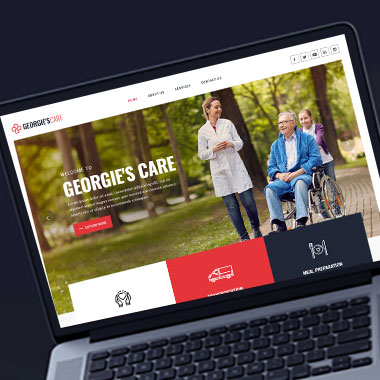
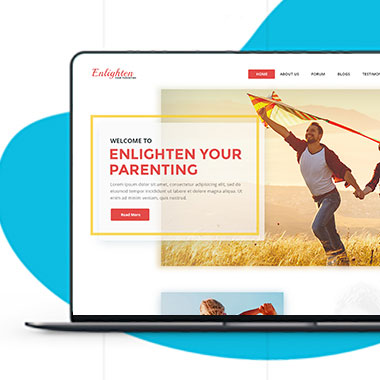
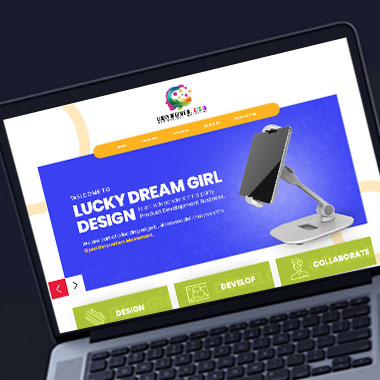
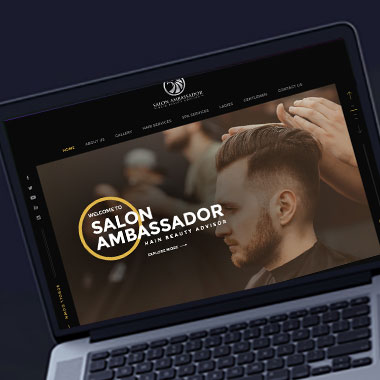
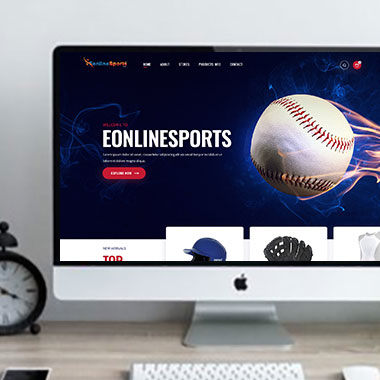
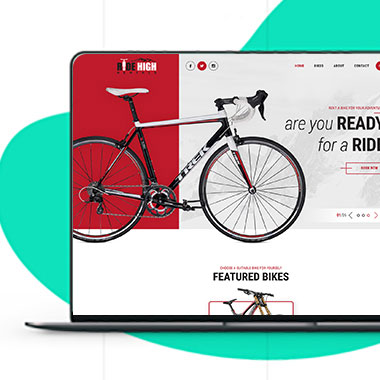
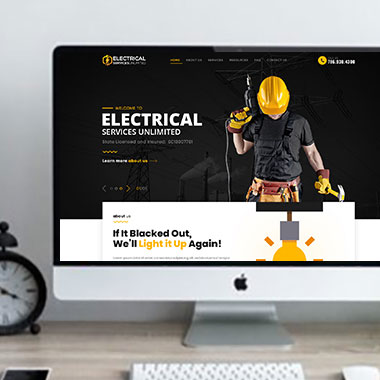
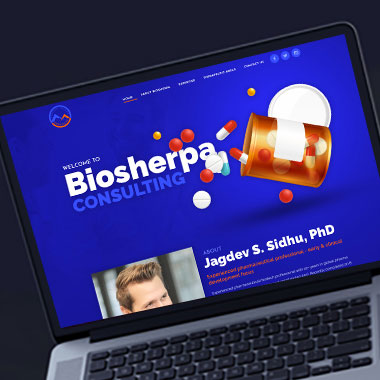
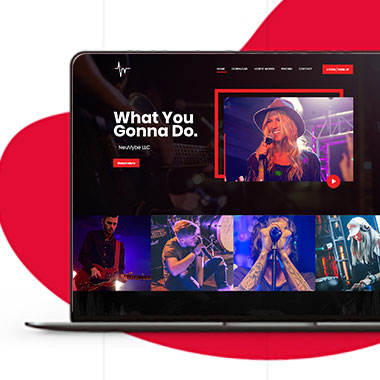
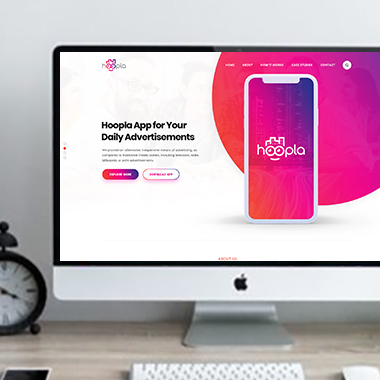
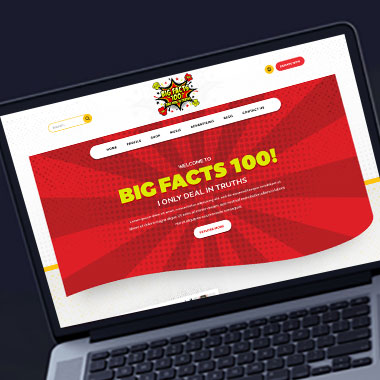
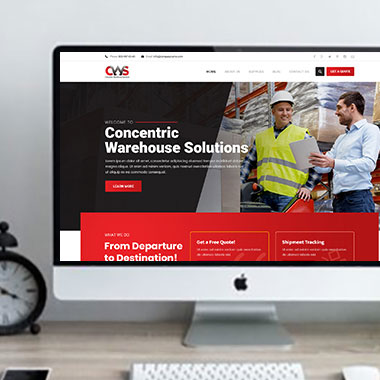
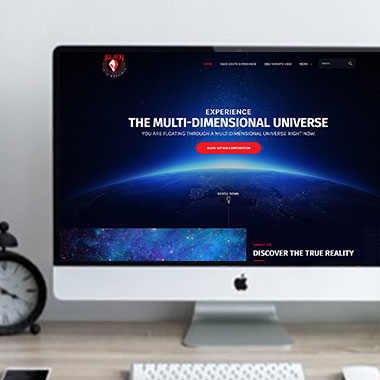
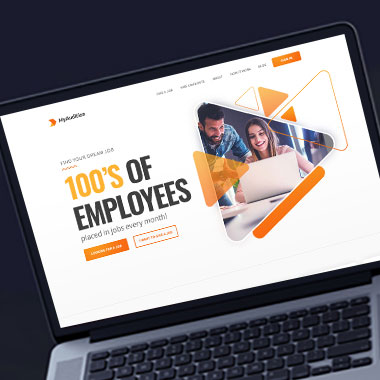
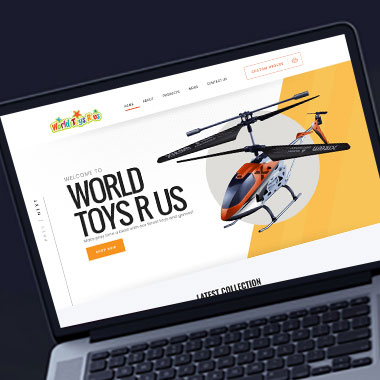
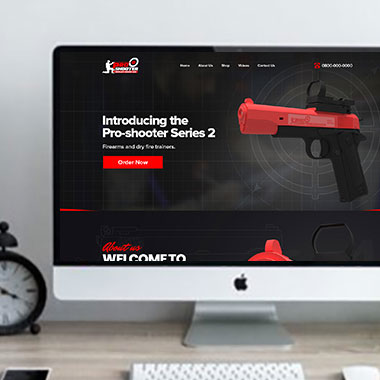
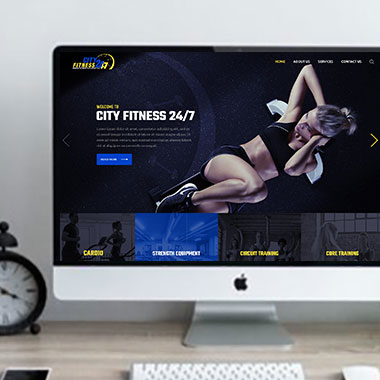
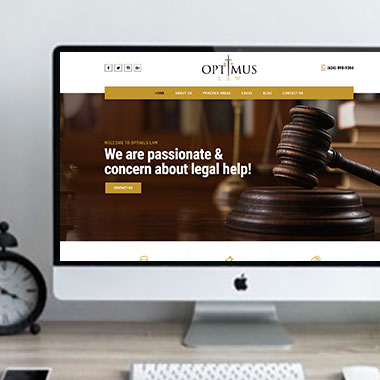
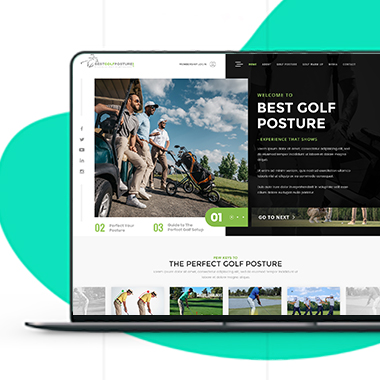
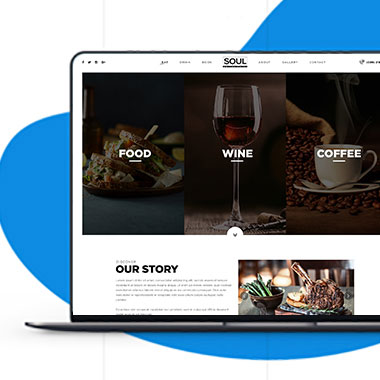
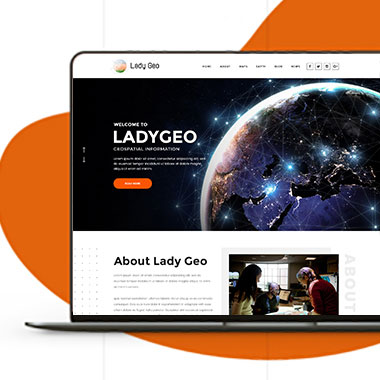
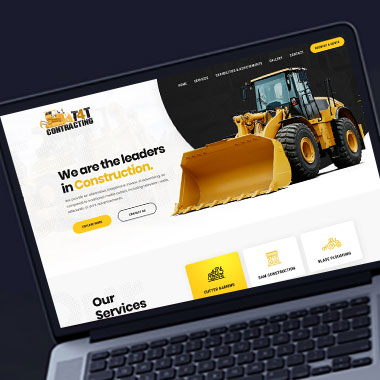
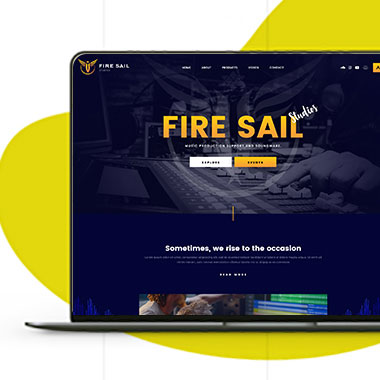
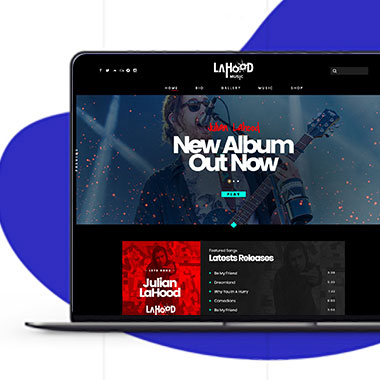
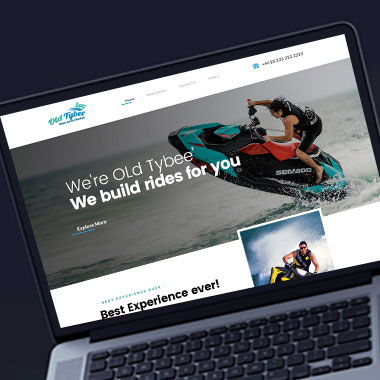
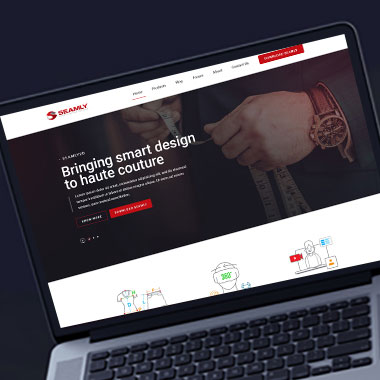
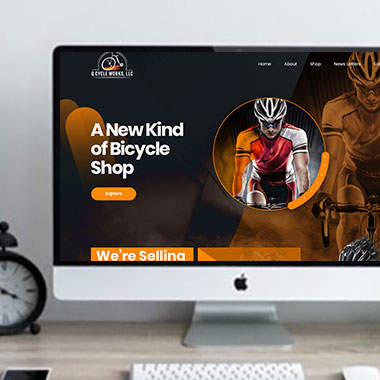
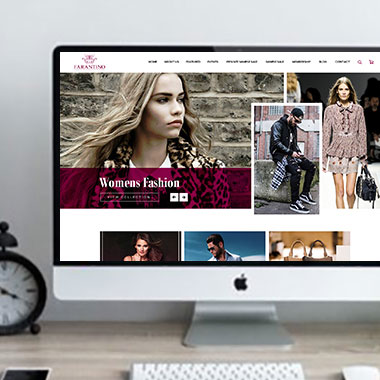
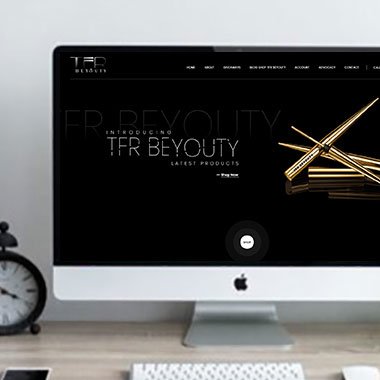
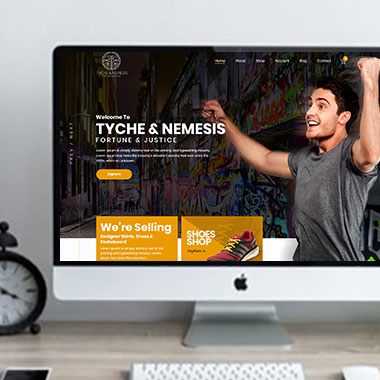
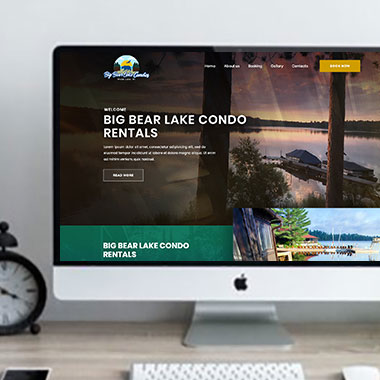
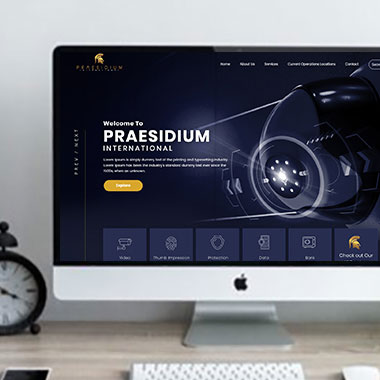
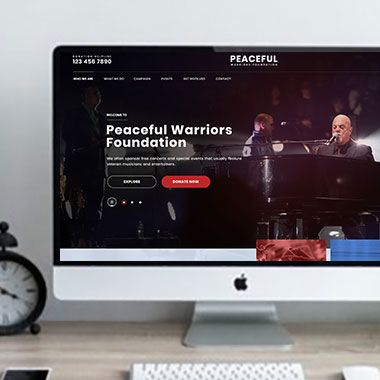
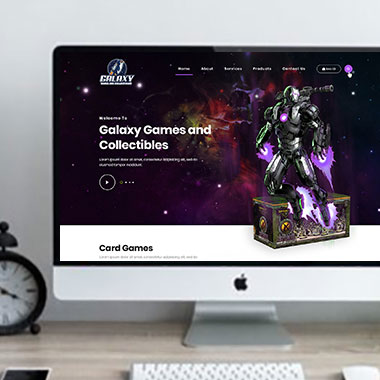
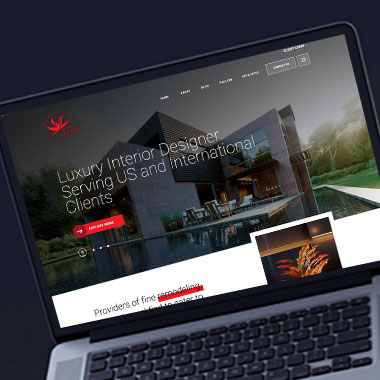
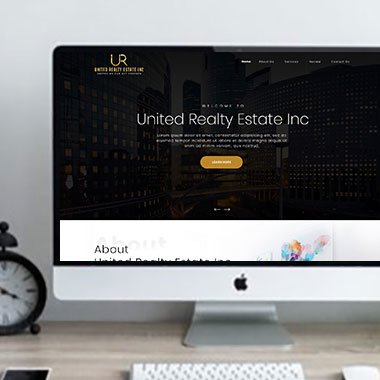
Our Recent Work

Solutions That
Make the Future Better!

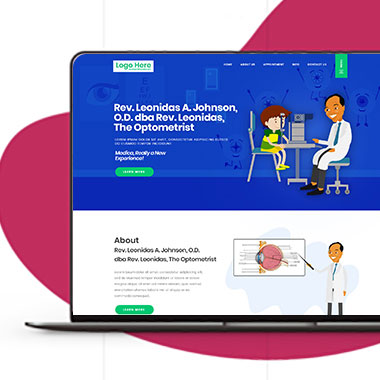
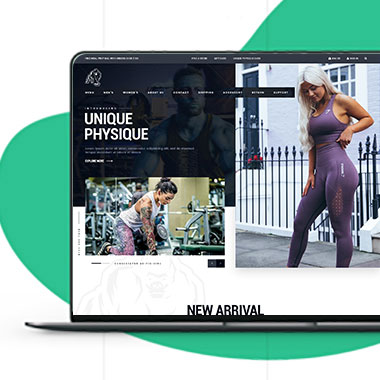
Explore our recent project and work crafted to reflect unique brand identities and business goals.

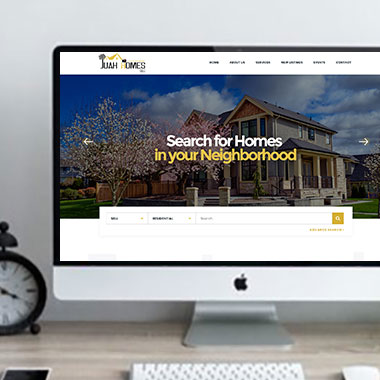
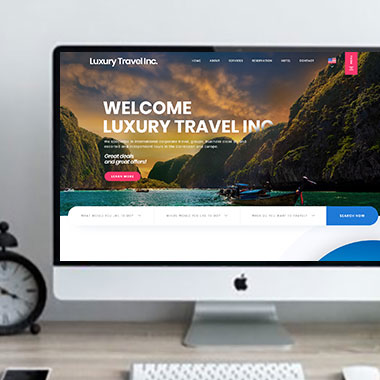
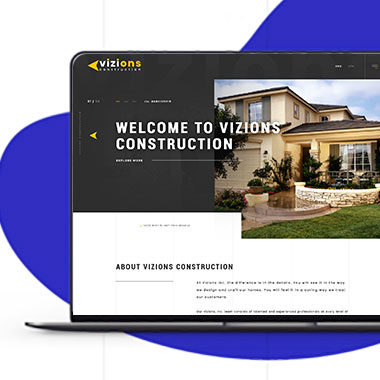
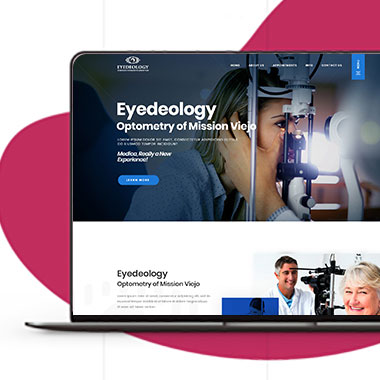
Explore projects created by Canada Website Company for businesses looking for professional web solutions.

Pricing Plans

Website Design Packages and Pricing

Some businesses need a small informational website, while others require more pages, eCommerce, booking, payments, or custom development.

The packages below provide starting points for different levels of work. Final scope, platform requirements, third-party costs, currency, and applicable taxes should be confirmed in the written proposal.

Basic Website

$149 $496

  • 1-2 Page Website
  • Custom Layout Design
  • 3 Stock Photos
  • 1 jQuery Slider Banner
  • Contact/Query Form
  • W3C Certified HTML
  • Initial Mockup in 24 Hours
  • Multiple Revisions
  • Dedicated Project Manager
  • Complete Deployment
order now
Startup Website

$499 $1663

  • 5 Unique Page Website
  • CMS-Based (Wordpress)
  • Interactive UI Design
  • 5 Stock Images & 2 Banners
  • jQuery Slider & Hover Effects
  • Contact/Query Form
  • W3C Certified HTML
  • Cross Browser Compatible
  • Initial Mockup in 24 Hours
  • Multiple Revisions
  • Dedicated Project Manager
  • Complete Deployment
order now
Professional Website

$799$2663

  • upto 10 Pages Website
  • Interactive High-End Design
  • CMS Admin Panel (Wordpress)
  • Free Logo Design
  • Mobile Responsive Website
  • Lead Capturing / Contact Forms
  • Appointment & Payment Integration
  • Striking Hover Effects
  • Newsletter Subscription
  • Social Media Integration
  • 5 Stock Photos
  • 3 jQuery Slider Banner
  • W3C Certified HTML
  • Cross Browser Compatible
  • Initial Mockup in 24 Hours
  • Complete Deployment
order now
Startup Ecommerce Website

$999 $3330

  • Ecommerce Web Design
  • upto 50 Products
  • CMS (Shopify & WooCommerce)
  • Mini Shopping Cart Integration
  • Products & Categories Management
  • Mobile Friendly Responsive
  • Payment & Shipping Integration
  • 1 Promotional Banner Design
  • Faster Loading Website
  • Contact / Query Form
  • Initial Mockup in 24 Hours
  • W3C Certified HTML
  • Cross Browser Compatible
  • Dedicated Account Manager
  • Complete Deployment
order now
Pro Ecommerce

$1899$6330

  • Custom Ecommerce Web Design
  • Unlimited Products / Pages
  • CMS (Shopify & WooCommerce)
  • Interactive Theme Design
  • Full Shopping Cart Integration
  • Products & Categories Management
  • Inventory & Orders Management
  • Mobile Friendly Responsive
  • Search Engine Submission
  • Payment & Shipping Integration
  • Dropshipping Integration
  • Product Detail Page Design
  • Featured Products Showcase
  • 5 Promotional Banner Design
  • Faster Loading Website
  • Contact / Query Form
  • Initial Mockup in 24 Hours
  • W3C Certified HTML
  • Cross Browser Compatible
  • Dedicated Account Manager
  • Complete Deployment
order now
Customized Website

$3999

  • Custom Web Development
  • PHP Laravel or Wordpress Platform
  • Job Portal, Professional Network Portal, Social Network Portal, Restaurant Portal, Medical Portal, Enterprise Portal (Any One)
  • Unique, User Friendly, Interactive
  • Client/User Dashboard Area
  • Online Appointment / Scheduling Integration
  • Ecommerce Shopping Cart Integration
  • Payment Gateway Integration
  • Custom Dynamic Form Creation
  • Multi Language & Currency Converter
  • 3rd Party API Integration
  • Mobile Friendly Design
  • Social Networks Integration
  • Tailored-Made Custom Development
  • Dedicated Account Manager
order now

Make Detailed Information Comfortable to Read

Some businesses need more written content than others.

A professional firm may need to explain several services. A healthcare business may need appointment information. A contractor may want to show project details. An online store may need product descriptions, shipping information, and policies.


Professional web design in Georgetown can help present that information without turning every page into one long block of text.

That may involve:

  • Breaking longer subjects into useful sections
  • Keeping paragraphs at a readable length
  • Using headings that accurately describe what follows
  • Giving tables and lists enough room
  • Keeping important notes close to the information they affect
  • Avoiding decorative elements that make text harder to read

Websites can be planned for businesses such as:

  • Contractors and home improvement companies
  • Construction and specialty trades
  • Professional offices and consultants
  • Healthcare and wellness practices
  • Real estate and property businesses
  • Automotive and repair companies
  • Retail and hospitality businesses
  • eCommerce and product companies

The amount of content may change, but the page should still feel manageable.

Keep Text and Controls Comfortable on Smaller Screens

Responsive Website Design for Georgetown Businesses

A layout that feels spacious on a desktop can become crowded when the same content moves onto a phone.

Headings may wrap into several lines. Buttons can sit too close together. Text can become too small, or the opposite can happen and a single heading can fill most of the screen.

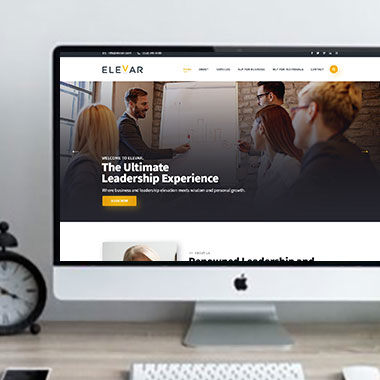
Responsive website design should account for those changes.

That may include:

  • Adjusting font sizes for smaller screens
  • Keeping enough spacing between buttons and links
  • Making form fields large enough to use comfortably
  • Preventing headings from overwhelming the first mobile screen
  • Making longer paragraphs easier to follow
  • Checking image crops so important parts are not cut off
  • Keeping menus readable without excessive levels

The mobile version should not feel like a compressed desktop page.

Build Forms People Can Understand Before They Submit Them

Forms are one of the places where website usability matters most.

A visitor should know what information is required, why a field is being asked for, and what happens after the form is sent. Labels should remain visible, error messages should be understandable, and unnecessary questions should be removed.

With custom website development, forms can be created around the actual type of request.

Depending on the project, that may include:

  • Quote request forms
  • Appointment or consultation forms
  • Job or application forms
  • Document and image uploads
  • Multi-step forms for longer requests
  • Conditional questions that appear only when relevant
  • Confirmation messages after submission
  • Connections with supported email, CRM, or booking systems

The purpose of a form is to collect useful information, not test the visitor’s patience.

Keep New Content Consistent With the Rest of the Site

A well-designed page can gradually lose its readability if every new update uses different text sizes, spacing, image formats, or heading styles.

WordPress can help businesses manage content while keeping those choices more controlled.

Depending on the site, authorized users may be able to:

  • Add articles using an established page format
  • Update service content
  • Add new team profiles
  • Publish project entries
  • Add FAQs
  • Replace selected images
  • Publish company notices
  • Update existing pages without rebuilding their layouts

Reusable content areas can make regular updates easier while reducing the chance of every new page looking different from the last one.

Check Readability Again When the Website Changes

A website may work well at launch and become harder to use after months of additions.

A long announcement may get added to the homepage. New plugins may introduce different form styles. A new page may use a text format that does not match the rest of the site.

Ongoing website work can include checking whether those additions still fit the original design.

That may involve:

  • Reviewing text size and spacing after major updates
  • Checking contrast when new colours or backgrounds are introduced
  • Testing forms after software changes
  • Reviewing navigation when new pages are added
  • Correcting content that has become difficult to scan
  • Checking mobile layouts after new sections are published
  • Removing old elements that no longer serve a purpose
  • Maintaining performance, software, backups, and security

A modern website for a Georgetown business should remain usable as content changes, not only on the day it launches.

Frequently Asked Questions

No. Animation can be useful when it supports the page, but it is not required for a website to look professional. Readability and ease of use should come first.

There is no single size that works in every design. Font choice, line spacing, screen size, and surrounding layout all affect readability. Text should be tested on both desktop and mobile screens.

Yes. Typography, spacing, contrast, page structure, forms, and other visual choices can be reviewed as part of a redesign.

Often, yes. Existing forms can be reviewed to see which questions are necessary and whether some information can be collected later instead.

Yes. Theme settings, page templates, and reusable content structures can help maintain consistent formatting across the website.

Possibly. The current design and code would need to be reviewed first. Some websites can be improved without a full rebuild, while others may require more extensive changes.

Readability, contrast, form labels, keyboard behavior, image text alternatives, and other accessibility-related considerations can be reviewed as part of the agreed scope. Any specific compliance standard should be confirmed before the project begins rather than assumed.

Readable content can make pages easier for visitors to use, but readability alone does not determine search rankings. SEO also depends on relevance, search intent, page quality, technical setup, authority, competition, and continued work.

Testimonials

What Clients Say About Us

Turn your design ideas into reality! Contact us right away.

We deliver the best results with efficient timing and outcome. Contact Canada Website Company today for professional website design, development, and digital solutions.

Service Areas

Proudly Serving Businesses Across Ontario, CA