
Ask for What You Need, Not Everything You Might Need Later

A first contact form usually has one job: give the business enough information to understand the request and respond appropriately.

The rest can often be collected later.

Good website design in Brantford can start by reviewing what each form genuinely needs.

That may mean:

  • Removing fields nobody uses after submission
  • Keeping initial enquiry forms shorter than detailed project forms
  • Asking service-specific questions only when relevant
  • Collecting files only when they are needed to review the request
  • Separating general enquiries from applications or onboarding forms
  • Explaining why unusual information is being requested
  • Avoiding sensitive information unless the business has a clear reason and suitable process for handling it
  • Giving customers a clear confirmation after submission

The form should match the stage of the customer relationship.

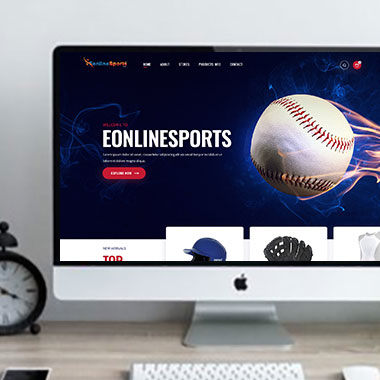
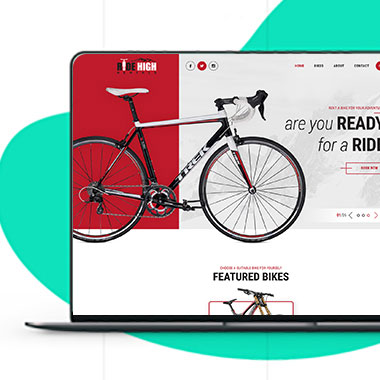
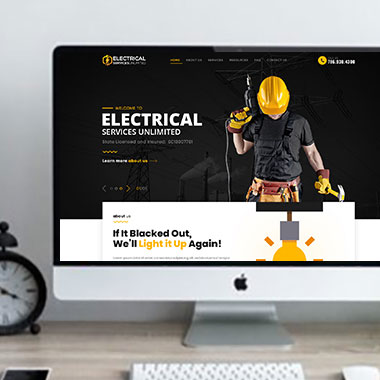
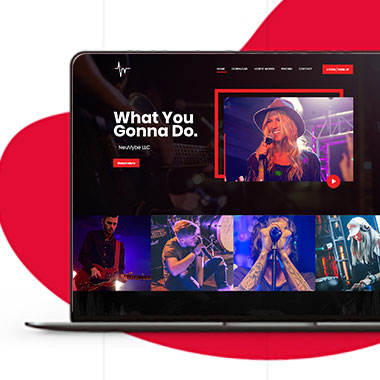
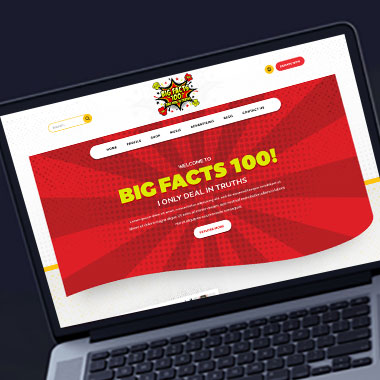
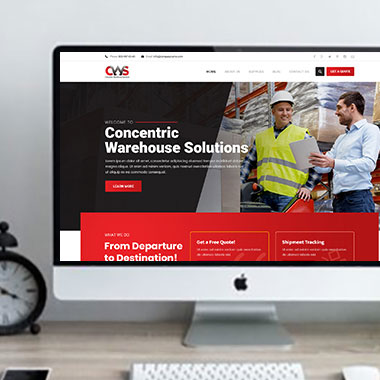
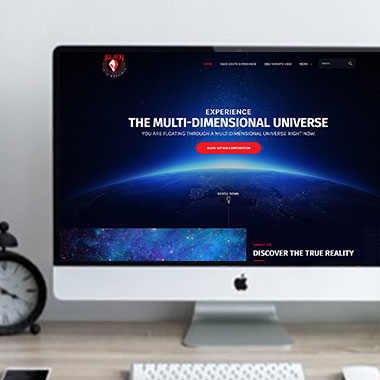
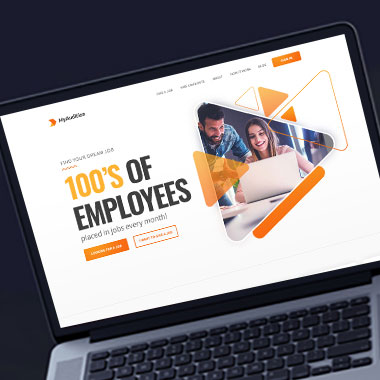
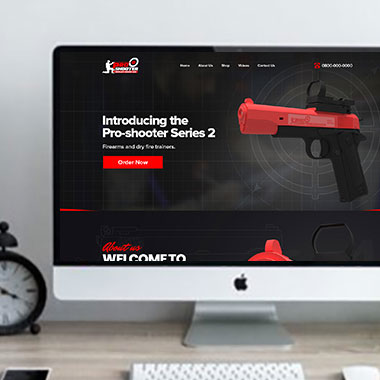
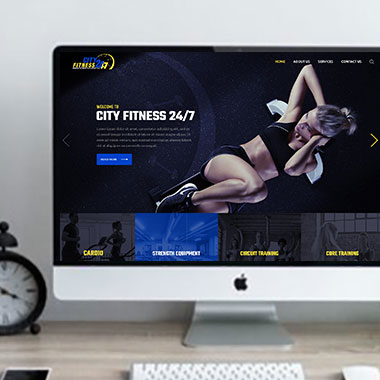
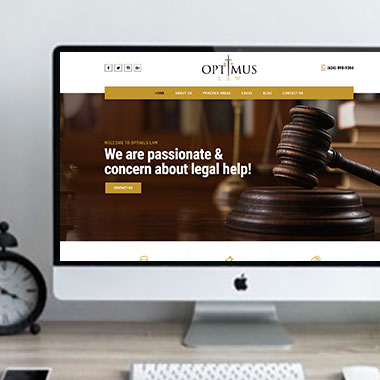
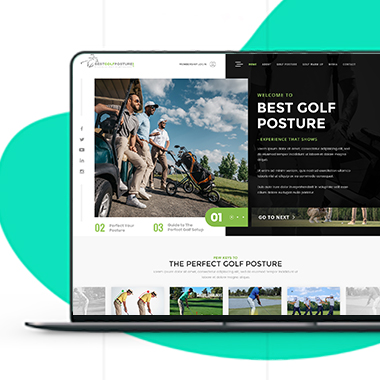
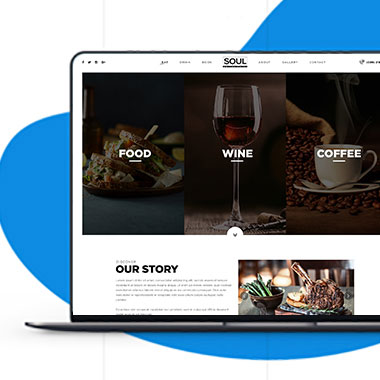
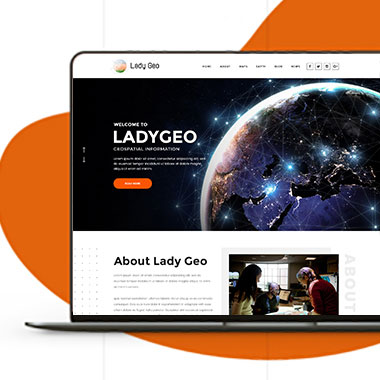
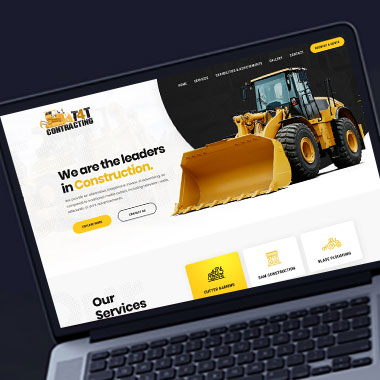
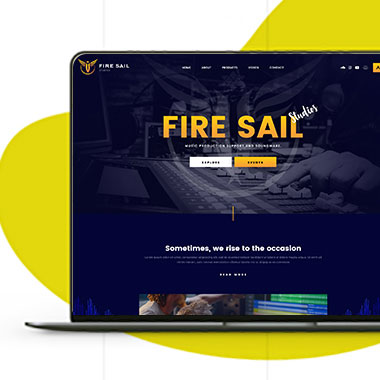
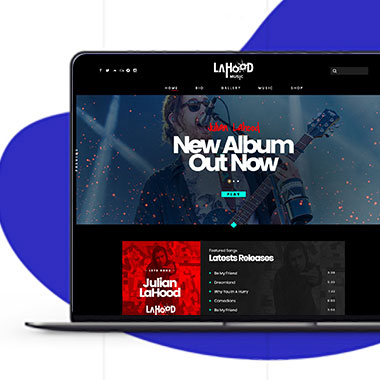
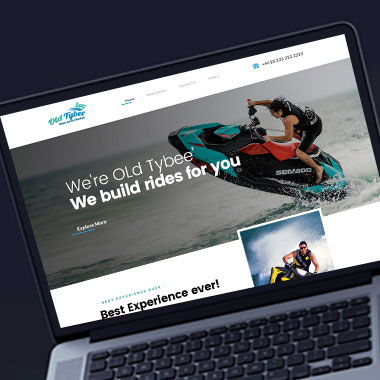
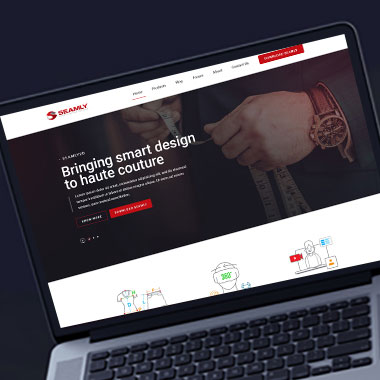
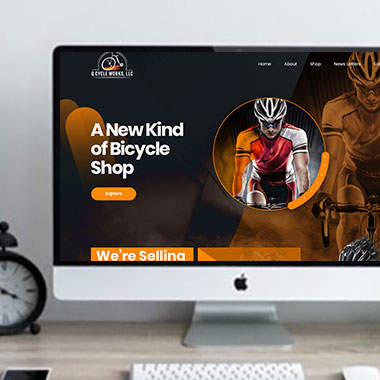
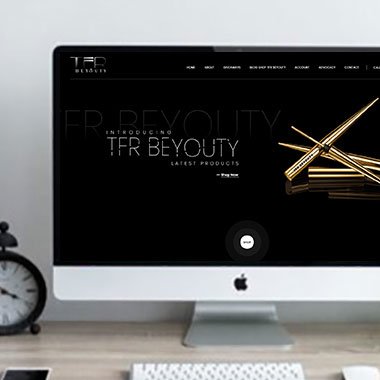
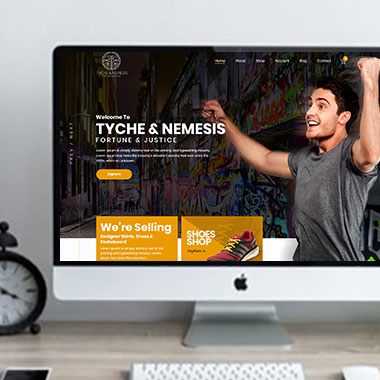
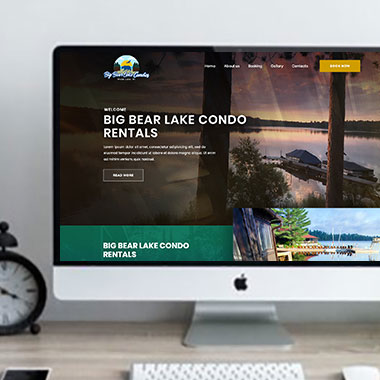
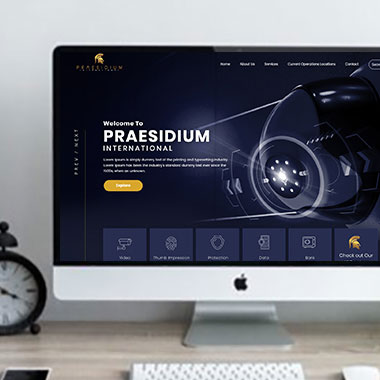
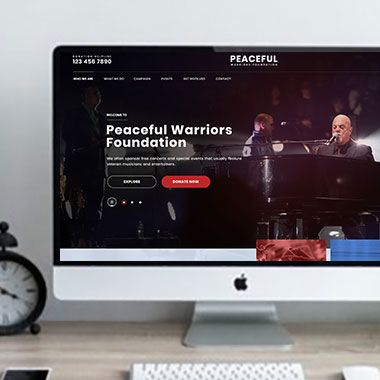
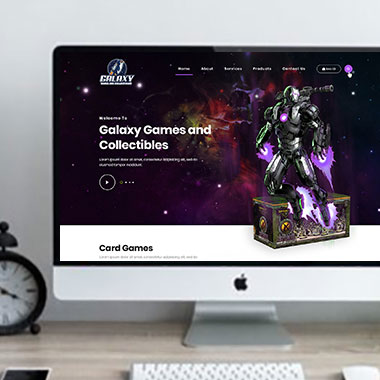
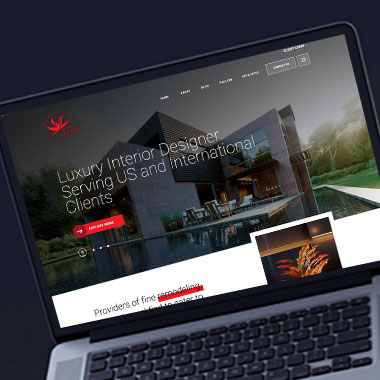
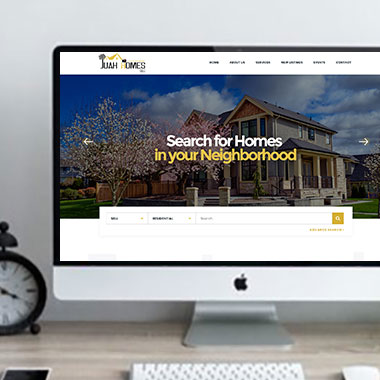
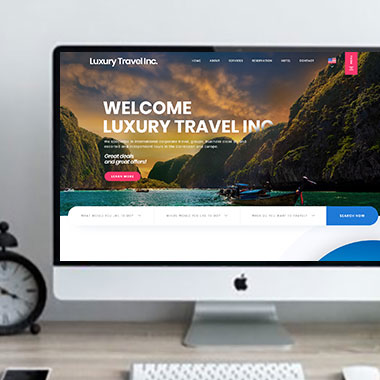
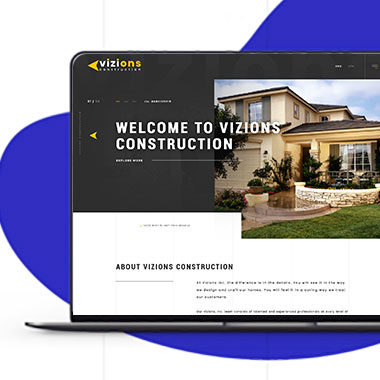
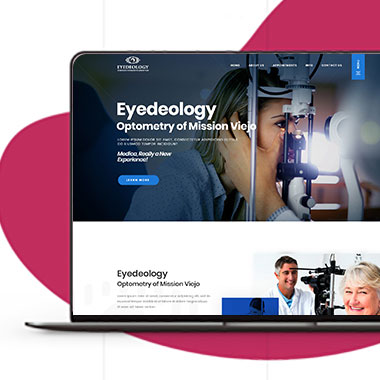
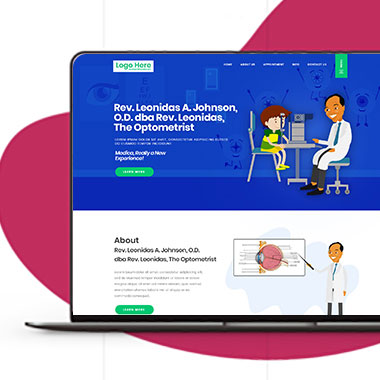
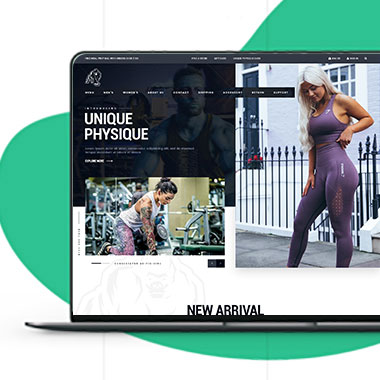
Our Recent Work

Solutions That
Make the Future Better!

Explore our recent project and work crafted to reflect unique brand identities and business goals.

Explore projects created by Canada Website Company for businesses looking for professional web solutions.

Pricing Plans

Website Design Packages and Pricing

Website requirements vary based on the number of pages, platform, forms, eCommerce functions, booking, payments, customer areas, and custom development.

The packages below provide starting points for different project sizes. Final scope, platform requirements, third-party costs, currency, applicable taxes, and recurring services should be confirmed in the written proposal.

Basic Website

$149 $496

  • 1-2 Page Website
  • Custom Layout Design
  • 3 Stock Photos
  • 1 jQuery Slider Banner
  • Contact/Query Form
  • W3C Certified HTML
  • Initial Mockup in 24 Hours
  • Multiple Revisions
  • Dedicated Project Manager
  • Complete Deployment
order now
Startup Website

$499 $1663

  • 5 Unique Page Website
  • CMS-Based (Wordpress)
  • Interactive UI Design
  • 5 Stock Images & 2 Banners
  • jQuery Slider & Hover Effects
  • Contact/Query Form
  • W3C Certified HTML
  • Cross Browser Compatible
  • Initial Mockup in 24 Hours
  • Multiple Revisions
  • Dedicated Project Manager
  • Complete Deployment
order now
Professional Website

$799$2663

  • upto 10 Pages Website
  • Interactive High-End Design
  • CMS Admin Panel (Wordpress)
  • Free Logo Design
  • Mobile Responsive Website
  • Lead Capturing / Contact Forms
  • Appointment & Payment Integration
  • Striking Hover Effects
  • Newsletter Subscription
  • Social Media Integration
  • 5 Stock Photos
  • 3 jQuery Slider Banner
  • W3C Certified HTML
  • Cross Browser Compatible
  • Initial Mockup in 24 Hours
  • Complete Deployment
order now
Startup Ecommerce Website

$999 $3330

  • Ecommerce Web Design
  • upto 50 Products
  • CMS (Shopify & WooCommerce)
  • Mini Shopping Cart Integration
  • Products & Categories Management
  • Mobile Friendly Responsive
  • Payment & Shipping Integration
  • 1 Promotional Banner Design
  • Faster Loading Website
  • Contact / Query Form
  • Initial Mockup in 24 Hours
  • W3C Certified HTML
  • Cross Browser Compatible
  • Dedicated Account Manager
  • Complete Deployment
order now
Pro Ecommerce

$1899$6330

  • Custom Ecommerce Web Design
  • Unlimited Products / Pages
  • CMS (Shopify & WooCommerce)
  • Interactive Theme Design
  • Full Shopping Cart Integration
  • Products & Categories Management
  • Inventory & Orders Management
  • Mobile Friendly Responsive
  • Search Engine Submission
  • Payment & Shipping Integration
  • Dropshipping Integration
  • Product Detail Page Design
  • Featured Products Showcase
  • 5 Promotional Banner Design
  • Faster Loading Website
  • Contact / Query Form
  • Initial Mockup in 24 Hours
  • W3C Certified HTML
  • Cross Browser Compatible
  • Dedicated Account Manager
  • Complete Deployment
order now
Customized Website

$3999

  • Custom Web Development
  • PHP Laravel or Wordpress Platform
  • Job Portal, Professional Network Portal, Social Network Portal, Restaurant Portal, Medical Portal, Enterprise Portal (Any One)
  • Unique, User Friendly, Interactive
  • Client/User Dashboard Area
  • Online Appointment / Scheduling Integration
  • Ecommerce Shopping Cart Integration
  • Payment Gateway Integration
  • Custom Dynamic Form Creation
  • Multi Language & Currency Converter
  • 3rd Party API Integration
  • Mobile Friendly Design
  • Social Networks Integration
  • Tailored-Made Custom Development
  • Dedicated Account Manager
order now

Make the First Form Easier Than the Full Process

The first step and the complete process are not always the same thing.

A contractor may only need the project type and contact details before calling back. A professional firm may need a short enquiry first and more detailed information later. A healthcare or regulated business may also have additional requirements around the type of information collected online.

Professional web design for Brantford businesses can separate those stages.

A first form may ask for:

  • Name and preferred contact method
  • The service being requested
  • A short description of the enquiry
  • Preferred date or timing where relevant
  • Location information when it affects the service
  • A file or photograph only when it helps review the request

More detailed information can be collected later when there is a reason for it.

Any business collecting health, financial, legal, identification, or other sensitive information should confirm its privacy, security, retention, and compliance requirements with the appropriate professionals before deciding what belongs in a website form.

Keep Forms Short Enough to Use From a Phone

Responsive Website Design for Brantford Businesses

A form that feels reasonable on a laptop can become frustrating on a phone.

Long dropdowns, unnecessary address fields, several text boxes, and repeated questions can create a lot of typing on a small keyboard.

Responsive website design can include reviewing:

  • How many fields appear in the first step
  • Whether the correct mobile keyboard opens for phone, email, or number fields
  • If labels remain visible while customers type
  • Whether buttons are large enough to use comfortably
  • How validation messages appear after an error
  • Whether file uploads work sensibly on mobile
  • If multi-step forms make a longer process easier to manage
  • Whether unnecessary fields can be removed altogether

The aim is not to make every form extremely short. A detailed application may genuinely need more information. The amount of effort should match the task.

Show Only the Questions That Apply

Some forms become long because they try to cover every possible type of customer in one page.

A residential customer may see commercial questions. Someone requesting one service may be asked about another. A person who selects “No” still has to scroll past fields connected to “Yes.”

With custom website development, conditional forms can reduce that problem.

Depending on the project, the form may:

  • Show different questions based on the selected service
  • Reveal business fields only for commercial enquiries
  • Request uploads only when the selected request requires them
  • Change appointment questions according to service type
  • Route different submissions to different recipients
  • Display different confirmation messages after submission
  • Connect with supported CRM or booking platforms
  • Send selected data to another system where the integration allows it

A website designer for Brantford businesses can plan how the form appears to customers, while the actual business rules, platform compatibility, data requirements, and third-party costs should be confirmed before development.

Decide Who Can See Customer Submissions

Form management does not end when the customer presses submit.

The business also needs to decide where submissions go and who needs access to them.

For business website design in Brantford, the setup can be planned around staff responsibilities.

Depending on the website, that may include:

  • Sending different enquiries to different email addresses
  • Restricting WordPress access to authorized users
  • Limiting which staff members can view certain submissions
  • Connecting enquiries to an approved CRM
  • Removing old submissions when they no longer need to remain in the website
  • Keeping administrative accounts separate between staff
  • Changing access when employees leave
  • Reviewing notification addresses after team changes

Not every website needs to store form submissions in WordPress. Whether submissions are stored, emailed, or sent to another system should be decided during the project.

Do Not Keep Customer Data Simply Because the Website Can

Old website submissions can remain stored long after anyone needs them.

The business may have enquiry records, uploaded documents, abandoned applications, or user accounts sitting inside the website or connected platforms.

A modern website for a Brantford business should have a practical approach to information that no longer needs to be there.

That may include:

  • Reviewing stored form submissions
  • Removing test enquiries
  • Deleting old user accounts when appropriate
  • Checking upload folders for outdated customer files
  • Reviewing which staff members still have access
  • Updating forms when information is no longer required
  • Checking spam protection and form functionality
  • Reviewing privacy notices when data practices change
  • Maintaining software, backups, and security

How long particular records must or should be retained can depend on the business, the information involved, and applicable legal requirements. The website should not invent a retention period without that being confirmed.

Frequently Asked Questions

There is no fixed number. A form should collect the information the business needs at that stage without adding fields simply because they are available.

Yes. Separate or conditional forms can be useful when services require different information.

Yes, where uploads are part of the agreed functionality. File types, size limits, storage, access, and security requirements should be decided before the feature is built.

Only when there is a clear business need and the company has confirmed how that information should be collected, transmitted, stored, accessed, and retained. Specialist privacy or legal advice may be required depending on the information and industry.

Yes. Submissions can often be routed based on service type or another customer selection, subject to the form setup being used.

No. The setup can vary. Some forms may email submissions, store them in WordPress, send them to another platform, or use a combination of methods.

Spam-protection measures can be added, but no website can reasonably promise to eliminate every unwanted submission. The appropriate method depends on the form and platform.

Yes, where that level of editing is included in the WordPress setup. More complex conditional logic or integrations may require developer changes.

Testimonials

What Clients Say About Us

Turn your design ideas into reality! Contact us right away.

We deliver the best results with efficient timing and outcome. Contact Canada Website Company today for professional website design, development, and digital solutions.

Service Areas

Proudly Serving Businesses Across Ontario, CA