
Use Strong Visuals Without Letting Them Take Over the Page

A large photograph can make an immediate impression, but bigger is not always better.

If every section uses a full-screen image, visitors may spend more time scrolling through pictures than learning what the business actually offers. Large files can also increase loading time, especially for people using mobile data.

Good website design in Niagara Falls can balance visual material with useful information.

That may include:

  • Choosing a smaller number of relevant images instead of filling every section
  • Matching project photos with the service they relate to
  • Using appropriate image sizes for the space where they appear
  • Giving galleries a clear purpose
  • Keeping important text visible around large visuals
  • Adding captions when an image needs context
  • Using video where it contributes something the page cannot explain as well with text or photographs
  • Removing old images that no longer represent the business

The visual side of the website should support the information, not compete with it.

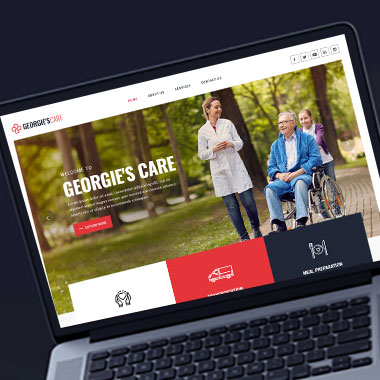
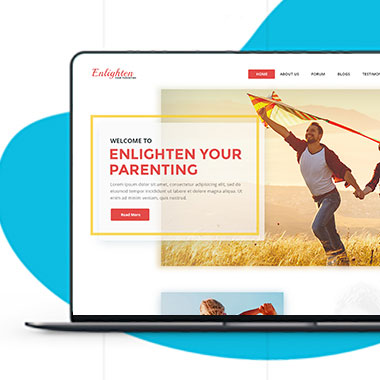
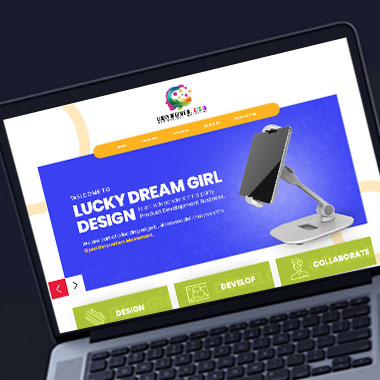
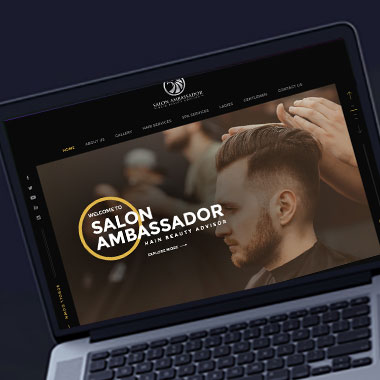
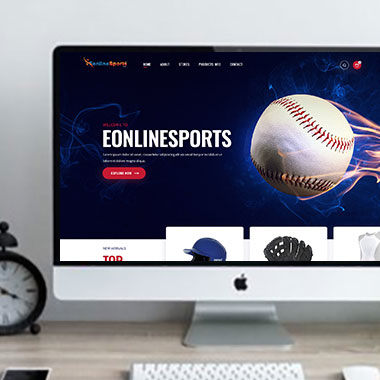
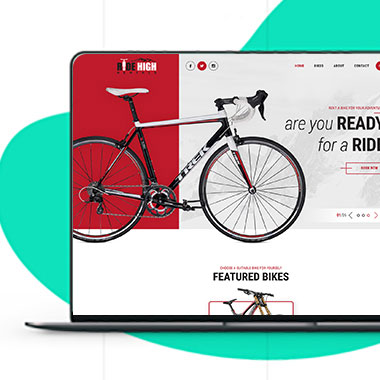
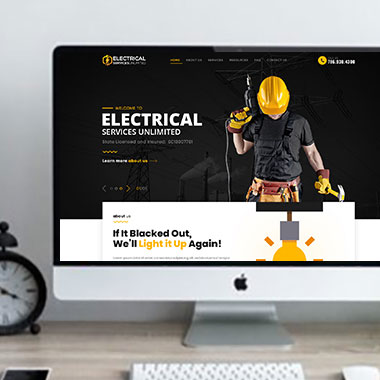
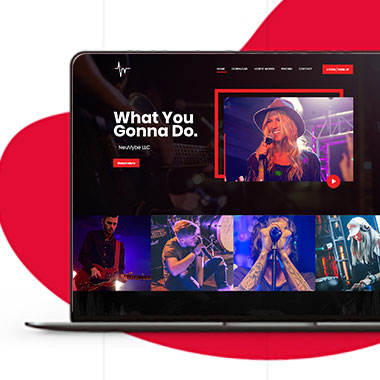
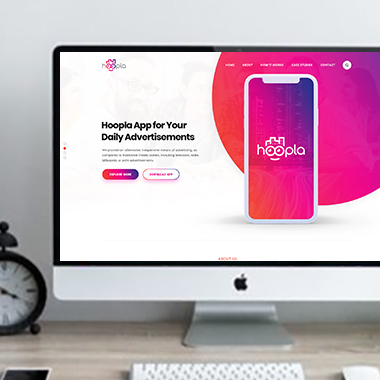
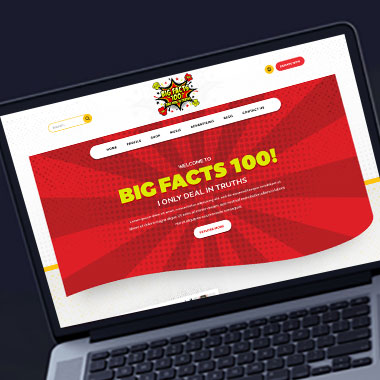
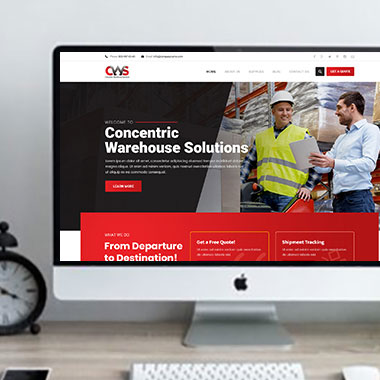
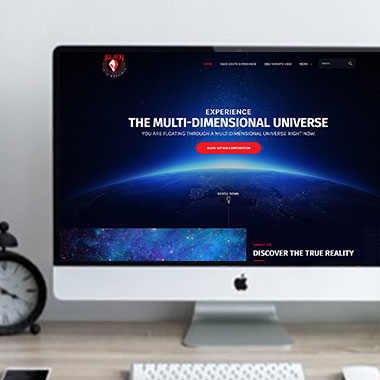
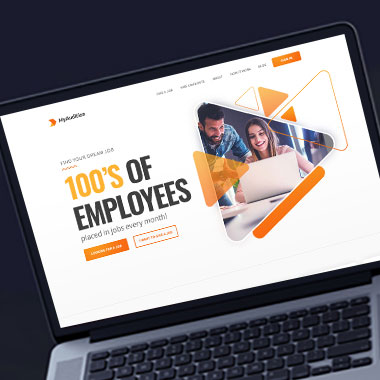
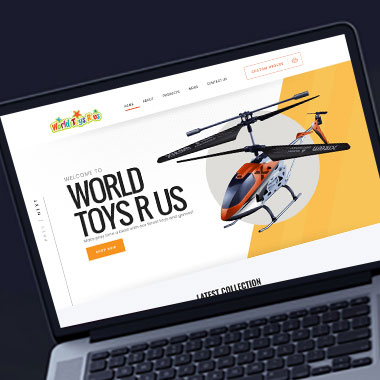
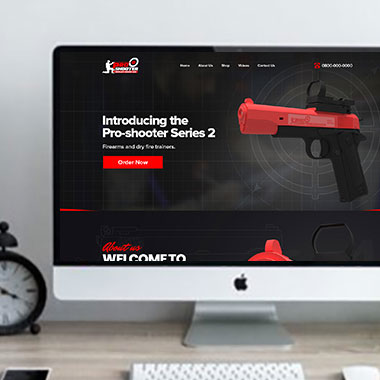
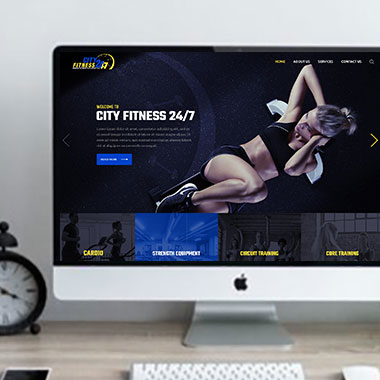
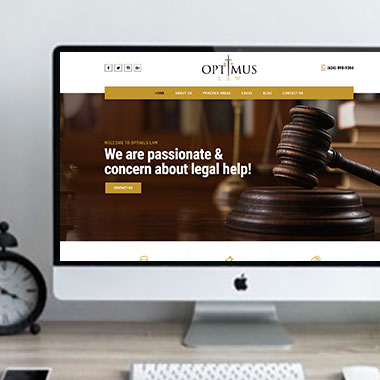
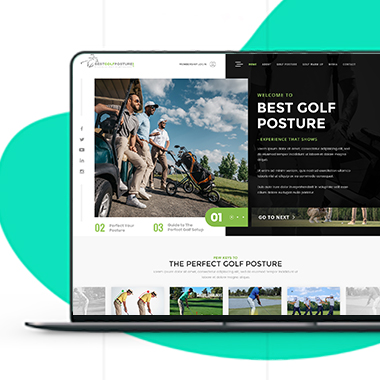
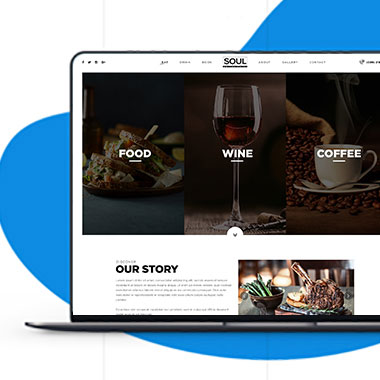
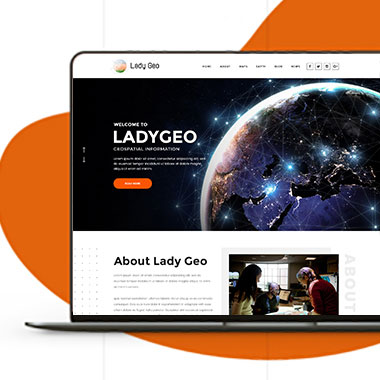
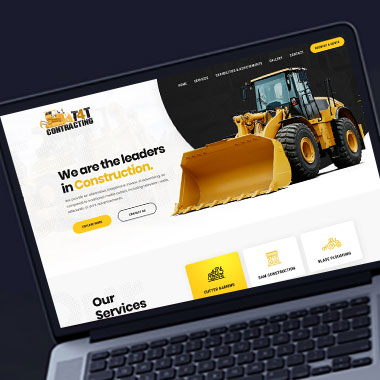
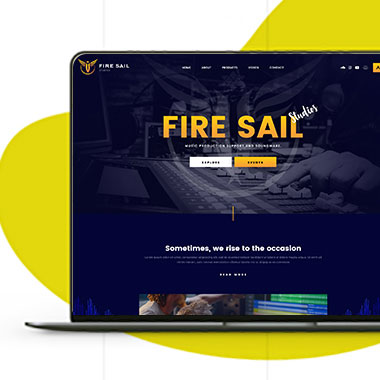
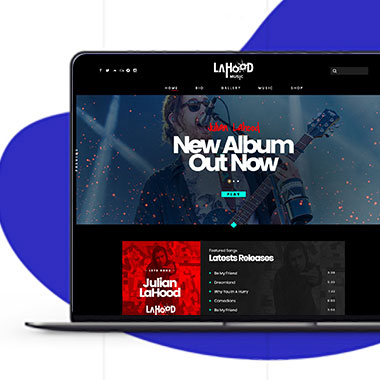
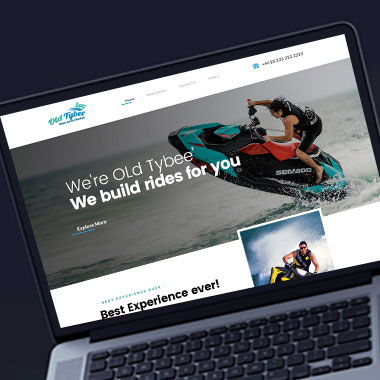
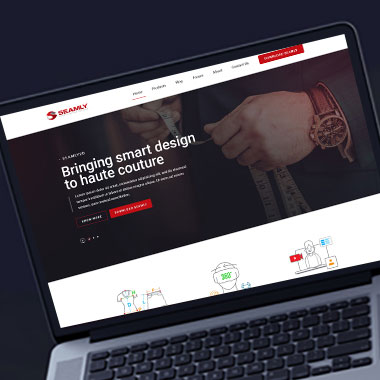
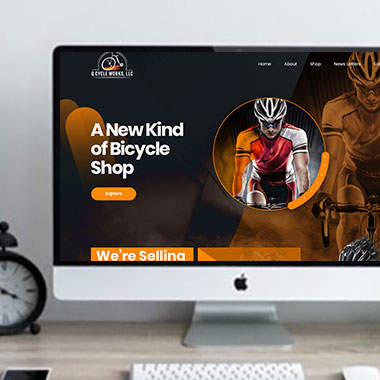
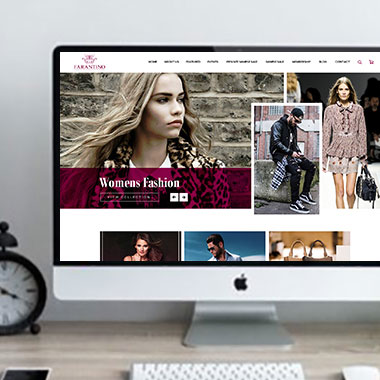
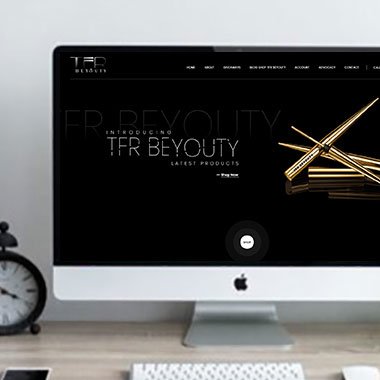
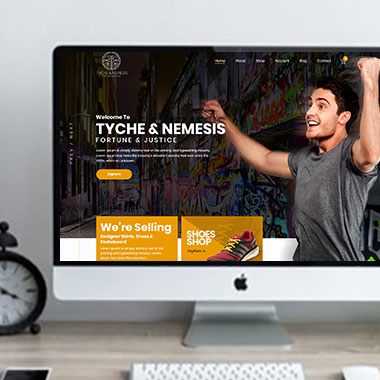
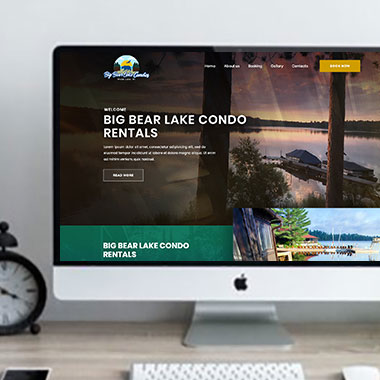
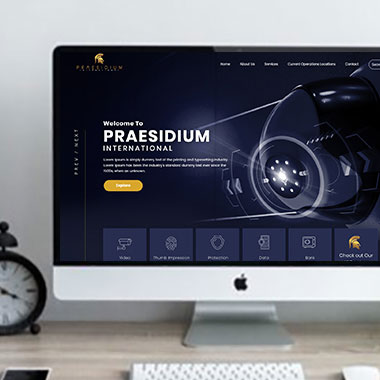
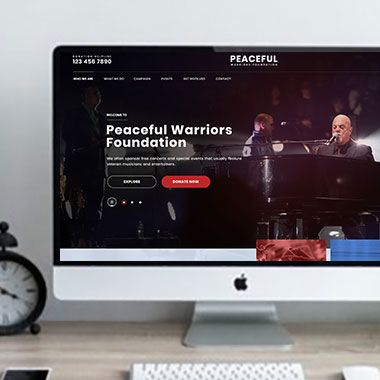
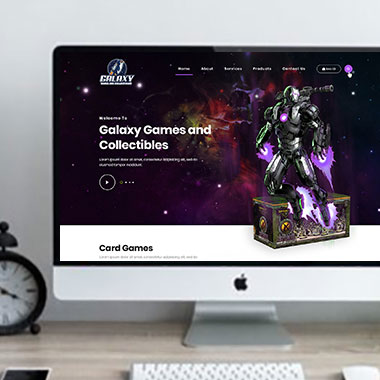
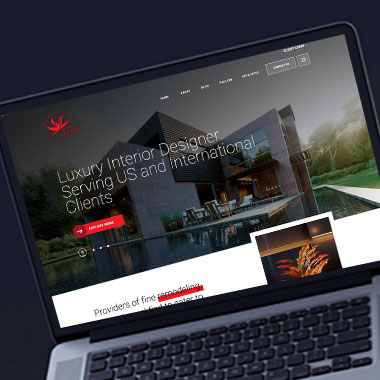
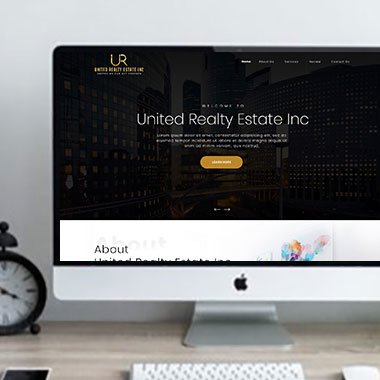
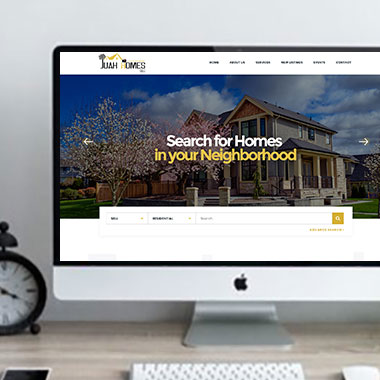
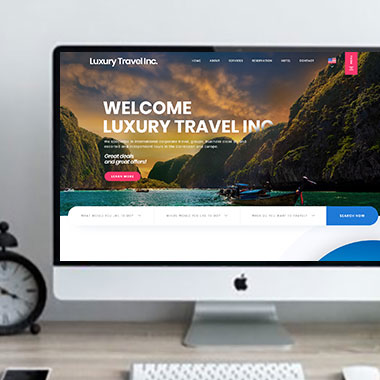
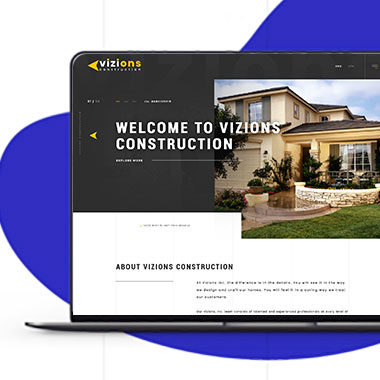
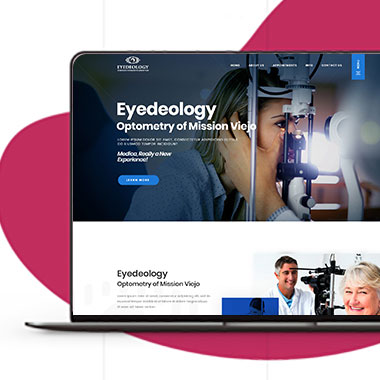
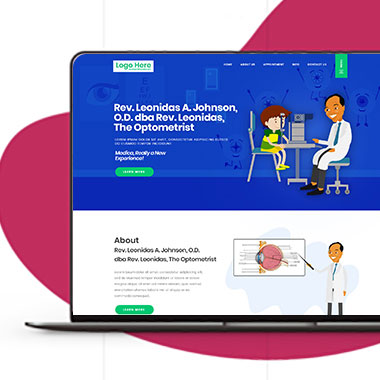
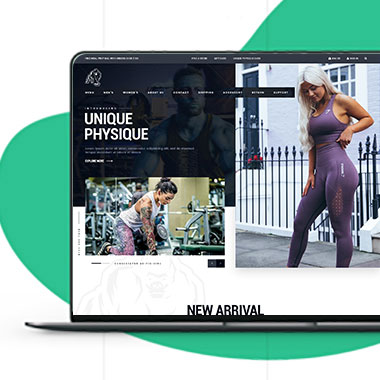
Our Recent Work

Solutions That
Make the Future Better!

Explore our recent project and work crafted to reflect unique brand identities and business goals.

Explore projects created by Canada Website Company for businesses looking for professional web solutions.

Pricing Plans

Website Design Packages and Pricing

Some businesses need a compact informational website. Others require larger galleries, eCommerce, bookings, payments, WordPress management, or custom development.

The packages below provide starting points for different project sizes. Final scope, platform requirements, third-party costs, currency, applicable taxes, and recurring services should be confirmed in the written proposal.

Basic Website

$149 $496

  • 1-2 Page Website
  • Custom Layout Design
  • 3 Stock Photos
  • 1 jQuery Slider Banner
  • Contact/Query Form
  • W3C Certified HTML
  • Initial Mockup in 24 Hours
  • Multiple Revisions
  • Dedicated Project Manager
  • Complete Deployment
order now
Startup Website

$499 $1663

  • 5 Unique Page Website
  • CMS-Based (Wordpress)
  • Interactive UI Design
  • 5 Stock Images & 2 Banners
  • jQuery Slider & Hover Effects
  • Contact/Query Form
  • W3C Certified HTML
  • Cross Browser Compatible
  • Initial Mockup in 24 Hours
  • Multiple Revisions
  • Dedicated Project Manager
  • Complete Deployment
order now
Professional Website

$799$2663

  • upto 10 Pages Website
  • Interactive High-End Design
  • CMS Admin Panel (Wordpress)
  • Free Logo Design
  • Mobile Responsive Website
  • Lead Capturing / Contact Forms
  • Appointment & Payment Integration
  • Striking Hover Effects
  • Newsletter Subscription
  • Social Media Integration
  • 5 Stock Photos
  • 3 jQuery Slider Banner
  • W3C Certified HTML
  • Cross Browser Compatible
  • Initial Mockup in 24 Hours
  • Complete Deployment
order now
Startup Ecommerce Website

$999 $3330

  • Ecommerce Web Design
  • upto 50 Products
  • CMS (Shopify & WooCommerce)
  • Mini Shopping Cart Integration
  • Products & Categories Management
  • Mobile Friendly Responsive
  • Payment & Shipping Integration
  • 1 Promotional Banner Design
  • Faster Loading Website
  • Contact / Query Form
  • Initial Mockup in 24 Hours
  • W3C Certified HTML
  • Cross Browser Compatible
  • Dedicated Account Manager
  • Complete Deployment
order now
Pro Ecommerce

$1899$6330

  • Custom Ecommerce Web Design
  • Unlimited Products / Pages
  • CMS (Shopify & WooCommerce)
  • Interactive Theme Design
  • Full Shopping Cart Integration
  • Products & Categories Management
  • Inventory & Orders Management
  • Mobile Friendly Responsive
  • Search Engine Submission
  • Payment & Shipping Integration
  • Dropshipping Integration
  • Product Detail Page Design
  • Featured Products Showcase
  • 5 Promotional Banner Design
  • Faster Loading Website
  • Contact / Query Form
  • Initial Mockup in 24 Hours
  • W3C Certified HTML
  • Cross Browser Compatible
  • Dedicated Account Manager
  • Complete Deployment
order now
Customized Website

$3999

  • Custom Web Development
  • PHP Laravel or Wordpress Platform
  • Job Portal, Professional Network Portal, Social Network Portal, Restaurant Portal, Medical Portal, Enterprise Portal (Any One)
  • Unique, User Friendly, Interactive
  • Client/User Dashboard Area
  • Online Appointment / Scheduling Integration
  • Ecommerce Shopping Cart Integration
  • Payment Gateway Integration
  • Custom Dynamic Form Creation
  • Multi Language & Currency Converter
  • 3rd Party API Integration
  • Mobile Friendly Design
  • Social Networks Integration
  • Tailored-Made Custom Development
  • Dedicated Account Manager
order now

Let the Photography Support the Service

A professional website does not need stock photography in every section.

If the business has suitable original photographs, those images may be more useful because they show the actual work, products, location, or team. When original material is not available, licensed stock images can still be used where they fit the subject accurately.

Professional web design for Niagara Falls businesses can consider where each type of image belongs.

That may include:

  • Completed project photography
  • Product images
  • Team or workplace photos
  • Before-and-after comparisons
  • Service-specific images
  • Licensed stock photography where required
  • Diagrams or graphics that explain information
  • Video used for a specific purpose rather than as decoration

Images should not suggest services, locations, facilities, employees, or completed work that do not belong to the business.

That is especially important for local service pages. A generic photograph should not be presented in a way that makes it appear to be an actual Niagara Falls project if that cannot be verified.

Keep the Visual Impact Without Making Mobile Visitors Wait

Responsive Website Design for Niagara Falls Businesses

Image-heavy pages can behave very differently on a phone.

A large desktop banner may take up most of the first mobile screen. Galleries can become difficult to browse. High-resolution images that look excellent on a large monitor may require far more data than a phone actually needs.

Responsive website design can account for those differences.

That may involve:

  • Serving appropriately sized images where the technical setup allows
  • Reviewing how hero images crop on smaller screens
  • Limiting unnecessary full-screen visuals
  • Making galleries practical to swipe or tap
  • Keeping captions connected to the correct images
  • Avoiding video that interferes with the main page content
  • Checking whether visual sections push useful information too far down
  • Reviewing file sizes when pages become slow to load

The goal is not to remove the visual side of the site on mobile. It is to make sure customers can still use the page comfortably.

Give Large Galleries a Better Way to Be Browsed

A small gallery may only need a simple grid.

A business with hundreds of products, projects, properties, or other visual entries may need more structure. Visitors should not have to scroll through everything to find the category that interests them.

With custom website development, larger visual collections can be organized around how customers use them.

Depending on the project, that may include:

  • Project categories
  • Gallery filters
  • Product filters
  • Search functions
  • Before-and-after viewers
  • Lightbox galleries
  • Image or video collections tied to individual services
  • Private customer galleries
  • Connections with supported media or storage services

A website designer for Niagara Falls businesses can help plan how customers move through the content. Storage, hosting, third-party tools, video platforms, and any usage costs should be confirmed as part of the technical scope.

More media usually means more to manage, so the system should match the amount of material the business actually plans to publish.

Make It Easy to Add New Work Without Breaking the Gallery

A gallery can quickly become inconsistent when every new image is uploaded at a different size or given a different format.

One project may have ten photos, another has two, and a third has images with no title or description. Over time, the section becomes harder to browse.

For business website design in Niagara Falls, WordPress can be structured so new visual content follows a more consistent format.

Depending on the project, authorized users may be able to:

  • Add new projects
  • Upload selected images
  • Assign project categories
  • Update captions or descriptions
  • Replace older photography
  • Set featured images
  • Add product media
  • Remove material that is no longer relevant

Image dimensions, file formats, and other publishing guidelines can also be documented for staff who will maintain the site.

This helps new content fit the existing website instead of changing the appearance every time another project is added.

Review the Media Library Before It Becomes Too Heavy

Websites often collect unused images over time.

Several versions of the same photograph may remain in the media library. An old banner may still be loaded somewhere. Large files may have been uploaded for pages that only display them at a much smaller size.

A modern website for a Niagara Falls business can include occasional media review rather than allowing those files to accumulate indefinitely.

That may involve:

  • Replacing unnecessarily large images
  • Removing unused media where it is safe to do so
  • Checking older galleries
  • Replacing outdated project photographs
  • Reviewing video embeds
  • Checking broken media links
  • Updating image descriptions where needed
  • Reviewing page speed after adding large amounts of visual content
  • Maintaining software, backups, and security

Performance depends on more than images alone, so improvements should be based on the actual website rather than assuming one optimization will fix every speed issue.

Frequently Asked Questions

Yes, when the photographs are useful and the website is designed to handle them. The number of images should depend on what customers need to see rather than filling every available space.

Original photography can be valuable when it accurately shows the business, team, products, or completed work. Licensed stock photography may also be appropriate when suitable original images are not available.

Yes, but the purpose, file size, hosting method, mobile behaviour, and effect on page performance should be considered first. Video should not make important content difficult to access.

Yes. Before-and-after presentation can be useful for businesses where the comparison accurately represents completed work. Images and project claims should be verified before publishing.

Not necessarily. Image dimensions, file format, compression level, and the way the image is displayed all affect quality. The aim is to avoid files that are much larger than the page needs while retaining suitable visual quality.

Yes. A structured portfolio can include categories or filters when there is enough content for that feature to be useful.

Useful images can support a page, and appropriate filenames, surrounding content, and alternative text may help search engines understand them. Images alone do not guarantee higher rankings.

Yes. With an appropriate setup, selected projects, galleries, product images, or other media can be managed through the WordPress admin area.

Testimonials

What Clients Say About Us

Turn your design ideas into reality! Contact us right away.

We deliver the best results with efficient timing and outcome. Contact Canada Website Company today for professional website design, development, and digital solutions.

Service Areas

Proudly Serving Businesses Across Ontario, CA