
Give the Homepage a Clear Purpose

The homepage does not need to answer every possible question.

It should help a new visitor understand the business, identify the main services, and decide where to go next. Detailed information can then sit on pages created specifically for that subject.

Good website design in Aurora may include:

  • A short introduction to the company and its main services
  • Links to separate pages for important service categories
  • Selected project or product examples rather than an entire catalog
  • A small number of useful customer reviews
  • Direct routes to booking, quote, or contact pages
  • Links to information that different customer groups may need
  • Current promotions only when they are genuinely important

This gives each part of the website enough room instead of making the homepage carry everything.

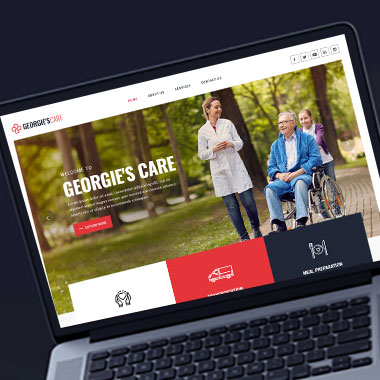
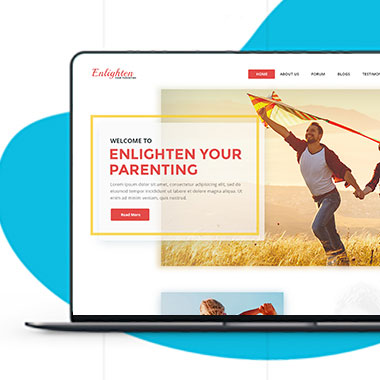
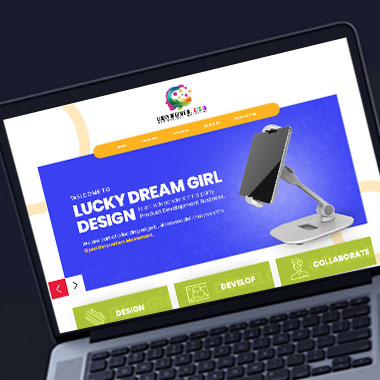
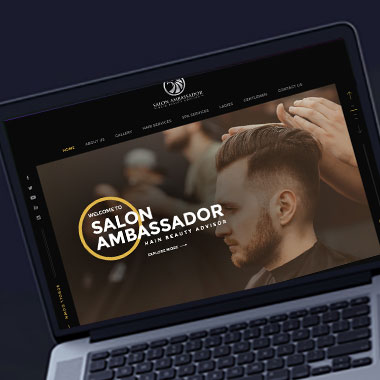
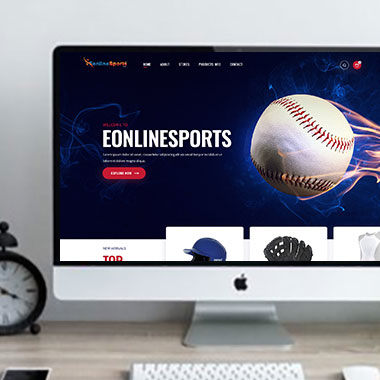
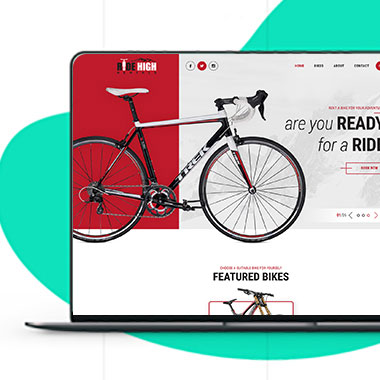
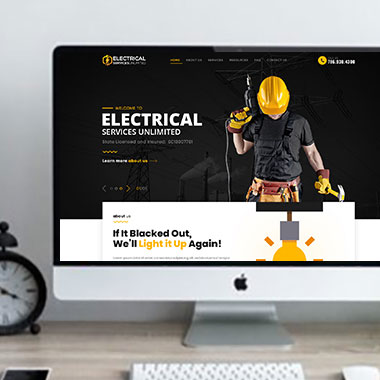
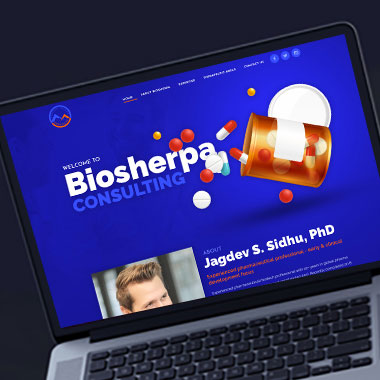
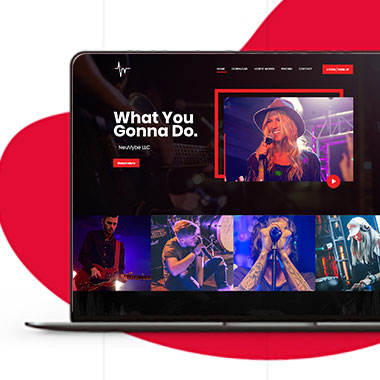
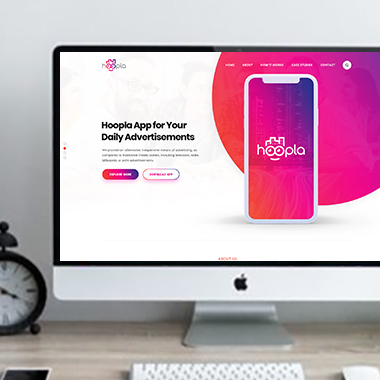
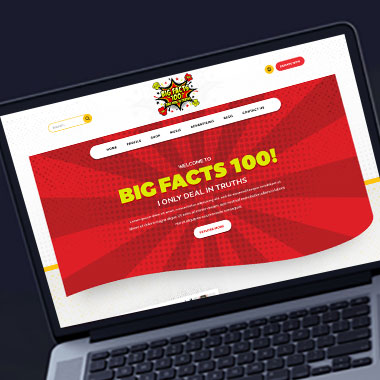
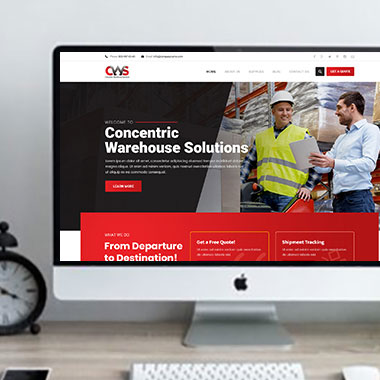
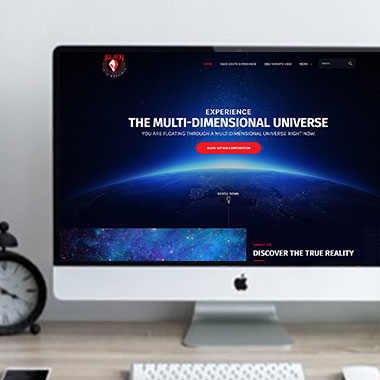
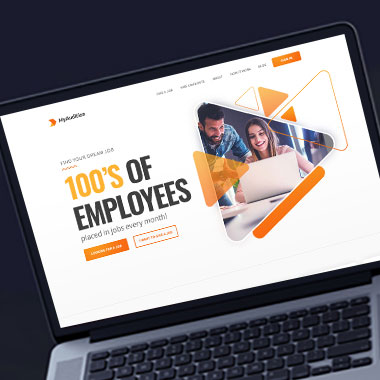
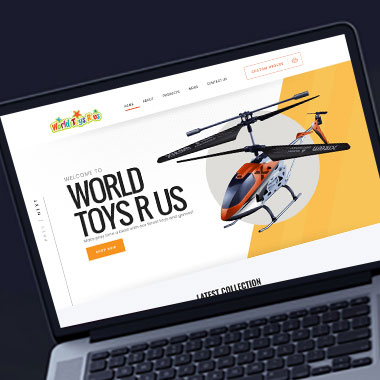
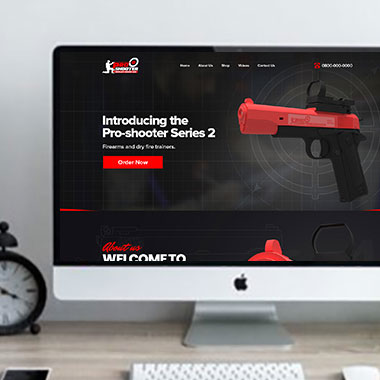
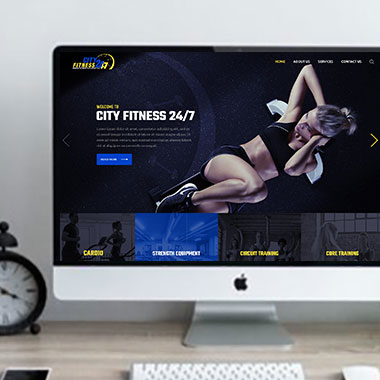
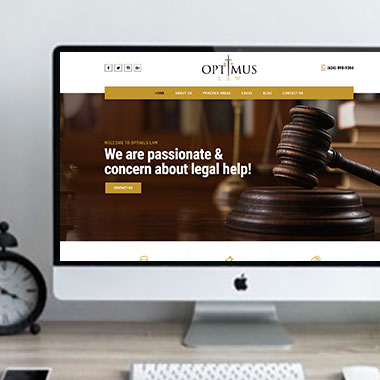
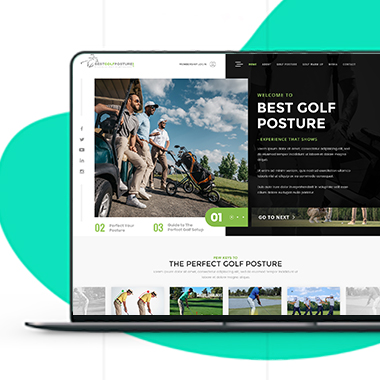
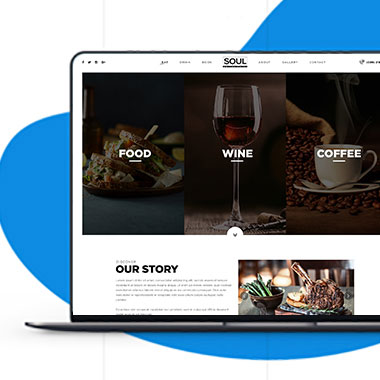
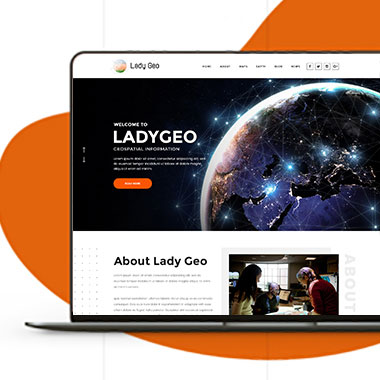
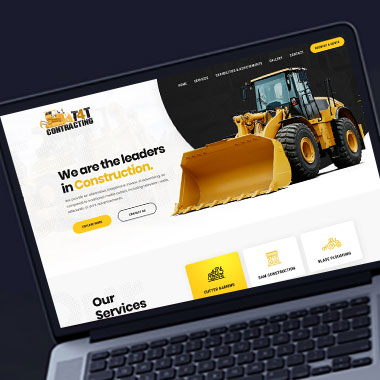
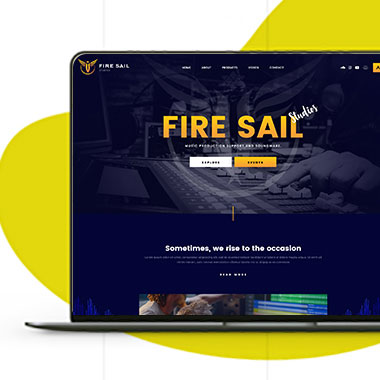
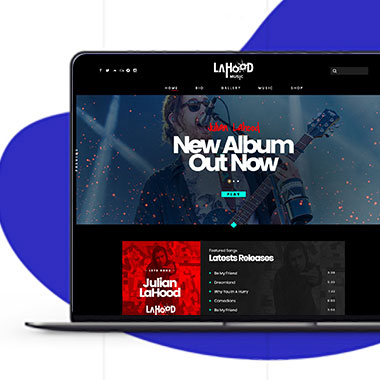
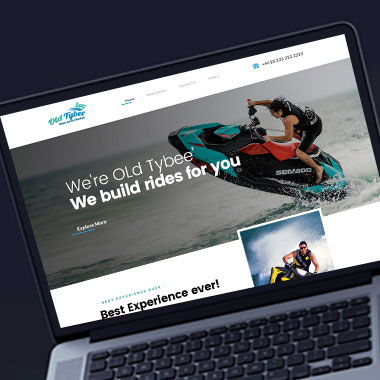
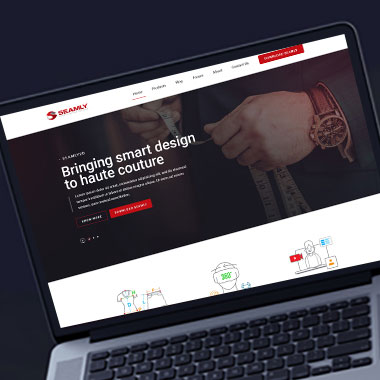
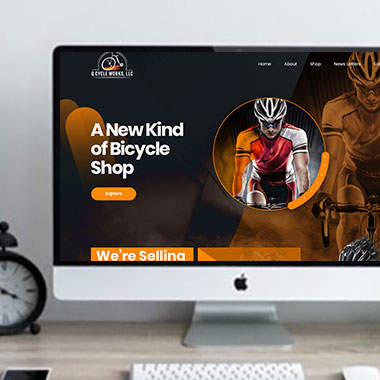
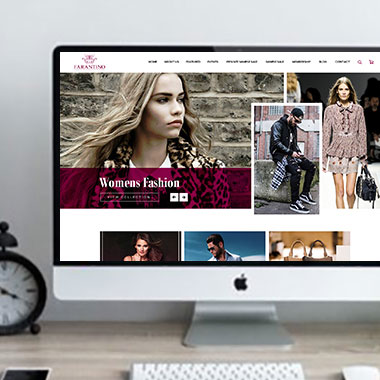
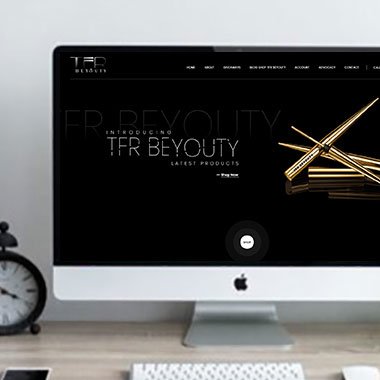
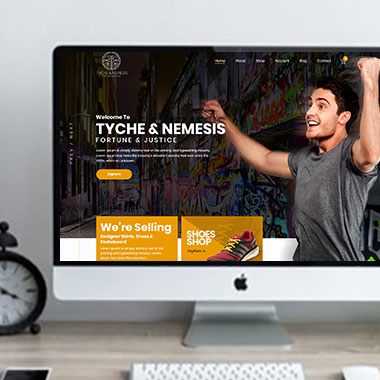
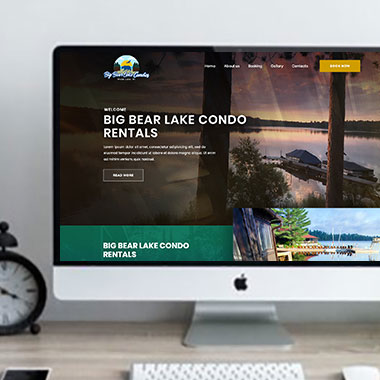
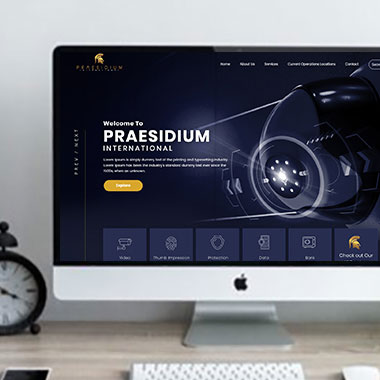
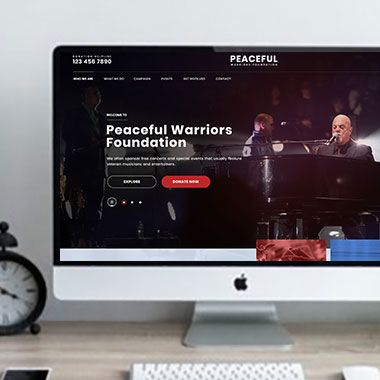
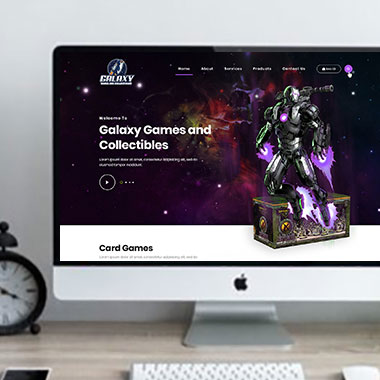
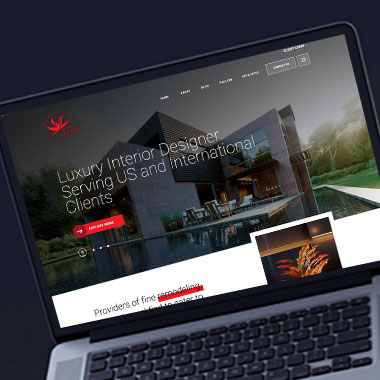
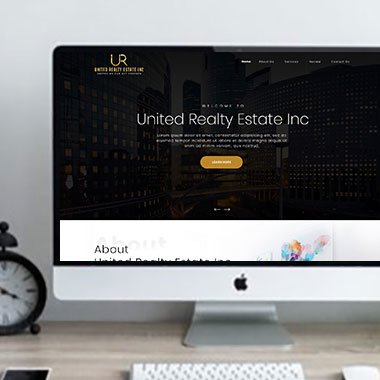
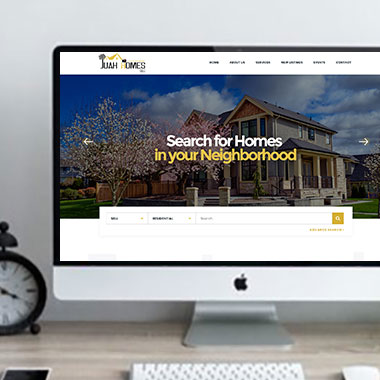
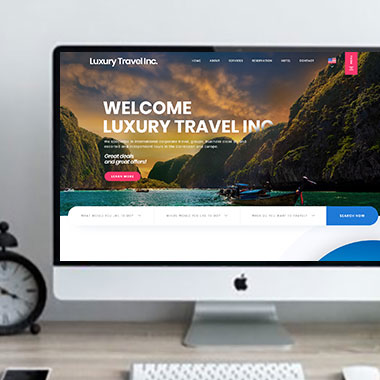
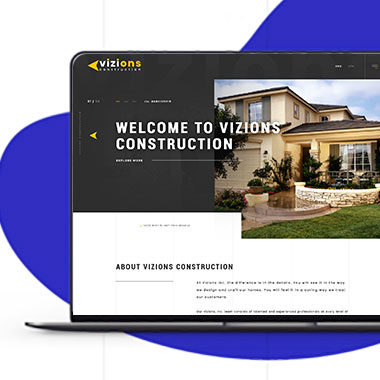
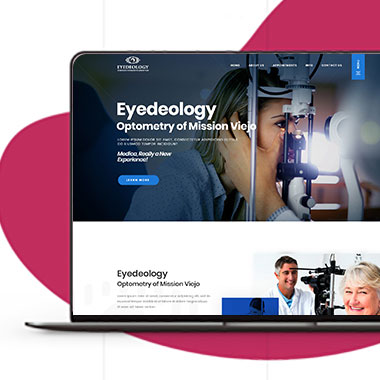
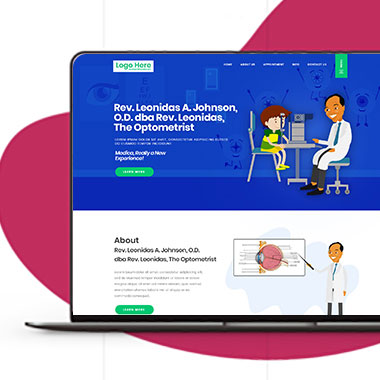
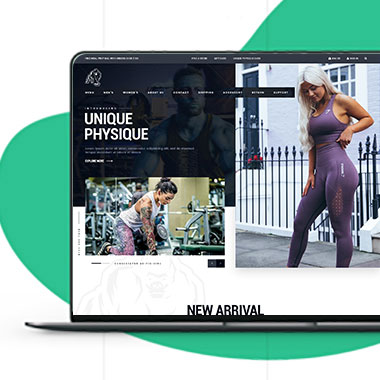
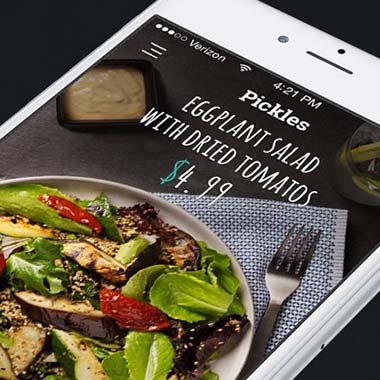
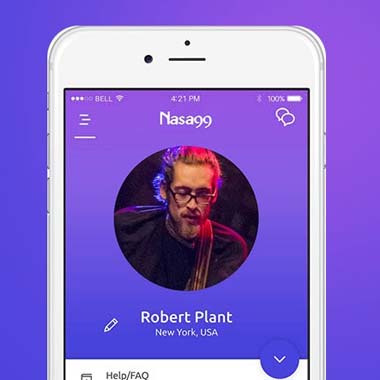
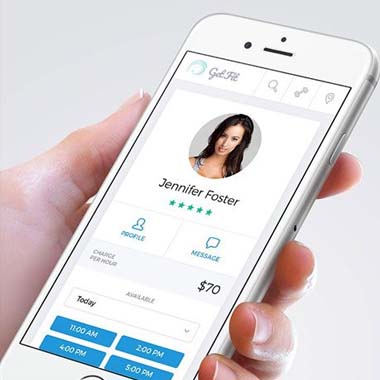
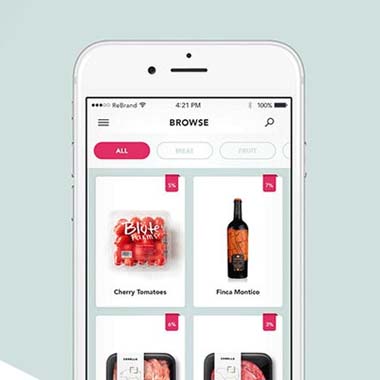
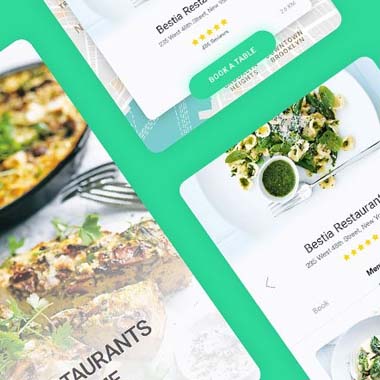
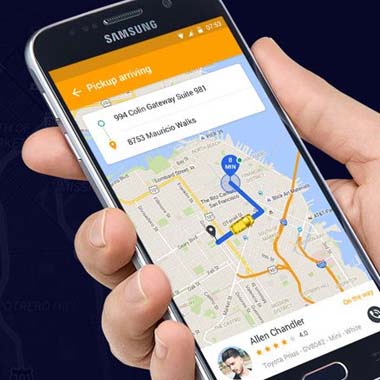
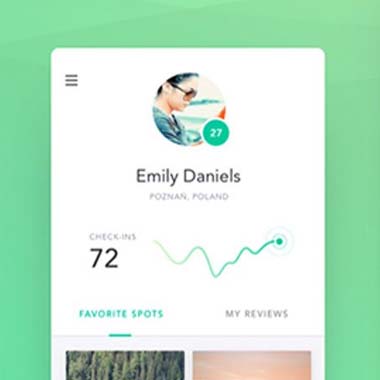
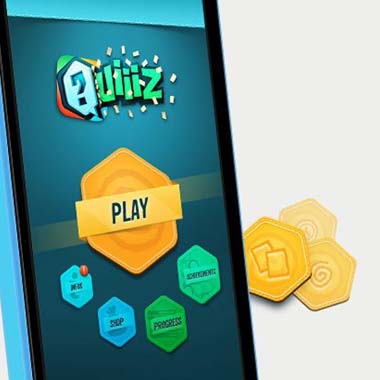
Our Recent Work

Solutions That
Make the Future Better!

Explore our recent project and work crafted to reflect unique brand identities and business goals.

Explore projects created by Canada Website Company for businesses looking for professional web solutions.

Pricing Plans

Website Design Packages and Pricing

Some businesses need a small website with a few focused pages. Others need more room for services, products, online payments, appointments, or custom functions.


The packages below provide starting points for different project sizes. Final scope, platform requirements, third-party costs, currency, and applicable taxes should be confirmed in the written proposal.
Basic Website

$149 $496

  • 1-2 Page Website
  • Custom Layout Design
  • 3 Stock Photos
  • 1 jQuery Slider Banner
  • Contact/Query Form
  • W3C Certified HTML
  • Initial Mockup in 24 Hours
  • Multiple Revisions
  • Dedicated Project Manager
  • Complete Deployment
order now
Startup Website

$499 $1663

  • 5 Unique Page Website
  • CMS-Based (Wordpress)
  • Interactive UI Design
  • 5 Stock Images & 2 Banners
  • jQuery Slider & Hover Effects
  • Contact/Query Form
  • W3C Certified HTML
  • Cross Browser Compatible
  • Initial Mockup in 24 Hours
  • Multiple Revisions
  • Dedicated Project Manager
  • Complete Deployment
order now
Professional Website

$799$2663

  • upto 10 Pages Website
  • Interactive High-End Design
  • CMS Admin Panel (Wordpress)
  • Free Logo Design
  • Mobile Responsive Website
  • Lead Capturing / Contact Forms
  • Appointment & Payment Integration
  • Striking Hover Effects
  • Newsletter Subscription
  • Social Media Integration
  • 5 Stock Photos
  • 3 jQuery Slider Banner
  • W3C Certified HTML
  • Cross Browser Compatible
  • Initial Mockup in 24 Hours
  • Complete Deployment
order now
Startup Ecommerce Website

$999 $3330

  • Ecommerce Web Design
  • upto 50 Products
  • CMS (Shopify & WooCommerce)
  • Mini Shopping Cart Integration
  • Products & Categories Management
  • Mobile Friendly Responsive
  • Payment & Shipping Integration
  • 1 Promotional Banner Design
  • Faster Loading Website
  • Contact / Query Form
  • Initial Mockup in 24 Hours
  • W3C Certified HTML
  • Cross Browser Compatible
  • Dedicated Account Manager
  • Complete Deployment
order now
Pro Ecommerce

$1899$6330

  • Custom Ecommerce Web Design
  • Unlimited Products / Pages
  • CMS (Shopify & WooCommerce)
  • Interactive Theme Design
  • Full Shopping Cart Integration
  • Products & Categories Management
  • Inventory & Orders Management
  • Mobile Friendly Responsive
  • Search Engine Submission
  • Payment & Shipping Integration
  • Dropshipping Integration
  • Product Detail Page Design
  • Featured Products Showcase
  • 5 Promotional Banner Design
  • Faster Loading Website
  • Contact / Query Form
  • Initial Mockup in 24 Hours
  • W3C Certified HTML
  • Cross Browser Compatible
  • Dedicated Account Manager
  • Complete Deployment
order now
Customized Website

$3999

  • Custom Web Development
  • PHP Laravel or Wordpress Platform
  • Job Portal, Professional Network Portal, Social Network Portal, Restaurant Portal, Medical Portal, Enterprise Portal (Any One)
  • Unique, User Friendly, Interactive
  • Client/User Dashboard Area
  • Online Appointment / Scheduling Integration
  • Ecommerce Shopping Cart Integration
  • Payment Gateway Integration
  • Custom Dynamic Form Creation
  • Multi Language & Currency Converter
  • 3rd Party API Integration
  • Mobile Friendly Design
  • Social Networks Integration
  • Tailored-Made Custom Development
  • Dedicated Account Manager
order now

Give Important Services Their Own Pages

A short homepage summary may be enough to introduce a service, but it is rarely the right place for every detail.

A separate service page can explain what is offered, who the service is for, what customers may need before contacting the company, and any relevant supporting information. This also avoids placing several unrelated subjects into one long homepage section.

Professional website design can make room for businesses such as:

  • Contractors and home improvement companies
  • Construction and specialty trades
  • Professional and consulting firms
  • Healthcare and wellness practices
  • Real estate and property businesses
  • Automotive and repair companies
  • Retail and hospitality businesses
  • eCommerce and product-based companies

If a business offers several distinct services, each one can be assessed separately to decide whether it needs its own page or can reasonably be grouped with another topic.

Keep the First Mobile Screen Focused

Responsive Website Design for Aurora Businesses

A crowded homepage becomes even harder to use on a phone.

Several desktop sections may stack one after another, large banners can take up most of the first screen, and visitors may need to scroll through material they did not come for before reaching the service or contact option they need.

When planning responsive pages, we can review:

  • What information appears before the first major scroll
  • Whether large banners take up too much mobile space
  • How quickly visitors can identify the main services
  • Whether homepage sections remain useful when stacked vertically
  • How featured projects or products are displayed on smaller screens
  • Whether important actions remain easy to tap
  • Whether detailed content belongs on another page instead

The mobile homepage should introduce the business without forcing every part of the website onto one small screen.

Create Better Routes for Different Types of Visitors

Not every visitor comes to the website for the same reason.

A prospective customer may want a service page. An existing client may need a document or contact person. A job applicant may be looking for employment information. Someone interested in a product may need the store rather than the company history.

With custom website development, different routes can be created where the business genuinely needs them.

That may include:

  • Service or department selection
  • Separate customer and business inquiry forms
  • Links to client or member areas
  • Careers and application sections
  • Product or service filtering
  • Dedicated booking or payment routes
  • Resource libraries
  • Connections with supported third-party platforms

These features should solve a real navigation or business problem. They do not need to be added simply because the technology is available.

Change What the Homepage Features Without Rebuilding It

A homepage may need to change more often than the rest of the website.

A business might want to feature a new service for a few months, replace an older project example, promote an event, or remove an announcement once it is no longer relevant.

WordPress can make selected homepage content editable without requiring the complete layout to be rebuilt each time.

Depending on the project, authorized users may be able to:

  • Change featured services
  • Replace homepage project examples
  • Update banners or announcements
  • Add or remove temporary promotions
  • Change selected images
  • Update calls to action
  • Feature new articles or resources
  • Keep important company information current

The editable areas should be decided during development so regular updates do not accidentally change the layout or other parts of the site.

Review Homepage Priorities as the Business Changes

The information that deserves the most attention today may not be the same information the business needs to feature next year.

A service may become more important. Another may be discontinued. A new department may be introduced, or customers may start using one part of the site more than expected.

A website can be reviewed over time without automatically replacing the entire design.

Updates may include:

  • Changing which services receive homepage space
  • Moving older information to more appropriate pages
  • Replacing outdated featured work
  • Adding new routes for important customer groups
  • Adjusting homepage calls to action
  • Reviewing content that is rarely used
  • Improving page speed after new material is added
  • Maintaining software, backups, and security
  • Updating integrations when outside platforms change

This keeps the homepage focused on the current business instead of allowing years of additions to accumulate in one place.

Frequently Asked Questions

There is no fixed amount. The homepage should explain the business well enough for visitors to understand the main services and decide where to go next. Detailed information can usually be placed on more specific pages.

No. The homepage can feature the main service categories and link to a fuller service section. Trying to display every individual service may make the page harder to use.

A separate page may be useful when the service needs its own explanation, has a different customer audience, answers different questions, or targets a distinct search intent.

Possibly. The existing website would need to be reviewed first. If the platform and remaining pages are still suitable, the work may be limited to selected sections rather than a complete rebuild.

Yes. A promotion, event, or announcement can be featured for a limited period when there is a suitable editable area for it.

Yes. Calls to action can direct customers to separate forms, booking pages, store sections, or department contact options when those routes are needed.

Separate pages can help when each page has a distinct purpose and enough useful content to justify its existence. Creating several thin pages that repeat the same information may instead create unnecessary overlap.

Useful material can be moved to a more suitable page, revised, or retained. Content should not be deleted only because it no longer belongs on the homepage, especially if the page already receives useful search traffic or links.

Testimonials

What Clients Say About Us

Turn your design ideas into reality! Contact us right away.

We deliver the best results with efficient timing and outcome. Contact Canada Website Company today for professional website design, development, and digital solutions.

Service Areas

Proudly Serving Businesses Across Ontario, CA