
Put Essential Information on the Page, Not Behind a Download

A PDF can be useful when someone genuinely needs a printable document, specification sheet, price list, or form.

It becomes less useful when it is the only place a customer can find basic information about a service.

Good website design in Kitchener can separate information that belongs directly on the website from material that makes more sense as a downloadable file.

That may include:

  • Moving important service details onto regular web pages
  • Keeping brochures available as optional downloads
  • Showing key specifications before asking someone to open a document
  • Giving forms and instructions their own accessible pages where appropriate
  • Providing short summaries beside technical documents
  • Grouping downloads by subject instead of placing them in one long list
  • Removing files that no longer contain current information
  • Making it clear what a document contains before someone downloads it

The customer should be able to understand the main subject without relying on a file viewer.

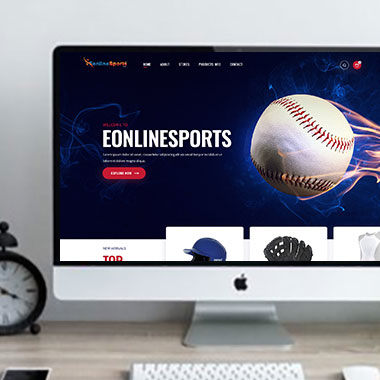
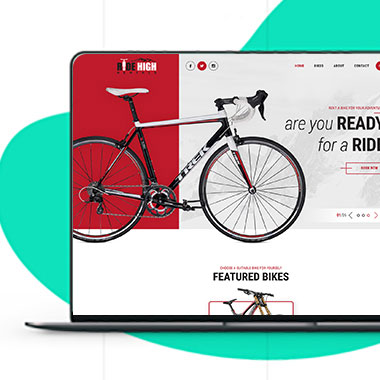
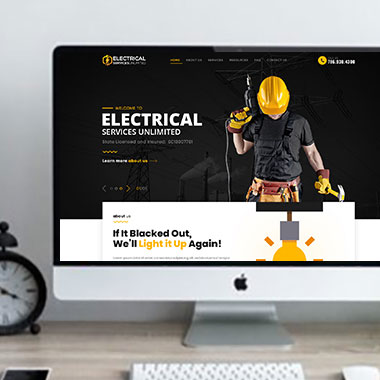
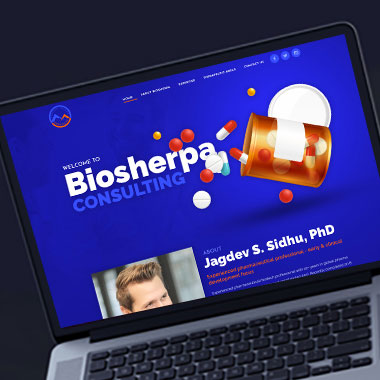
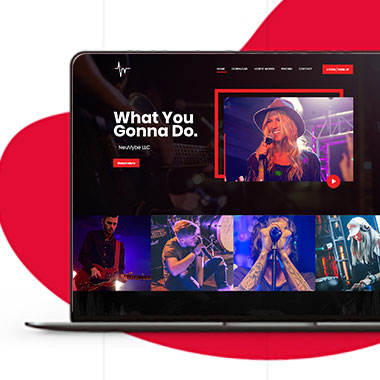
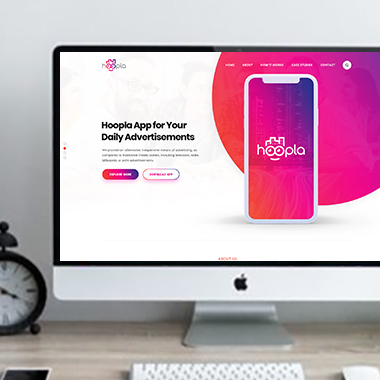
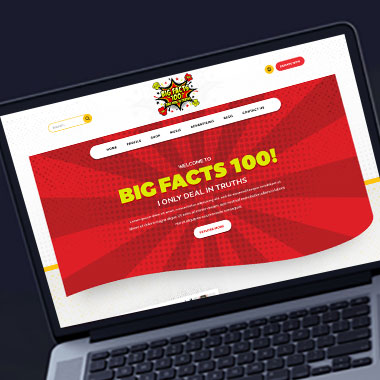
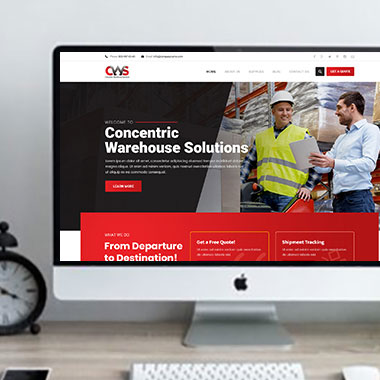
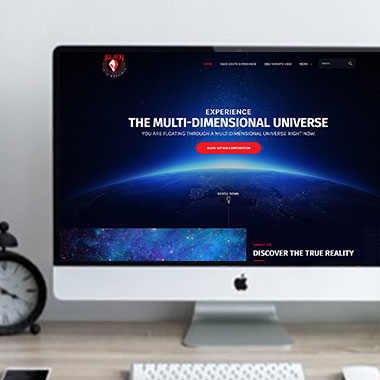
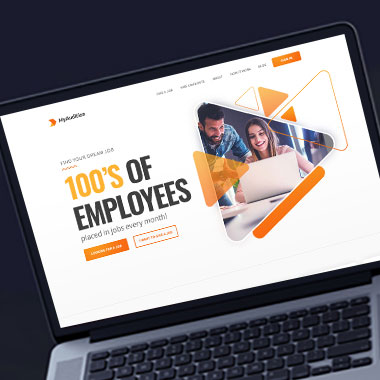
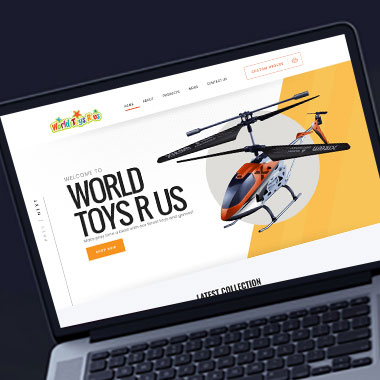
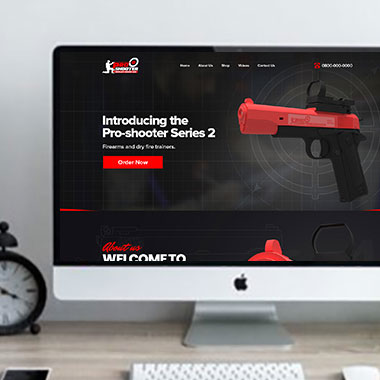
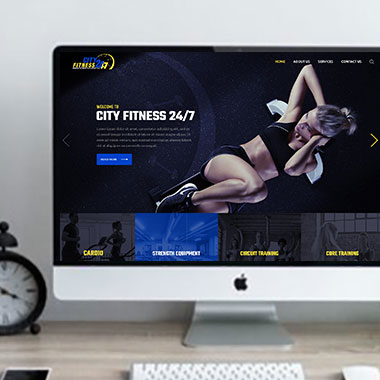
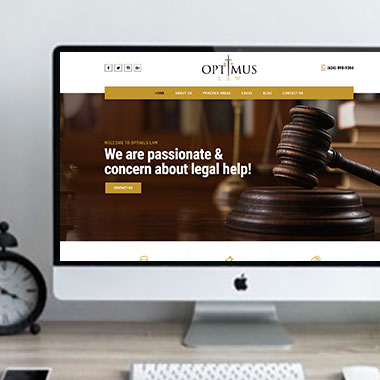
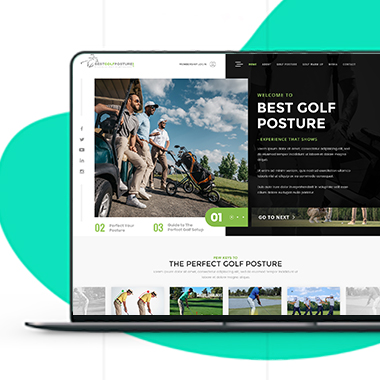
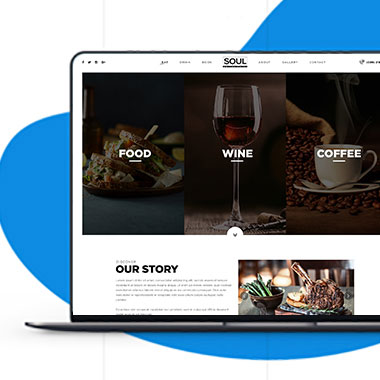
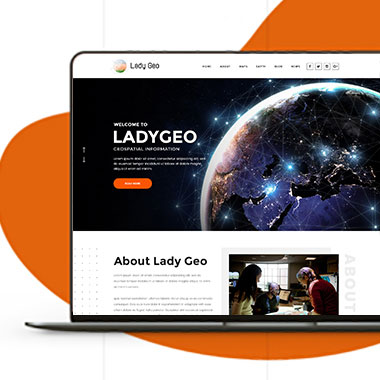
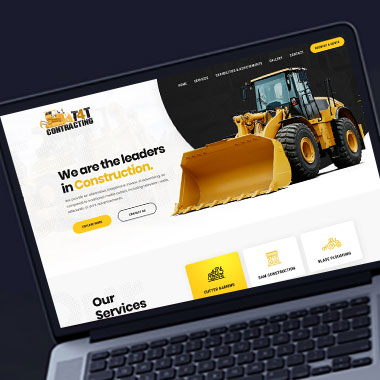
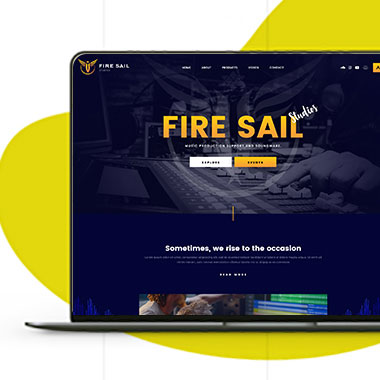
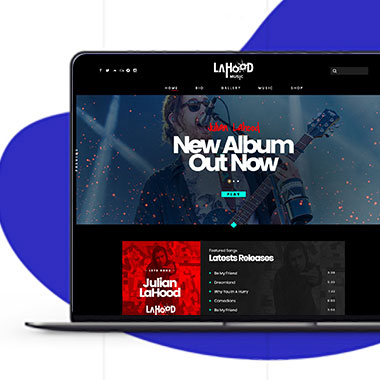
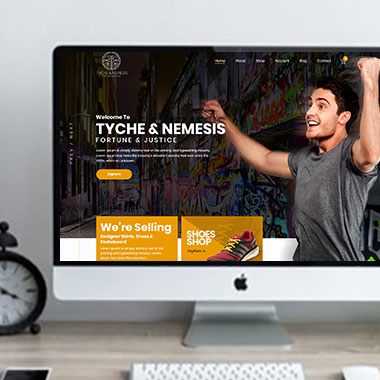
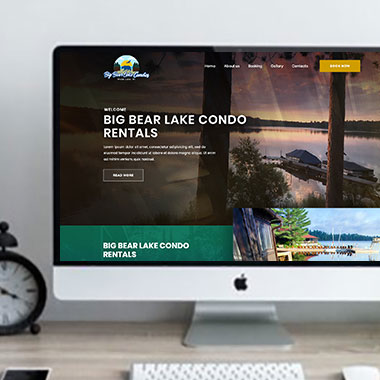
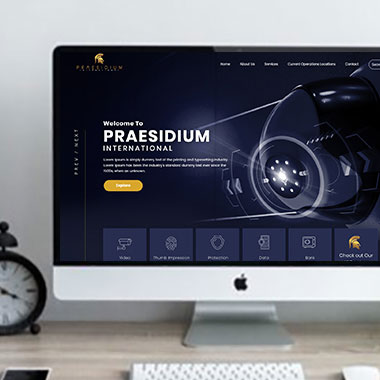
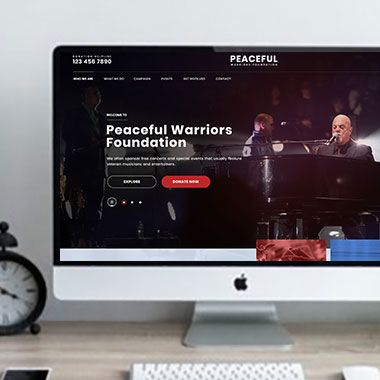
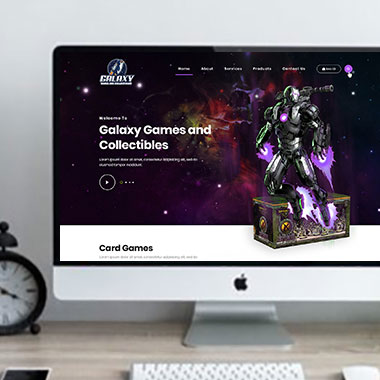
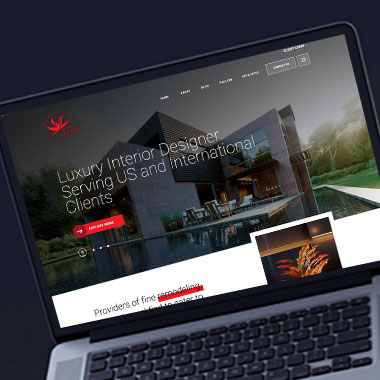
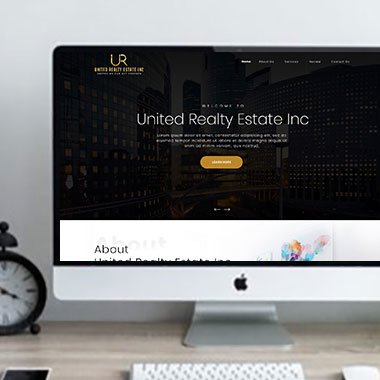
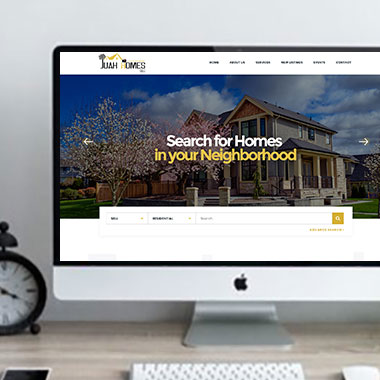
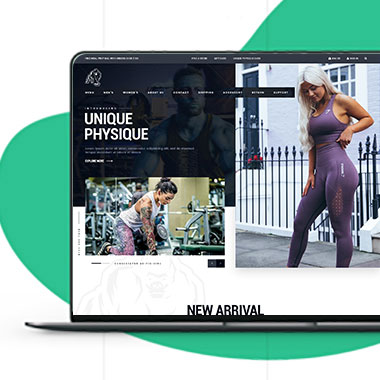
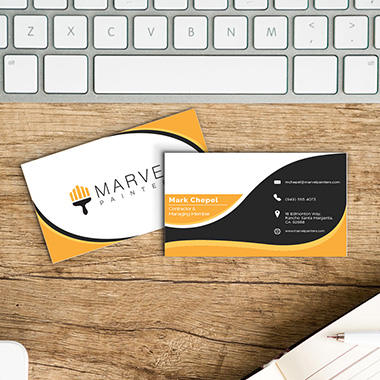
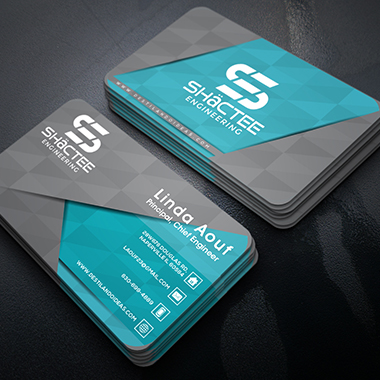
Our Recent Work

Solutions That
Make the Future Better!

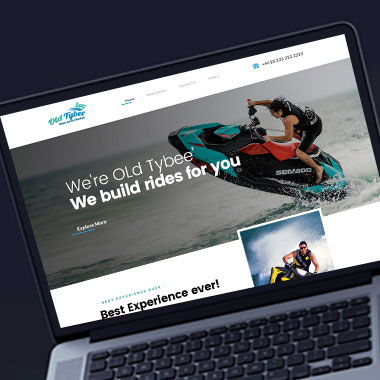
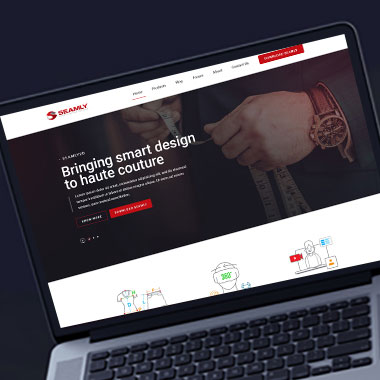
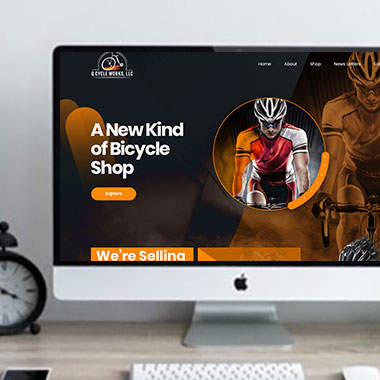
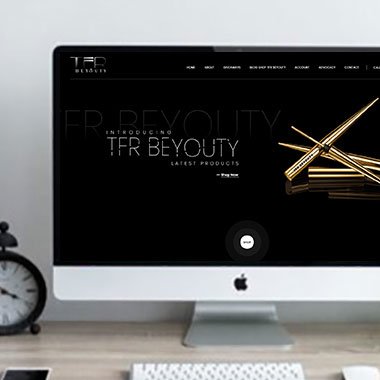
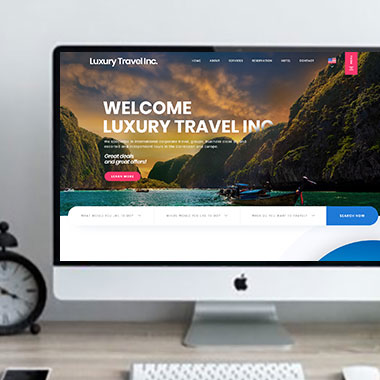
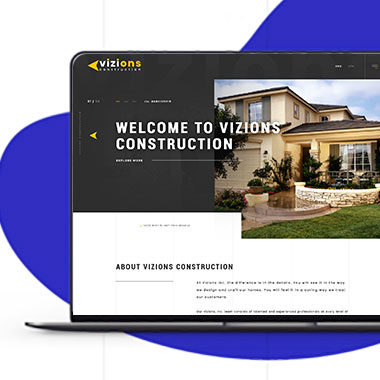
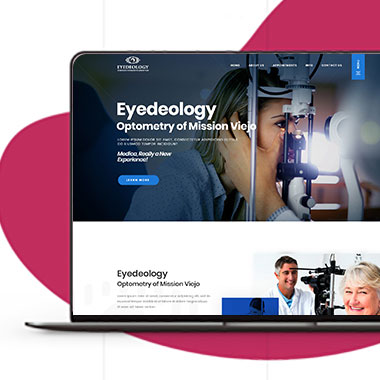
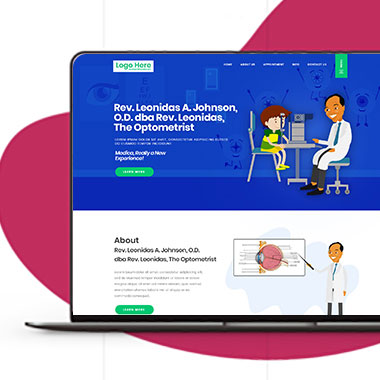
Explore our recent project and work crafted to reflect unique brand identities and business goals.

Explore projects created by Canada Website Company for businesses looking for professional web solutions.

Pricing Plans

Website Design Packages and Pricing

A small informational website may need only a few pages, while another project may include resource sections, eCommerce, payments, customer access, document handling, or custom development.

The packages below provide starting points for different project sizes. Final scope, platform requirements, third-party costs, currency, and applicable taxes should be confirmed in the written proposal.

Basic Website

$149 $496

  • 1-2 Page Website
  • Custom Layout Design
  • 3 Stock Photos
  • 1 jQuery Slider Banner
  • Contact/Query Form
  • W3C Certified HTML
  • Initial Mockup in 24 Hours
  • Multiple Revisions
  • Dedicated Project Manager
  • Complete Deployment
order now
Startup Website

$499 $1663

  • 5 Unique Page Website
  • CMS-Based (Wordpress)
  • Interactive UI Design
  • 5 Stock Images & 2 Banners
  • jQuery Slider & Hover Effects
  • Contact/Query Form
  • W3C Certified HTML
  • Cross Browser Compatible
  • Initial Mockup in 24 Hours
  • Multiple Revisions
  • Dedicated Project Manager
  • Complete Deployment
order now
Professional Website

$799$2663

  • upto 10 Pages Website
  • Interactive High-End Design
  • CMS Admin Panel (Wordpress)
  • Free Logo Design
  • Mobile Responsive Website
  • Lead Capturing / Contact Forms
  • Appointment & Payment Integration
  • Striking Hover Effects
  • Newsletter Subscription
  • Social Media Integration
  • 5 Stock Photos
  • 3 jQuery Slider Banner
  • W3C Certified HTML
  • Cross Browser Compatible
  • Initial Mockup in 24 Hours
  • Complete Deployment
order now
Startup Ecommerce Website

$999 $3330

  • Ecommerce Web Design
  • upto 50 Products
  • CMS (Shopify & WooCommerce)
  • Mini Shopping Cart Integration
  • Products & Categories Management
  • Mobile Friendly Responsive
  • Payment & Shipping Integration
  • 1 Promotional Banner Design
  • Faster Loading Website
  • Contact / Query Form
  • Initial Mockup in 24 Hours
  • W3C Certified HTML
  • Cross Browser Compatible
  • Dedicated Account Manager
  • Complete Deployment
order now
Pro Ecommerce

$1899$6330

  • Custom Ecommerce Web Design
  • Unlimited Products / Pages
  • CMS (Shopify & WooCommerce)
  • Interactive Theme Design
  • Full Shopping Cart Integration
  • Products & Categories Management
  • Inventory & Orders Management
  • Mobile Friendly Responsive
  • Search Engine Submission
  • Payment & Shipping Integration
  • Dropshipping Integration
  • Product Detail Page Design
  • Featured Products Showcase
  • 5 Promotional Banner Design
  • Faster Loading Website
  • Contact / Query Form
  • Initial Mockup in 24 Hours
  • W3C Certified HTML
  • Cross Browser Compatible
  • Dedicated Account Manager
  • Complete Deployment
order now
Customized Website

$3999

  • Custom Web Development
  • PHP Laravel or Wordpress Platform
  • Job Portal, Professional Network Portal, Social Network Portal, Restaurant Portal, Medical Portal, Enterprise Portal (Any One)
  • Unique, User Friendly, Interactive
  • Client/User Dashboard Area
  • Online Appointment / Scheduling Integration
  • Ecommerce Shopping Cart Integration
  • Payment Gateway Integration
  • Custom Dynamic Form Creation
  • Multi Language & Currency Converter
  • 3rd Party API Integration
  • Mobile Friendly Design
  • Social Networks Integration
  • Tailored-Made Custom Development
  • Dedicated Account Manager
order now

Let Customers Read the Important Part Before They Open a File

A document should add information, not replace the page explaining it.

For example, a service page can give customers the main details while a downloadable brochure contains a printable summary. A product page can explain the key specifications while a technical sheet remains available for people who need more detail.

Professional web design in Kitchener can help decide which information deserves to appear directly on the page.

That may include:

  • Main service descriptions
  • Important specifications
  • Preparation instructions
  • Frequently asked questions
  • Product information
  • Policies customers commonly need
  • Short explanations of downloadable resources
  • Dates or version information where documents are regularly replaced

Websites can be planned for contractors, professional firms, healthcare practices, property businesses, retailers, automotive companies, hospitality businesses, and online sellers.

Customers should not have to download a document before they even know whether it contains the information they need.

Make Documents an Option, Not a Mobile Obstacle

Responsive Website Design for Kitchener Businesses

Opening a large PDF from a phone is not always a comfortable way to find one piece of information.

Text may be small, tables may require zooming, and the customer can lose their place when moving between the document and the website.

Responsive website design can reduce that dependence on files.

That may involve:

  • Putting the most requested information directly on the mobile page
  • Giving each document a clear title and description
  • Showing file type where useful
  • Avoiding large download lists without categories
  • Keeping important instructions available without opening another file
  • Checking that download buttons are easy to identify
  • Making sure forms do not depend on documents that are difficult to view on a phone
  • Reviewing whether a document would work better as a normal webpage

Some files still make sense as downloads. The website should simply avoid making them the only usable route to important information.

Build a Resource Area People Can Actually Search

A business with many documents may eventually need more than a folder of download links.

Customers may need to find material by service, product, topic, year, or document type. Staff may also need a better way to publish new versions without losing track of what is currently available.

With custom website development, a resource section can be planned around the type of material being published.

Depending on the project, that could include:

  • Searchable document libraries
  • Filters by category or topic
  • Product manuals and technical files
  • Customer forms and guides
  • Private document areas
  • Member or client resources
  • File uploads for customer submissions
  • Restricted downloads where access is required
  • Connections with supported document or storage platforms

A website designer for Kitchener businesses can help organize the page structure, while storage limits, user access, and third-party connections should be confirmed as part of the technical scope.

Replace an Old File Without Losing the Place Customers Find It

Updating website documents can become messy when files are uploaded without a plan.

A revised brochure may be published while the old one remains accessible elsewhere. Several versions of the same form can appear in search results or saved links. Staff may not know which document customers are currently using.

For business website design in Kitchener, WordPress can be organized so resource updates are easier to manage.

Depending on the website, authorized users may be able to:

  • Add new documents
  • Replace outdated files
  • Edit document titles and descriptions
  • Group resources into categories
  • Update supporting webpage content
  • Remove expired material
  • Publish new guides or forms
  • Maintain selected customer resources

Where old file links already matter, replacement and redirect options should be reviewed instead of assuming an outdated file can simply be deleted.

Find Old Downloads Before Customers Do

Documents are easy to forget because they may not appear in the main navigation.

An old price list, application form, brochure, or service guide can remain accessible through an old link long after the main website has been updated.

A modern website for a Kitchener business should include occasional checks for this kind of material.

That may involve:

  • Reviewing older PDFs and downloadable files
  • Checking whether document information still matches the website
  • Replacing forms that use outdated questions
  • Removing expired brochures or promotional material
  • Updating document dates or version labels where useful
  • Checking links after files are replaced
  • Reviewing search results for outdated downloadable content
  • Updating the sitemap or indexing settings where appropriate
  • Maintaining website software, backups, and security

Removing an old file does not automatically remove every cached or indexed copy immediately, so important changes should be planned rather than handled casually.

Frequently Asked Questions

Usually, information customers need regularly is easier to use when it appears on a normal webpage. A PDF can still be offered when a downloadable or printable version is useful.

Yes. Current brochures and other useful documents can be retained. Each file should be reviewed to make sure its information is still accurate.

Yes. A larger resource section can be organized with categories, search, filters, or other options depending on the amount and type of material.

Yes. Restricted resource areas can be considered where the project requires them. The exact access method depends on the website platform and agreed functionality.

The new version can be uploaded and relevant links updated. If the old file already receives traffic or is widely shared, its existing URL and replacement options should be reviewed before it is removed.

Search engines may index some PDF content, but that does not mean a PDF is the best format for every subject. Important service information is often more useful when it is part of a well-structured webpage with appropriate internal links and context.

Yes, where file submission is part of the agreed project. File types, size limits, storage, security, and where submissions are delivered should be defined before development.

Yes. With the appropriate setup, selected documents, categories, titles, descriptions, and supporting content can be managed through the admin area.

Testimonials

What Clients Say About Us

Turn your design ideas into reality! Contact us right away.

We deliver the best results with efficient timing and outcome. Contact Canada Website Company today for professional website design, development, and digital solutions.

Service Areas

Proudly Serving Businesses Across Ontario, CA