
Make Sure You Know What Controls the Website

A finished website should not leave the business guessing about where important accounts are held.

Problems often appear later, when a domain needs renewing, an employee needs WordPress access, a form stops sending, or the company wants to move hosting and cannot find the correct login.

Good website design in Waterloo can include a clearer setup from the beginning.

Before launch, it may be useful to confirm:

  • Who controls the domain registration
  • Where the website is hosted
  • Who has administrator access
  • Which email address receives website notifications
  • Whether premium themes, plugins, or other tools require renewals
  • Which analytics or tracking accounts are connected
  • How backups are handled
  • Which third-party platforms are involved
  • What information should be handed over when the project is completed

Ownership and licensing can differ between platforms, software, and project agreements, so those details should be confirmed rather than assumed.

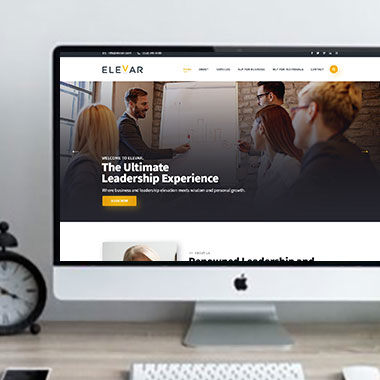
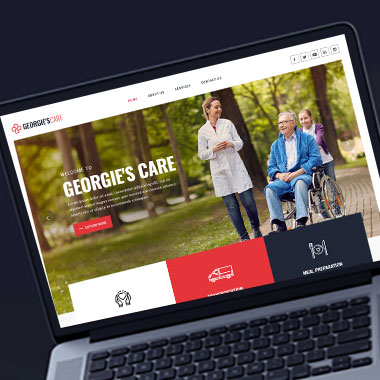
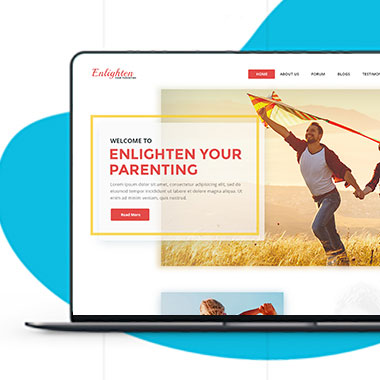
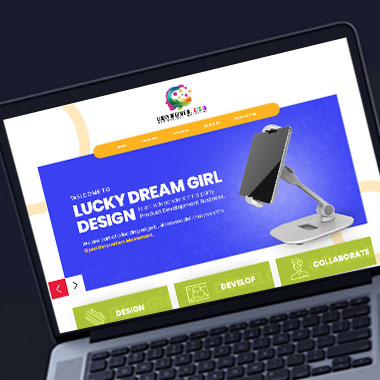
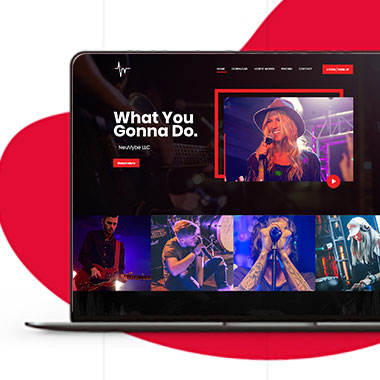
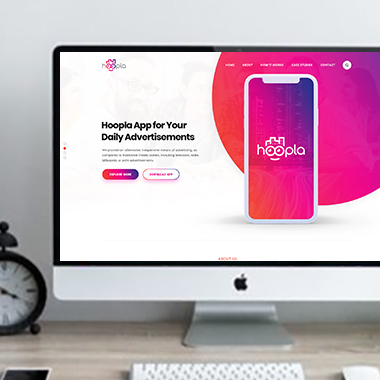
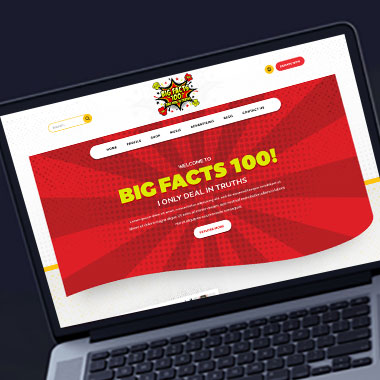
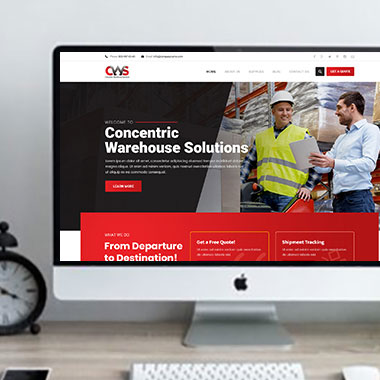
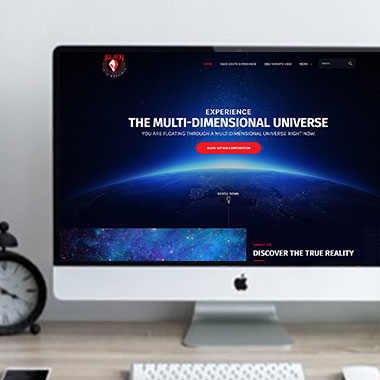
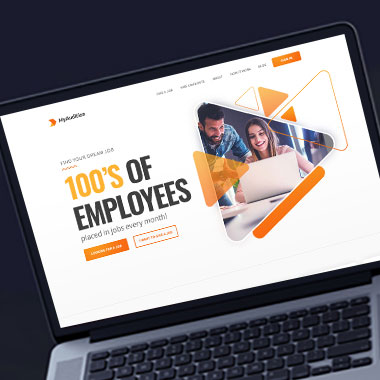
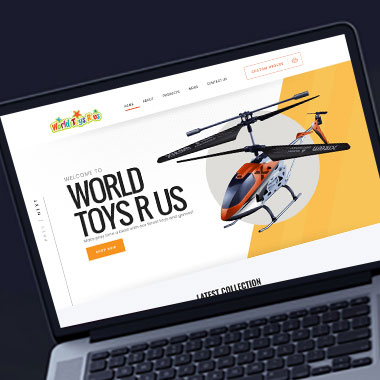
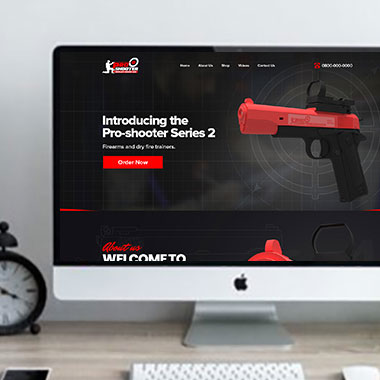
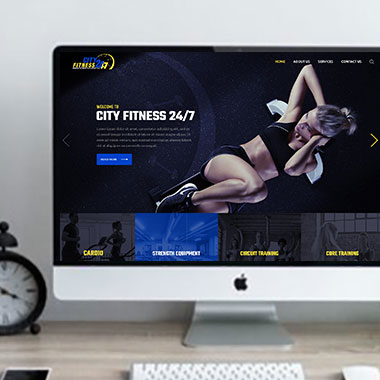
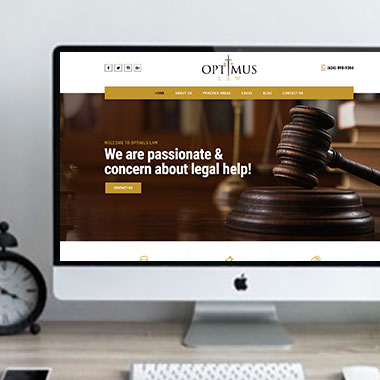
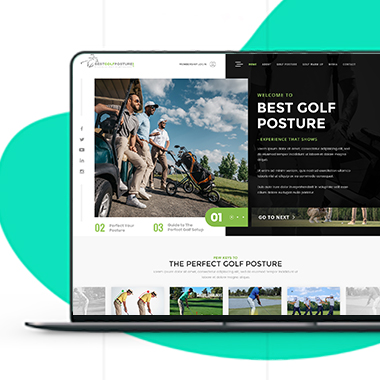
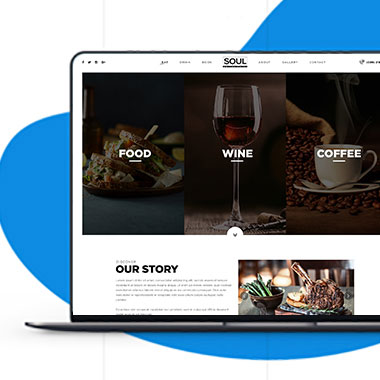
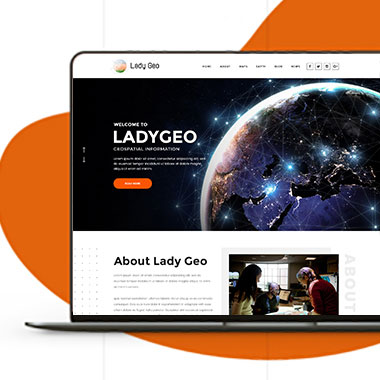
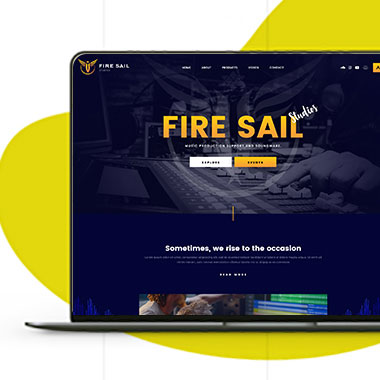
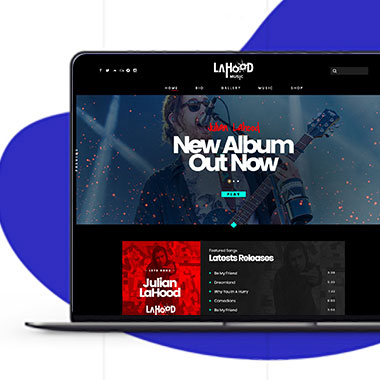
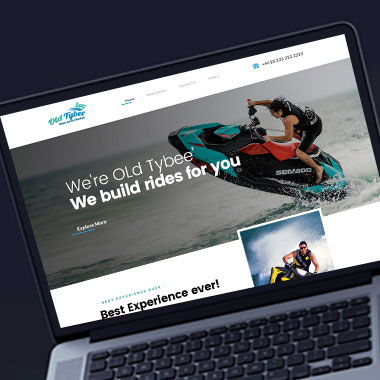
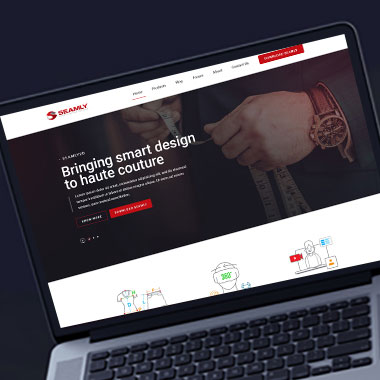
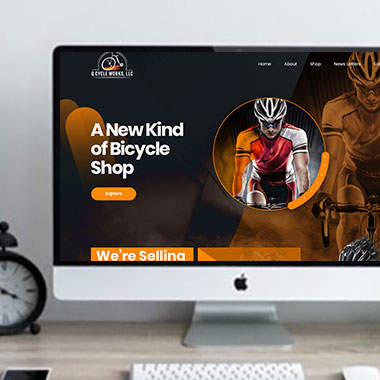
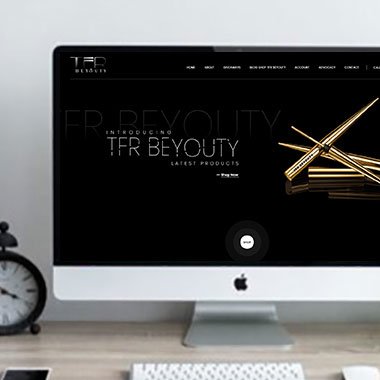
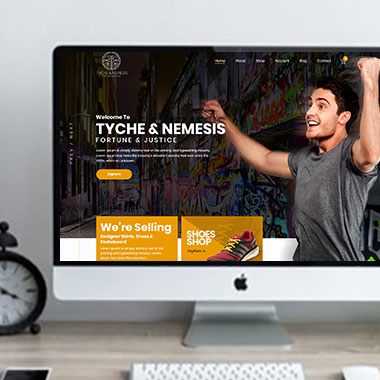
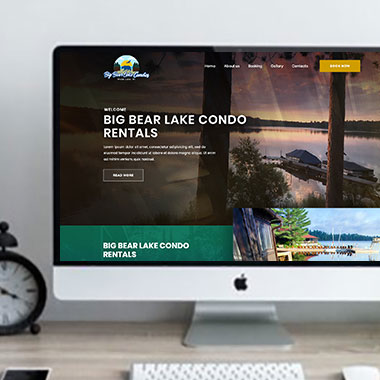
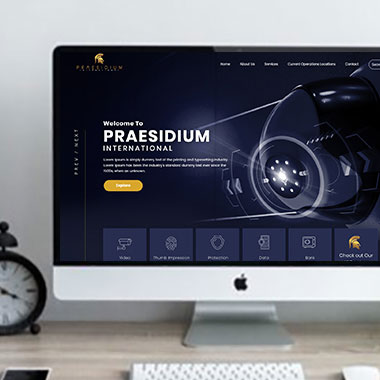
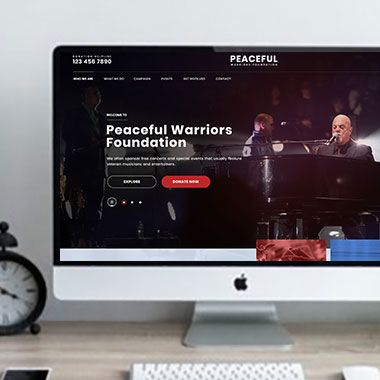
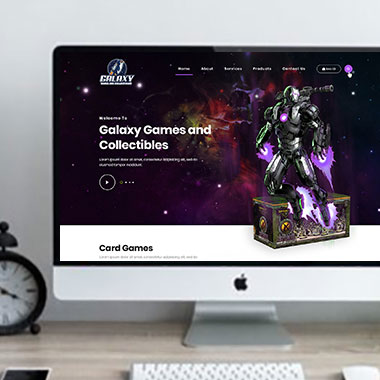
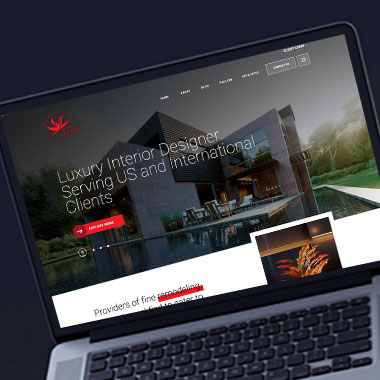
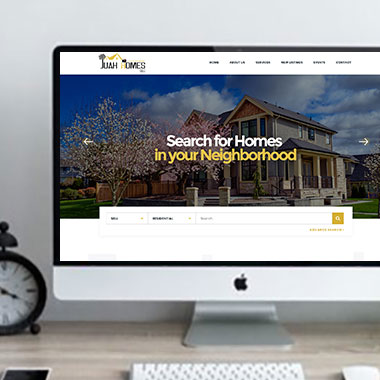
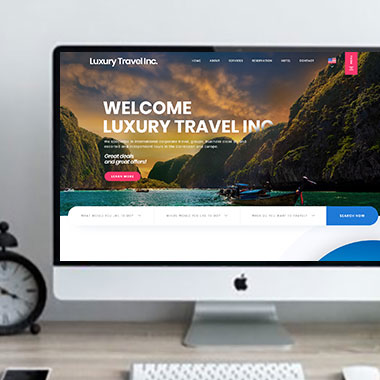
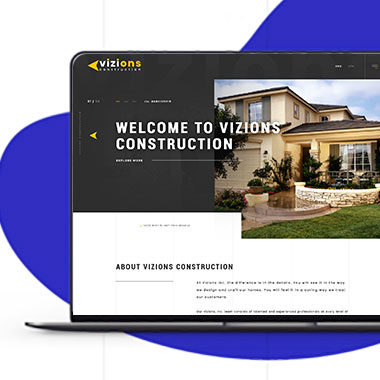
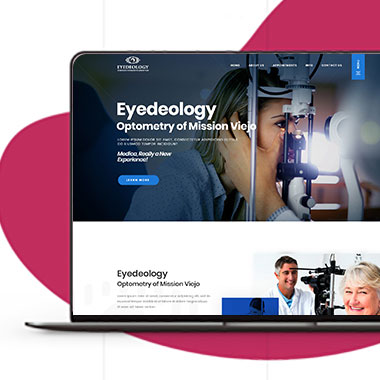
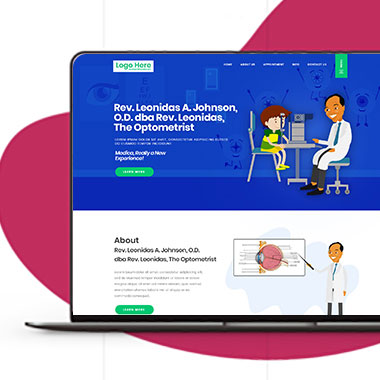
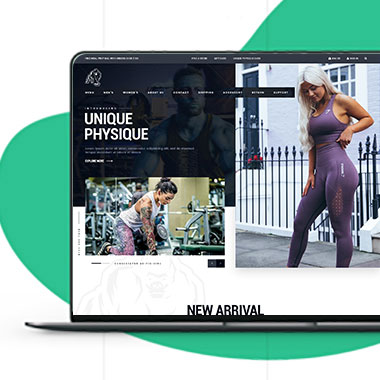
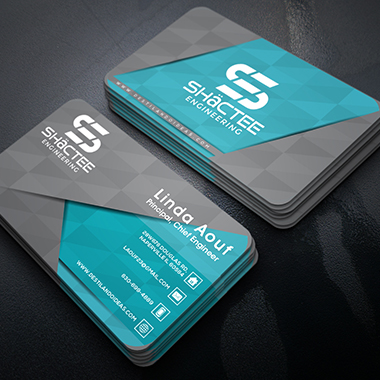
Our Recent Work

Solutions That
Make the Future Better!

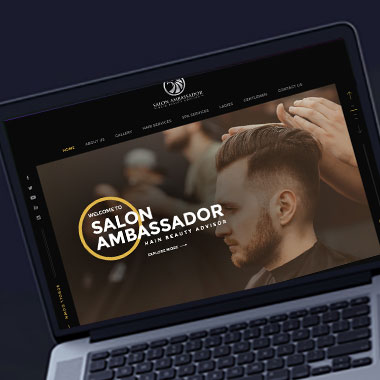
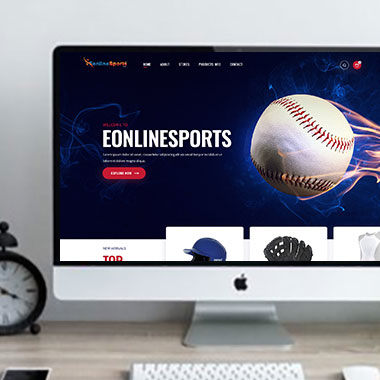
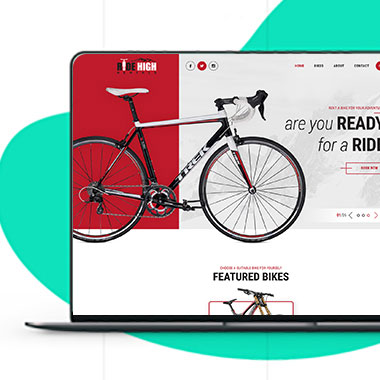
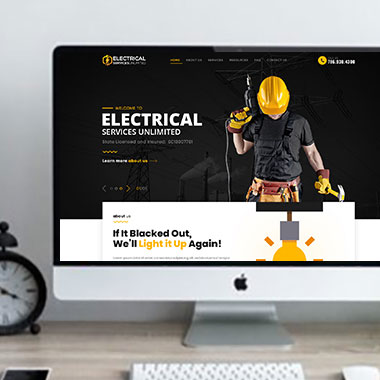
Explore our recent project and work crafted to reflect unique brand identities and business goals.

Explore projects created by Canada Website Company for businesses looking for professional web solutions.

Pricing Plans

Website Design Packages and Pricing

Website costs depend on the page count, platform, functionality, content requirements, and any outside services needed for the build.

The packages below provide starting points for different project sizes. Final scope, platform requirements, third-party costs, currency, taxes, licensing, and recurring services should be confirmed in the written proposal.

Basic Website

$149 $496

  • 1-2 Page Website
  • Custom Layout Design
  • 3 Stock Photos
  • 1 jQuery Slider Banner
  • Contact/Query Form
  • W3C Certified HTML
  • Initial Mockup in 24 Hours
  • Multiple Revisions
  • Dedicated Project Manager
  • Complete Deployment
order now
Startup Website

$499 $1663

  • 5 Unique Page Website
  • CMS-Based (Wordpress)
  • Interactive UI Design
  • 5 Stock Images & 2 Banners
  • jQuery Slider & Hover Effects
  • Contact/Query Form
  • W3C Certified HTML
  • Cross Browser Compatible
  • Initial Mockup in 24 Hours
  • Multiple Revisions
  • Dedicated Project Manager
  • Complete Deployment
order now
Professional Website

$799$2663

  • upto 10 Pages Website
  • Interactive High-End Design
  • CMS Admin Panel (Wordpress)
  • Free Logo Design
  • Mobile Responsive Website
  • Lead Capturing / Contact Forms
  • Appointment & Payment Integration
  • Striking Hover Effects
  • Newsletter Subscription
  • Social Media Integration
  • 5 Stock Photos
  • 3 jQuery Slider Banner
  • W3C Certified HTML
  • Cross Browser Compatible
  • Initial Mockup in 24 Hours
  • Complete Deployment
order now
Startup Ecommerce Website

$999 $3330

  • Ecommerce Web Design
  • upto 50 Products
  • CMS (Shopify & WooCommerce)
  • Mini Shopping Cart Integration
  • Products & Categories Management
  • Mobile Friendly Responsive
  • Payment & Shipping Integration
  • 1 Promotional Banner Design
  • Faster Loading Website
  • Contact / Query Form
  • Initial Mockup in 24 Hours
  • W3C Certified HTML
  • Cross Browser Compatible
  • Dedicated Account Manager
  • Complete Deployment
order now
Pro Ecommerce

$1899$6330

  • Custom Ecommerce Web Design
  • Unlimited Products / Pages
  • CMS (Shopify & WooCommerce)
  • Interactive Theme Design
  • Full Shopping Cart Integration
  • Products & Categories Management
  • Inventory & Orders Management
  • Mobile Friendly Responsive
  • Search Engine Submission
  • Payment & Shipping Integration
  • Dropshipping Integration
  • Product Detail Page Design
  • Featured Products Showcase
  • 5 Promotional Banner Design
  • Faster Loading Website
  • Contact / Query Form
  • Initial Mockup in 24 Hours
  • W3C Certified HTML
  • Cross Browser Compatible
  • Dedicated Account Manager
  • Complete Deployment
order now
Customized Website

$3999

  • Custom Web Development
  • PHP Laravel or Wordpress Platform
  • Job Portal, Professional Network Portal, Social Network Portal, Restaurant Portal, Medical Portal, Enterprise Portal (Any One)
  • Unique, User Friendly, Interactive
  • Client/User Dashboard Area
  • Online Appointment / Scheduling Integration
  • Ecommerce Shopping Cart Integration
  • Payment Gateway Integration
  • Custom Dynamic Form Creation
  • Multi Language & Currency Converter
  • 3rd Party API Integration
  • Mobile Friendly Design
  • Social Networks Integration
  • Tailored-Made Custom Development
  • Dedicated Account Manager
order now

A Professional Website Should Not Depend on One Person's Login

A company website can become difficult to manage when every important account belongs to one employee, freelancer, or outside provider.

If that person leaves or becomes unavailable, the business may struggle to access the website, renew the domain, change a form, or retrieve analytics.

Professional web design in Waterloo can include planning access more carefully.

Depending on the project, that can involve:

  • Creating appropriate WordPress user accounts
  • Recording the domain registrar being used
  • Confirming the active hosting provider
  • Identifying who receives important account emails
  • Separating staff logins where practical
  • Confirming which outside services belong to the business
  • Recording software or platform subscriptions that require renewal
  • Identifying who should have administrative access after launch

Passwords should still be handled securely rather than placed in public documents or sent unnecessarily between people.

The aim is simply to avoid a setup that only one person understands..

Test the Website Where Customers Actually Use It

Responsive Website Design for Waterloo Businesses

A website can look correct during a design review and still behave differently once customers start using it on their own devices.

Phones have different screen sizes. Browsers render pages differently. Forms may behave differently with mobile keyboards, and a button that is easy to click with a mouse may be awkward to tap.

Responsive website testing can include:

  • Checking major pages on different screen sizes
  • Testing menus with touch controls
  • Reviewing forms on mobile devices
  • Checking whether buttons and links have enough space around them
  • Reviewing image crops at narrower widths
  • Checking long headings and text wrapping
  • Testing common browsers within the agreed project scope
  • Confirming that important actions remain usable after the layout changes

Testing cannot cover every device and browser version in existence, but agreed testing can reduce obvious problems before launch.

Connect Outside Services Without Losing Track of the Accounts

Custom website functionality often relies on other platforms.

Booking may use one service. Payments may use another. Email marketing, CRM systems, shipping tools, maps, analytics, or customer portals may each have separate accounts and permissions.

With custom website development, those connections should be planned with both functionality and account access in mind.

A project may involve:

  • CRM integrations
  • Appointment or calendar platforms
  • Payment gateways
  • Shipping services
  • Email marketing systems
  • Customer login tools
  • Analytics and tracking platforms
  • API or webhook connections

A website designer for Waterloo businesses can plan where these functions belong on the site, while technical compatibility, account requirements, usage fees, and API access should be confirmed before the integration is included in the final scope.

The website may connect the services, but those outside platforms still have their own terms, accounts, and costs.

Give Staff the Access They Need Without Giving Everyone Everything

WordPress can support more than one administrator, but that does not mean every user needs full control.

Someone responsible for publishing articles may only need access to content. Another person may manage products. A manager may need broader control, while technical settings remain limited to the people responsible for them.

For business website design in Waterloo, user roles can be considered as part of the administration setup.

Depending on the site, staff may need access to:

  • Pages and articles
  • Products
  • Project entries
  • Team profiles
  • FAQs
  • Customer enquiries
  • Selected homepage sections
  • Media and documents

The exact permissions should depend on the website and the responsibilities of the people using it.

This can make routine updates easier while reducing unnecessary access to settings that staff do not need.

Know What Still Needs Attention After Launch

Publishing the website does not remove the need for technical upkeep.

Domains expire. Software receives updates. Backups need to keep running. Third-party services can change their terms, APIs, pricing, or features.

A modern website for a Waterloo business should have some record of the services that require attention after launch.

That may include:

  • Domain renewal dates
  • Hosting renewals
  • Premium plugin or theme licenses
  • SSL certificate arrangements where applicable
  • Backup schedules
  • WordPress and plugin updates
  • Payment or booking integrations
  • Analytics access
  • User accounts that should be removed when staff change
  • Technical services supplied by outside companies

Not every item needs frequent action, but the business should know what exists and who is expected to manage it.

Frequently Asked Questions

The appropriate arrangement depends on the project, but the business should know who the registered account holder is and have the access it needs. Domain ownership and management should be confirmed before launch.

The access included should be stated in the project agreement. Where administrator access is part of the setup, appropriate accounts can be created for authorized users.

That depends on the contract, platform, software licenses, third-party components, and any custom development involved. Ownership and licensing terms should be confirmed in writing rather than assumed.

They should only be treated as included when the written proposal specifically says so. Hosting, domains, premium software, and other third-party services may involve separate or recurring charges.

If the business has appropriate domain, hosting, CMS, and third-party account access, another qualified provider may be able to review the website. The exact situation depends on how the existing site was set up.

Yes. WordPress supports individual user accounts and different permission levels. The appropriate roles depend on what each person needs to manage.

If analytics is included in the project, account access and ownership should be agreed during setup. The specific platform and tracking configuration should also be confirmed.

There is no single schedule that suits every site. A frequently updated online store may need a different backup plan from a small informational website. Hosting, website activity, and recovery requirements should all be considered.

Testimonials

What Clients Say About Us

Turn your design ideas into reality! Contact us right away.

We deliver the best results with efficient timing and outcome. Contact Canada Website Company today for professional website design, development, and digital solutions.

Service Areas

Proudly Serving Businesses Across Ontario, CA