
Help Customers Tell Similar Services Apart

A service menu is useful only when the names mean something to the person reading it.

Terms that make perfect sense inside a company may not be obvious to a new customer. Two services may sound almost identical, or one may include work that another does not.

Good website design in Richmond can make those distinctions easier to understand.

That may involve:

  • Giving related services separate explanations when the differences matter
  • Showing what is included with each option
  • Explaining who each service is intended for
  • Identifying any important limits or prerequisites
  • Using comparison tables when several options share similar features
  • Linking examples to the service they actually represent
  • Sending each type of request to an appropriate form or contact route

The website should not expect customers to already know the terminology used inside the business.

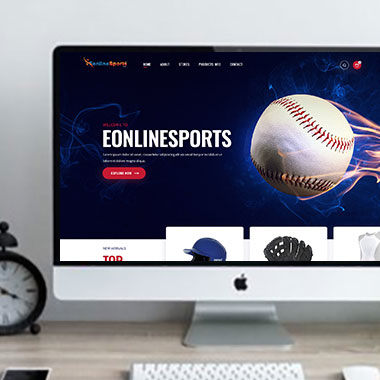
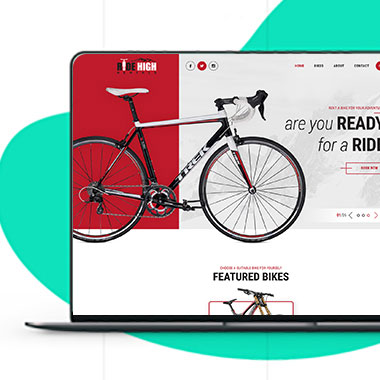
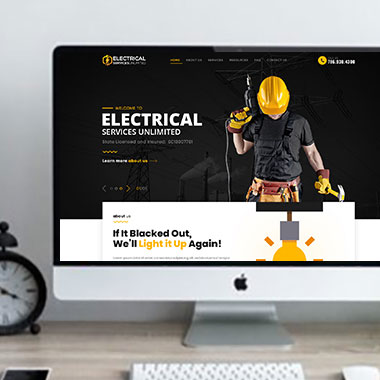
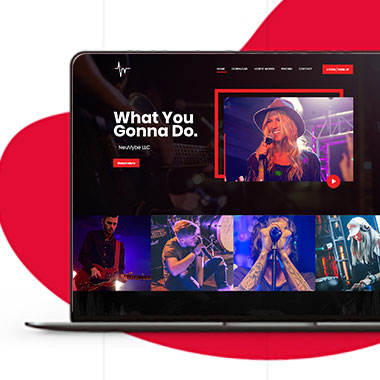
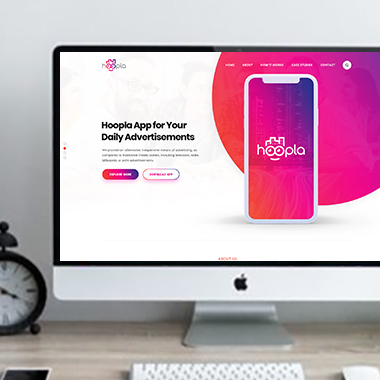
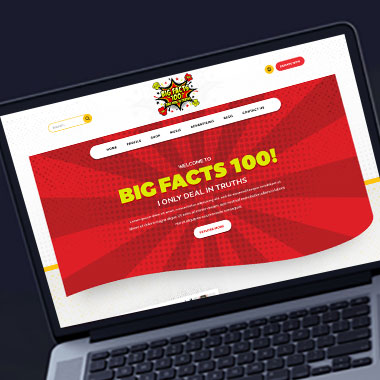
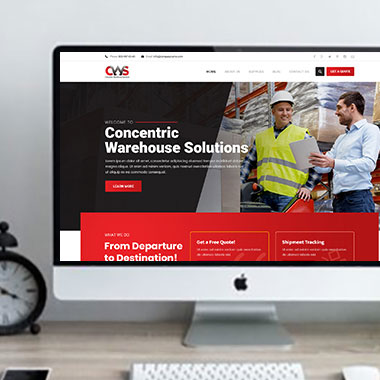
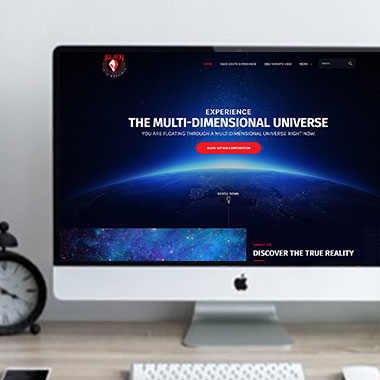
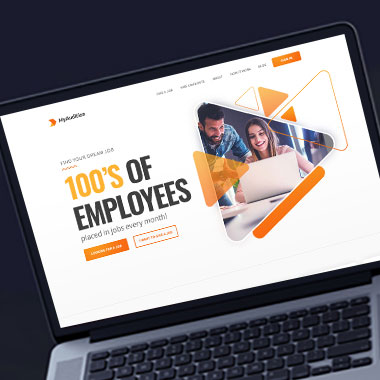
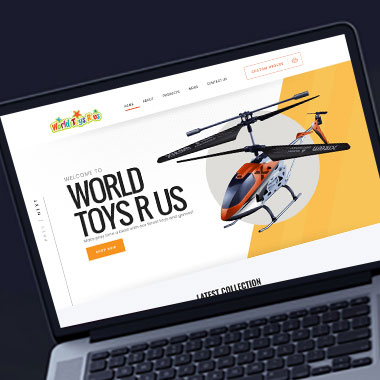
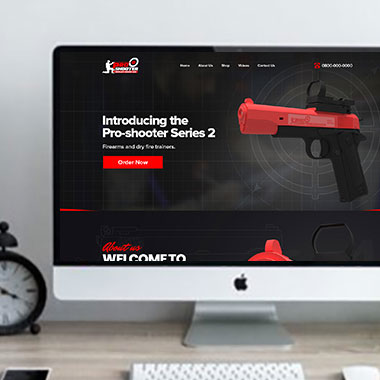
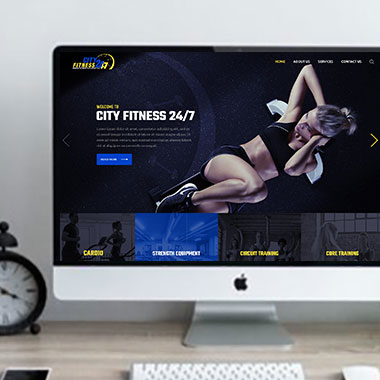
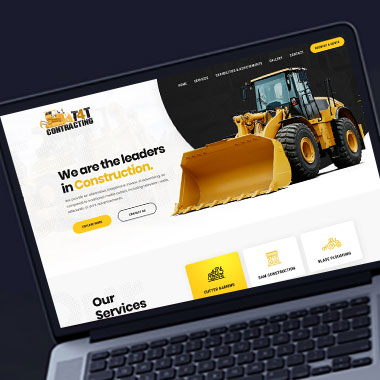
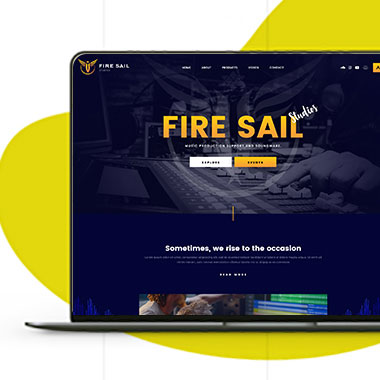
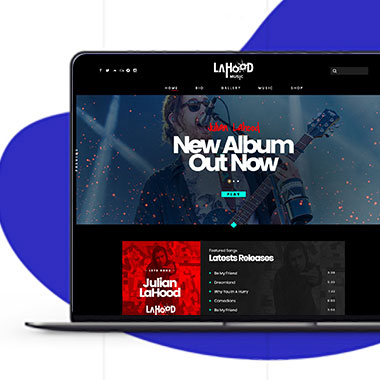
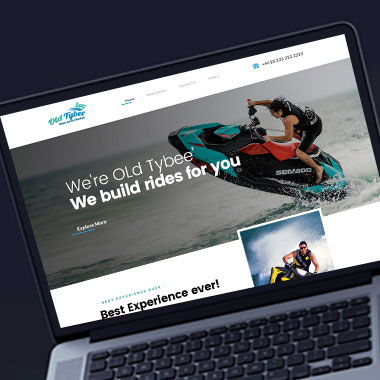
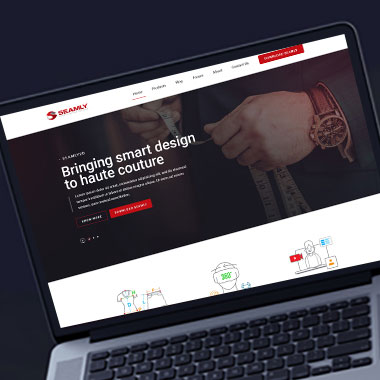
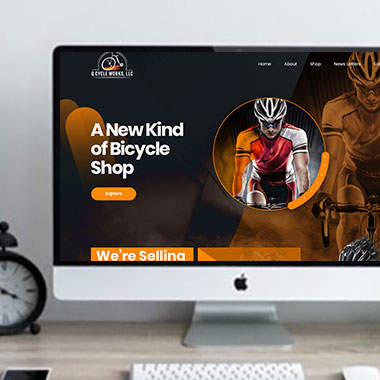
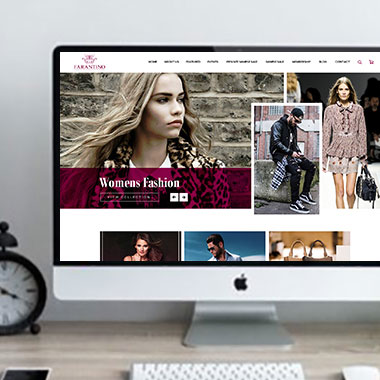
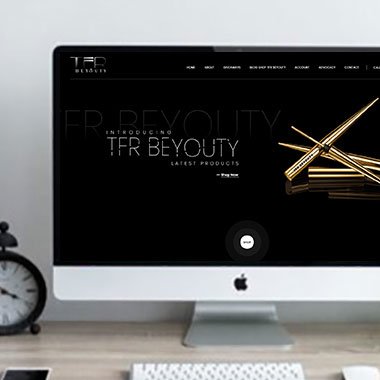
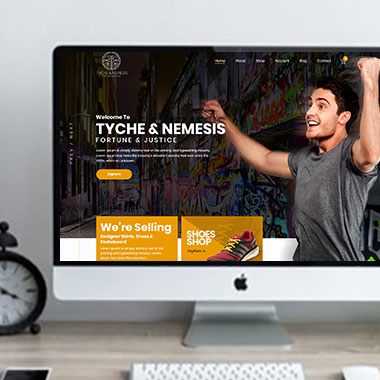
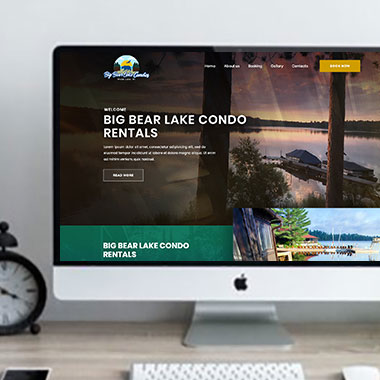
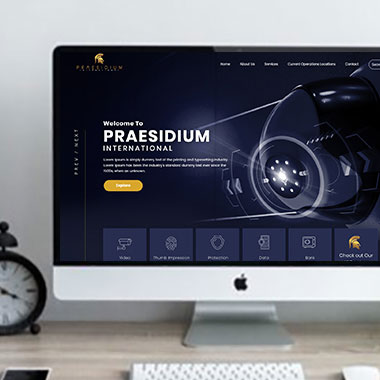
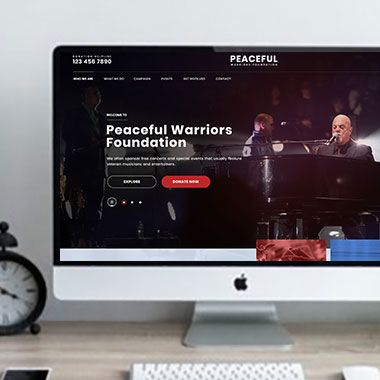
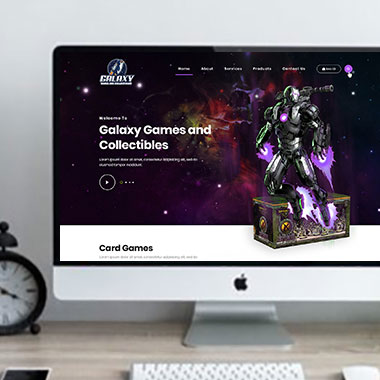
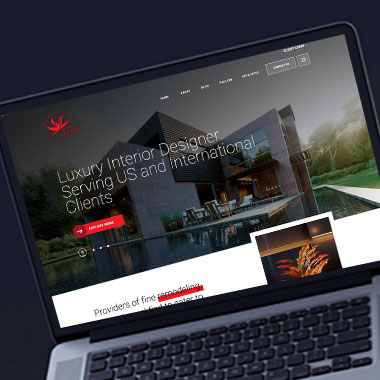
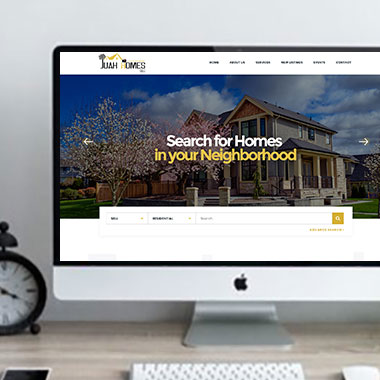
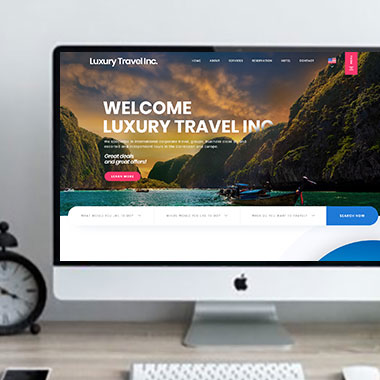
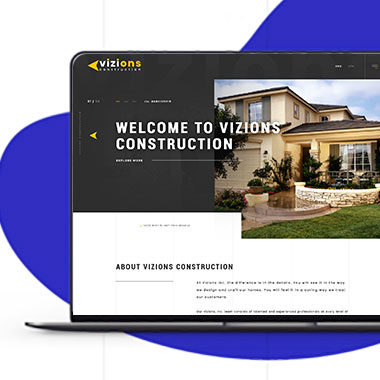
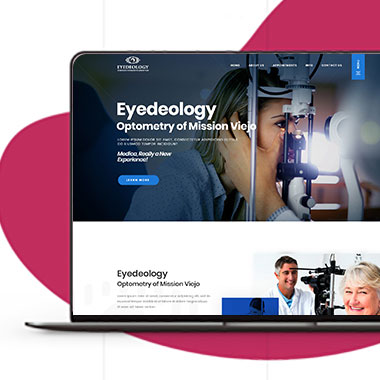
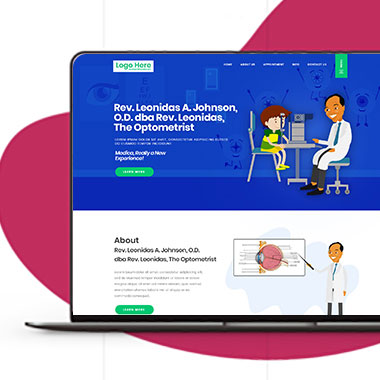
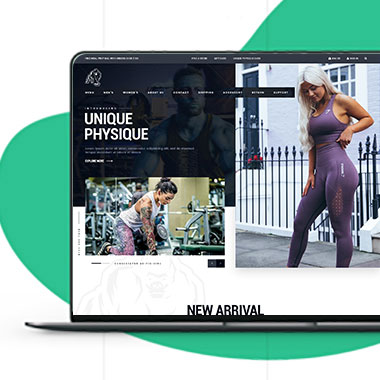
Our Recent Work

Solutions That
Make the Future Better!

Explore our recent project and work crafted to reflect unique brand identities and business goals.

Explore projects created by Canada Website Company for businesses looking for professional web solutions.

Pricing Plans

Website Design Packages and Pricing

Different projects require different amounts of design, content, and development.

The packages below provide starting points for small business websites, larger WordPress builds, eCommerce projects, and custom development. Final scope, platform requirements, third-party costs, currency, and applicable taxes should be confirmed in the written proposal.

Basic Website

$149 $496

  • 1-2 Page Website
  • Custom Layout Design
  • 3 Stock Photos
  • 1 jQuery Slider Banner
  • Contact/Query Form
  • W3C Certified HTML
  • Initial Mockup in 24 Hours
  • Multiple Revisions
  • Dedicated Project Manager
  • Complete Deployment
order now
Startup Website

$499 $1663

  • 5 Unique Page Website
  • CMS-Based (Wordpress)
  • Interactive UI Design
  • 5 Stock Images & 2 Banners
  • jQuery Slider & Hover Effects
  • Contact/Query Form
  • W3C Certified HTML
  • Cross Browser Compatible
  • Initial Mockup in 24 Hours
  • Multiple Revisions
  • Dedicated Project Manager
  • Complete Deployment
order now
Professional Website

$799$2663

  • upto 10 Pages Website
  • Interactive High-End Design
  • CMS Admin Panel (Wordpress)
  • Free Logo Design
  • Mobile Responsive Website
  • Lead Capturing / Contact Forms
  • Appointment & Payment Integration
  • Striking Hover Effects
  • Newsletter Subscription
  • Social Media Integration
  • 5 Stock Photos
  • 3 jQuery Slider Banner
  • W3C Certified HTML
  • Cross Browser Compatible
  • Initial Mockup in 24 Hours
  • Complete Deployment
order now
Startup Ecommerce Website

$999 $3330

  • Ecommerce Web Design
  • upto 50 Products
  • CMS (Shopify & WooCommerce)
  • Mini Shopping Cart Integration
  • Products & Categories Management
  • Mobile Friendly Responsive
  • Payment & Shipping Integration
  • 1 Promotional Banner Design
  • Faster Loading Website
  • Contact / Query Form
  • Initial Mockup in 24 Hours
  • W3C Certified HTML
  • Cross Browser Compatible
  • Dedicated Account Manager
  • Complete Deployment
order now
Pro Ecommerce

$1899$6330

  • Custom Ecommerce Web Design
  • Unlimited Products / Pages
  • CMS (Shopify & WooCommerce)
  • Interactive Theme Design
  • Full Shopping Cart Integration
  • Products & Categories Management
  • Inventory & Orders Management
  • Mobile Friendly Responsive
  • Search Engine Submission
  • Payment & Shipping Integration
  • Dropshipping Integration
  • Product Detail Page Design
  • Featured Products Showcase
  • 5 Promotional Banner Design
  • Faster Loading Website
  • Contact / Query Form
  • Initial Mockup in 24 Hours
  • W3C Certified HTML
  • Cross Browser Compatible
  • Dedicated Account Manager
  • Complete Deployment
order now
Customized Website

$3999

  • Custom Web Development
  • PHP Laravel or Wordpress Platform
  • Job Portal, Professional Network Portal, Social Network Portal, Restaurant Portal, Medical Portal, Enterprise Portal (Any One)
  • Unique, User Friendly, Interactive
  • Client/User Dashboard Area
  • Online Appointment / Scheduling Integration
  • Ecommerce Shopping Cart Integration
  • Payment Gateway Integration
  • Custom Dynamic Form Creation
  • Multi Language & Currency Converter
  • 3rd Party API Integration
  • Mobile Friendly Design
  • Social Networks Integration
  • Tailored-Made Custom Development
  • Dedicated Account Manager
order now

Explain the Difference, Not Just the Service Name

Two services can sound similar while solving different problems.

One may include more work. Another may be intended for a different type of customer. Some options may require preparation before the service begins, while others can start with a simple request.
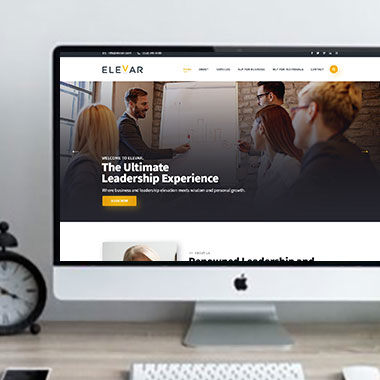
Professional web design in Richmond can give those differences enough space without filling the page with unnecessary sales language.

Useful service information may cover:

  • What the service includes
  • Who it is intended for
  • Where it differs from another option
  • What customers need to provide
  • Whether there are different service levels
  • What the customer should do next

Websites can be planned for contractors, professional firms, healthcare practices, property businesses, retailers, automotive companies, hospitality businesses, and online sellers.

The exact content should come from the real differences between the services, not from creating extra wording to make each page longer.

Make Comparisons Work on a Phone Too

Responsive Website Design for Richmond Businesses

Comparisons that work well on a desktop can become difficult on smaller screens.

A wide table may no longer fit. Several service cards can become one long column. Details that were easy to compare side by side may end up far apart when viewed on a phone.

Responsive website design can account for that before the page is published.

Depending on the content, that may involve:

  • Reworking wide comparison tables for smaller screens
  • Keeping service names visible near their relevant details
  • Avoiding long rows of features that require horizontal scrolling
  • Using expandable information where it improves readability
  • Keeping prices or key differences connected to the correct option
  • Checking that buttons remain associated with the service they belong to
  • Making sure mobile visitors can compare options without repeatedly scrolling back and forth

The information can remain detailed without forcing the desktop arrangement onto a smaller screen.

Use Guided Questions When a Service List Is Not Enough

Sometimes a visitor cannot choose the correct option from service descriptions alone.

They may need to answer a few questions about the type of work, timing, property, product, budget range, or another relevant detail before the most suitable route becomes clear.

With custom website development, a guided process can be considered when it would genuinely help.

That might include:

  • Service selection questionnaires
  • Conditional forms that reveal relevant questions
  • Product or plan comparison tools
  • Quote forms that change according to the selected service
  • Booking routes tied to specific service types
  • Eligibility or requirement checks where appropriate
  • Product filters
  • Connections with supported booking, CRM, or email platforms

A guided tool should make the decision easier. It should not turn a simple inquiry into a long questionnaire.

Keep Shared Information Consistent Across Related Services

Several service pages may use some of the same information.

Contact details, company policies, booking instructions, warranty information, or general process notes may apply across more than one service. If those details are copied manually into many places, updates can become inconsistent.

For business website design in Richmond, WordPress can be set up so regularly managed information has a sensible place.

Depending on the site, authorized users may be able to update:

  • Individual service descriptions
  • Shared FAQs
  • Pricing or package information where appropriate
  • Service availability
  • Relevant documents
  • Project examples
  • Selected company information
  • Calls to action or contact details

The exact setup depends on what changes regularly and what should remain controlled within the website template.

Review Service Overlap as the Business Changes

Service lists do not always stay clean over time.

A new offering may overlap with an existing one. Two older services may eventually become one. A package may change enough that the original page no longer describes it accurately.

A modern website for a Richmond business should be reviewed when those changes affect what customers see.

That may involve:

  • Comparing new services with existing pages before publishing
  • Combining pages that now cover the same subject
  • Updating comparison information after service changes
  • Removing old package details
  • Changing forms when the information required from customers changes
  • Reviewing internal links after pages are combined
  • Redirecting retired URLs where appropriate
  • Updating the sitemap after structural changes
  • Maintaining software, security, and important integrations

This can also reduce SEO problems caused by several pages targeting nearly the same subject.

Frequently Asked Questions

They can, but only when the differences justify separate pages. Each page should have its own useful information, purpose, and customer need rather than repeating the same description under another service name.

Yes. A comparison page can work well when customers regularly need to choose between related options and the differences can be explained accurately.

They can be, but wide tables often need a different treatment on smaller screens. The layout should be tested so customers can understand the differences without awkward horizontal scrolling.

Yes. Service descriptions may be enough for some businesses. Others may benefit from a short questionnaire, filter, conditional form, or another guided option.

Yes, if the prices are accurate and the business wants them published. Any conditions, starting prices, taxes, or additional costs should be stated clearly where relevant.

The pages should be reviewed for purpose, content overlap, and search intent. Depending on the situation, they may need clearer differentiation or may be better combined.

Yes. With an appropriate WordPress setup, selected service content can be editable through the admin area.

Not automatically. Separate pages are useful when each service has enough distinct information and search intent to support its own page. Thin or heavily repeated pages can create unnecessary overlap.

Testimonials

What Clients Say About Us

Turn your design ideas into reality! Contact us right away.

We deliver the best results with efficient timing and outcome. Contact Canada Website Company today for professional website design, development, and digital solutions.

Service Areas

Proudly Serving Businesses Across Ontario, CA